


Why Static Photos Are No Longer Enough
Scroll through Instagram, TikTok, or any modern social platform and one thing becomes obvious almost instantly—static photos struggle to grab attention. The digital world has evolved rapidly, and audiences now expect movement, interaction, and storytelling in every piece of content they see. A still image may capture a moment, but an animated visual captures emotion, atmosphere, and energy.
Think of it like the difference between a photograph of a waterfall and a video of it. The photo is beautiful, sure. But once the water starts moving, the experience becomes immersive. That’s exactly what artificial intelligence -powered animation tools do for ordinary photos. They inject life into static images by creating subtle motion, cinematic effects, or expressive facial movements.
Content creators, digital marketers, and influencers are especially benefiting from this shift. A single animated GIF can outperform dozens of static posts in engagement. When a cloud slowly moves across the sky in a photo, or a portrait suddenly smiles and blinks, viewers naturally pause and watch.
This is where the animated photo app ecosystem has exploded in popularity. These tools use artificial intelligence to detect objects, edges, and facial features in images. Once analyzed, the automatically applies realistic motion effects that would traditionally require complex editing software.
And the best part? You don’t need advanced design skills anymore. What once required hours in professional software like Photoshop or After Effects can now be accomplished in under a minute using automation.
How AI Is Changing Visual Content Creation
Artificial intelligence has revolutionized nearly every creative industry—from design to video editing—and photo animation is no exception. AI-powered tools can now analyze an image and determine which parts can move naturally. For example, water can flow, clouds can drift, hair can sway, and faces can blink realistically.
This technology works using machine learning models that recognize visual patterns. These models study thousands of images and learn how certain elements behave in real life. When you upload a photo, the predicts how those elements should move and applies motion vectors to recreate that effect digitally.
Apps like Motionleap have taken this even further by adding automation features that automatically animate elements like waterfalls, skies, and reflections. According to app marketplace data, Motionleap alone holds thousands of user ratings with an average of 4.7 out of 5 stars, demonstrating strong adoption among creators.
But animation is only one part of the story. tools today can also assist with Generating 3D Animated Characters for Video, enabling creators to combine animated photos with 3D storytelling elements for even richer content experiences.
The creative possibilities are almost endless. Whether you want to bring an old family portrait to life or turn a travel photo into a cinematic loop, makes the process faster, simpler, and far more accessible.
What Are AI Apps That Turn Photos Into GIFs
1. How AI Photo Animation Works
At its core, AI photo animation relies on computer vision technology. Computer vision allows machines to interpret and understand visual information from images or videos. When you upload a photo to an AI animation app, the software scans the image for patterns like faces, edges, textures, and objects.
After detecting these elements, the assigns motion properties to them. For example, a sky might receive slow drifting motion, water might flow downward, and hair strands might gently sway. These movements are created through motion paths—digital directions that tell each element how to move.
The final step is rendering. Once the animation is created, the app exports the result as a looping GIF or short video. This makes it perfect for sharing on social media platforms such as Instagram, X (formerly Twitter), Facebook, or WhatsApp.
The beauty of AI animation is that it simplifies a previously complicated process. In traditional animation workflows, artists had to manually draw multiple frames to simulate motion. Eliminates that manual work by automatically generating motion between frames.
Another fascinating aspect of AI is how its influence extends beyond entertainment. Technologies that analyze images are also driving breakthroughs in industries like healthcare. In fact, AI Is Transforming Medical Imaging, helping doctors detect diseases faster through advanced image analysis. The same core AI capabilities used in creative tools are now saving lives.
2. Key Benefits of Using an Animated Photo App
AI photo animation tools offer several practical advantages that make them appealing for both professionals and casual users.
1. Faster Content Creation
Creating animations used to require professional software and advanced skills. Apps simplify the process so anyone can animate a photo in seconds.
2. Higher Social Media Engagement
Animated content tends to receive more likes, shares, and comments because movement naturally attracts attention.
3. Cost-Effective Creativity
Most apps offer free versions with optional premium features, making professional-quality animation accessible to everyone.
4. Easy Export Options
These apps typically support exporting content as GIFs, MP4 videos, or social-media-ready formats.
Another interesting development is the rise of AI Websites to Create Stunning Images, which complement animation apps by generating original artwork that can later be animated into GIFs.
Top 5 AI Apps to Turn Photos into GIFs
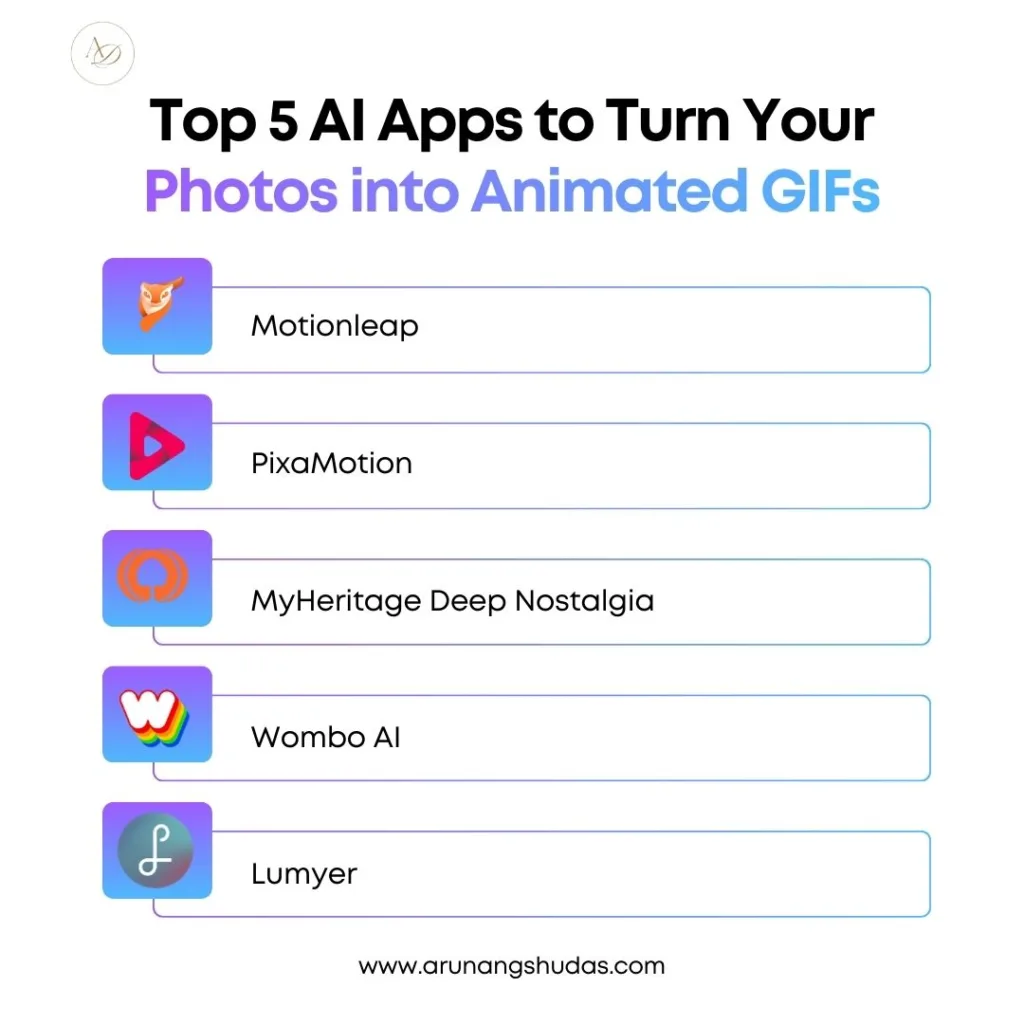
1. Motionleap – Best AI App to Turn Your Photos into Animated GIFs
Motionleap, previously known as Pixaloop, has become one of the most popular tools for animating photos. It allows users to add motion to specific parts of an image while keeping the rest completely still. This selective motion technique creates cinematic effects that look surprisingly professional.
The app includes advanced features like motion arrows, anchor points, and freeze brushes. These tools let you control exactly where motion occurs in the image. For example, you might animate only the clouds in a landscape while keeping the mountains static.
Another standout feature is the automated sky replacement tool. If your photo has a dull sky, Motionleap can replace it with a vibrant animated sunset or drifting clouds. The result feels almost like a mini movie scene.
Key Features
- AI motion detection and animation tools
- Sky replacement technology
- Camera effects like zoom and tilt
- Overlay animations such as smoke, rain, and sparkles
- Export options for GIFs and videos
Example Use Case
Imagine you’ve taken a sunset photo during a trip to Rajasthan. The scene looks beautiful, but it’s completely static. Using Motionleap, you can animate the clouds drifting across the sky and add shimmering reflections to the water. Suddenly, that photo becomes a dynamic visual story instead of just another travel picture.
2. PixaMotion – Create Cinemagraphs and Animated GIFs Instantly
PixaMotion is another powerful Animation app designed for beginners who want quick results. Its interface focuses on simplicity, allowing users to animate photos with minimal effort. By applying motion paths and effects, PixaMotion transforms still images into captivating looping visuals.
The app specializes in creating cinemagraphs—a style of animation where only one part of an image moves while the rest remains static. Cinemagraphs are widely used in digital advertising and social media marketing because they blend the beauty of photography with subtle motion.
Key Features
- Easy motion path animation
- Cinemagraph creation tools
- AI edge detection for accurate motion
- Built-in filters and overlays
- GIF and MP4 export support
Example Use Case
Suppose you run an online café brand. Instead of posting a simple photo of coffee, you could animate steam rising from the cup. That tiny movement instantly makes the image feel warmer and more inviting.
3. MyHeritage Deep Nostalgia – Animate Portraits with AI
Deep Nostalgia from MyHeritage gained global attention for its ability to animate historical portraits. It uses deep learning algorithms to generate realistic facial movements such as blinking, smiling, and head tilting.
The emotional impact of this technology is remarkable. Many users have animated photos of ancestors, allowing them to see family members from decades or even centuries ago move for the first time.
Key Features
- Facial recognition and animation
- Realistic portrait movements
- Cloud-based processing
- Easy one-click animation
Example Use Case
Imagine scanning an old photograph of your grandparents from the 1960s. With Deep Nostalgia, you can watch the portrait blink and smile. The result feels almost magical—like bringing a memory back to life.
4. Wombo AI – Make Your Photos Sing and Move
Wombo AI is one of the most entertaining animation apps available today. Instead of subtle motion effects, this app focuses on lip-sync animations. Upload a photo of a face, choose a song, and the animates the face to sing along with the music.
This style of animation quickly became viral on social media platforms because of its humorous and engaging results.
Key Features
- AI-powered lip-sync technology
- Multiple song templates
- Quick one-tap animation
- Social media sharing options
Example Use Case
Content creators often use Wombo to create funny reaction GIFs. For example, a celebrity photo can be animated to sing a trending song, instantly turning it into a viral meme.
5. Lumyer – Add Animated Effects to Photos and Videos
Lumyer focuses on adding animated overlays rather than altering the photo itself. These overlays include effects like falling snow, fireworks, rain, and glowing sparkles.
Because of its visual effects library, Lumyer is particularly useful for promotional content and advertisements.
Key Features
- Over 200 animated effects
- Filters and lighting adjustments
- GIF and video export options
- Social media sharing tools
Example Use Case
If you’re promoting a product online, Lumyer can add sparkling effects or glowing highlights around the product, making the image instantly more eye-catching.
Comparison Table of the Best Photo Animation Apps
| App | Best For | Key Feature | Export Options |
| Motionleap | Cinematic photo animation | Motion control | GIF, Video |
| PixaMotion | Cinemagraphs | Motion path animation | GIF, MP4 |
| Deep Nostalgia | Portrait animation | Facial motion AI | Video, GIF |
| Wombo AI | Entertainment | Lip-sync animation | Video |
| Lumyer | Effects & overlays | 200+ animated filters | GIF, Video |
Why AI GIF Apps Are Gaining Popularity
1. The Rise of Short-Form Content and Social Media
Short-form content dominates the internet today. Platforms like Instagram Reels, TikTok, and YouTube Shorts prioritize motion-based visuals because they hold attention longer.
Animated GIFs sit right between photos and videos. They are lightweight, quick to load, and visually engaging. That combination makes them ideal for social media storytelling.
For marketers, animated visuals often result in higher engagement rates compared to static images. Movement naturally draws the human eye, making users pause their scrolling.
2. Time Efficiency Compared to Traditional Editing
Traditional animation workflows require frame-by-frame editing. Apps automate that entire process. With just a few taps, users can animate photos and export them instantly.
This efficiency is particularly valuable for content creators who produce multiple posts daily.
How Arunangshudas Guides Creators in Using AI Animation Tools
Many creators struggle to understand how to effectively use Tools for visual storytelling. This is where digital experts like Arunangshudas play an important role in guiding creators toward smarter content strategies.
Arunangshudas focuses on helping creators understand how to combine technology with creative storytelling. Instead of simply using animation for novelty, he encourages users to build meaningful narratives around their visuals. For example, a travel blogger might animate waves in a beach photo, while a historian could animate archival portraits to share stories from the past.
Another key aspect of his guidance is understanding how different tools complement each other. Animation apps are powerful, but when paired with image-generation platforms and video-editing tools, they can create complete digital storytelling workflows.
For example, a creator could generate artwork using artificial intelligence, convert it into a moving GIF, and then integrate it into short-form video content. This approach dramatically expands creative possibilities while maintaining efficiency.
By focusing on both creativity and technology, Arunangshudas helps creators unlock the full potential of artificial intelligence -driven visual media.
Tips for Creating High-Quality Animated GIFs with AI Apps
Creating impressive animated GIFs is not just about using the right app—it’s about understanding how motion enhances storytelling.
1. Choose Photos with Clear Subjects
Images with distinct foreground and background elements work best for animation.
2. Use Subtle Motion
Over-animation can make the image look unrealistic. Gentle movement often feels more cinematic.
3. Focus on Storytelling
Ask yourself what emotion or moment you want the animation to convey.
4. Optimize for Social Media
Export GIFs in formats and sizes that work well on platforms like Instagram or Twitter.
Conclusion
Artificial intelligence has completely changed how we create visual content online. What once required professional animation skills can now be done with a smartphone app in just a few seconds.
Whether you want cinematic motion effects, nostalgic portrait animations, or entertaining lip-sync videos, these top five artificial intelligence apps offer powerful tools for transforming ordinary photos into engaging animated GIFs.
Apps like Motionleap and PixaMotion are perfect for creative storytelling, while tools like Wombo AI and Deep Nostalgia add emotional or humorous elements to images. Combined with the rapid growth of artificial intelligence design platforms and creative communities, the possibilities for visual storytelling are expanding faster than ever.
The next time you capture a photo, imagine how it might look if it moved. With artificial intelligence animation tools, that imagination can quickly become reality.
FAQs
1. What is the best AI app to turn photos into animated GIFs?
Motionleap is widely considered one of the best apps because of its advanced motion control tools and cinematic effects.
2. Are AI GIF apps free to use?
Most artificial intelligence animation apps offer free versions with limited features. Premium plans usually unlock advanced effects and HD exports.
3. Can I use these apps on Android and iOS?
Yes. Most major photo animation apps, including Motionleap and PixaMotion, are available on both Android and iOS devices.
4. Are AI-generated GIFs safe to share online?
Yes, as long as you own the original image or have permission to use it. Always follow the platform’s copyright policies.
5. Can animated GIFs improve social media engagement?
Absolutely. Animated visuals tend to capture attention more effectively than static images, leading to higher engagement rates.
