


In a world where our phones and computers are deeply personal extensions of our identity, settling for generic, stock wallpapers can feel uninspired. We crave backgrounds that reflect our mood, our passions, and our unique aesthetic. This is where the power of modern technology comes in, specifically through the use of AI tools for custom wallpapers.
These innovative platforms have democratized digital art, allowing anyone to become the architect of their own visual space. By simply describing your vision, you can now generate one-of-a-kind, stunning custom phone backgrounds and desktop images. This guide will introduce you to the top five AI wallpaper generators that are perfect for transforming your screens into personalized works of art.
Read more blogs Information : Artificial Intelligence
Why Use AI to Create Your Wallpapers?
Before diving into the top tools, it’s important to understand why AI is revolutionizing digital personalization. For the first time, the best AI wallpaper generators give non-artists total control over their aesthetic, blending professional-grade creativity with instant convenience.
Key Benefits of AI-Generated Backgrounds
- Unlimited Creative Freedom: Stop settling for generic stock photos. Whether you want a “cyberpunk cat in rainy Tokyo” or a “minimalist Martian landscape with dual moons,” AI visualizes your most specific ideas in seconds.
- Perfect Fit for Every Device: No more awkward cropping. Most tools allow you to set precise aspect ratios, ensuring your custom wallpaper fits a tall iPhone screen, a wide 4K monitor, or a tablet perfectly.
- Unique Personal Expression: Your device is an extension of you. AI lets you bake your favorite color palettes, specific moods, or even abstract representations of your interests directly into your background.
- Rapid Iteration & Refinement: Finding “the one” is easy. If the first result isn’t perfect, you can tweak your prompt and generate dozens of variations until you find the exact style you’re looking for.
Pro Tip: When using AI for wallpapers, try adding style keywords like “vector art,” “8K resolution,” or “depth of field” to get a more professional, high-definition finish.
Read More: Create matching social content using AI captions tools
The Top 5 AI Tools for Custom Wallpapers
After testing dozens of platforms, we’ve shortlisted the top five AI wallpaper generators based on their prompt accuracy, resolution quality, and specialized features for mobile and desktop backgrounds.
1. Midjourney: The Gold Standard for Artistry
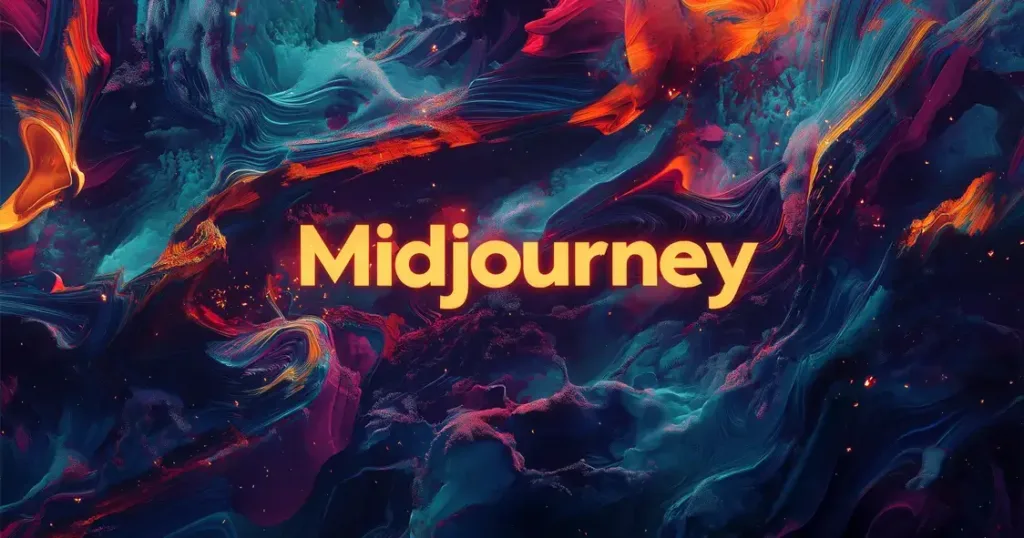
Midjourney remains the undisputed champion for users who want their screen to look like a gallery-grade painting. It excels at atmospheric, high-fidelity visuals with a distinct “dreamlike” texture.
- Best For: High-end artistic styles, “Studio Ghibli” aesthetics, and professional-grade textures.
- Key Feature: The
--ar(aspect ratio) parameter allows for pixel-perfect tall or wide crops (e.g.,--ar 9:16for iPhone). - The Verdict: If you want a custom phone background that looks like commissioned digital art, Midjourney is worth the subscription.
2. DALL-E 3: The King of Precision
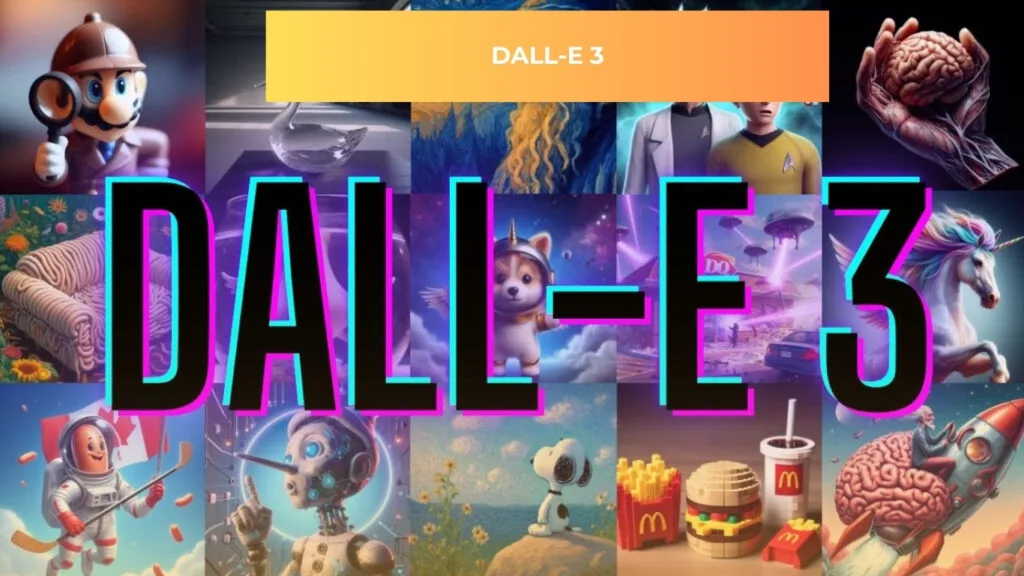
Integrated directly into ChatGPT Plus and Microsoft Copilot, DALL-E 3 is the most “obedient” model. It understands complex instructions—like specific text or intricate layouts—better than almost any other tool.
- Best For: Beginners who want to describe a scene in plain English without learning technical “prompt engineering.”
- Key Feature: Conversational editing. You can tell the AI, “Make the mountains blue,” and it will adjust the previous image instantly.
- The Verdict: The smartest choice for conceptual wallpapers where every detail needs to be exactly where you asked for it.
3. Leonardo.ai (Stable Diffusion): The Power User’s Choice
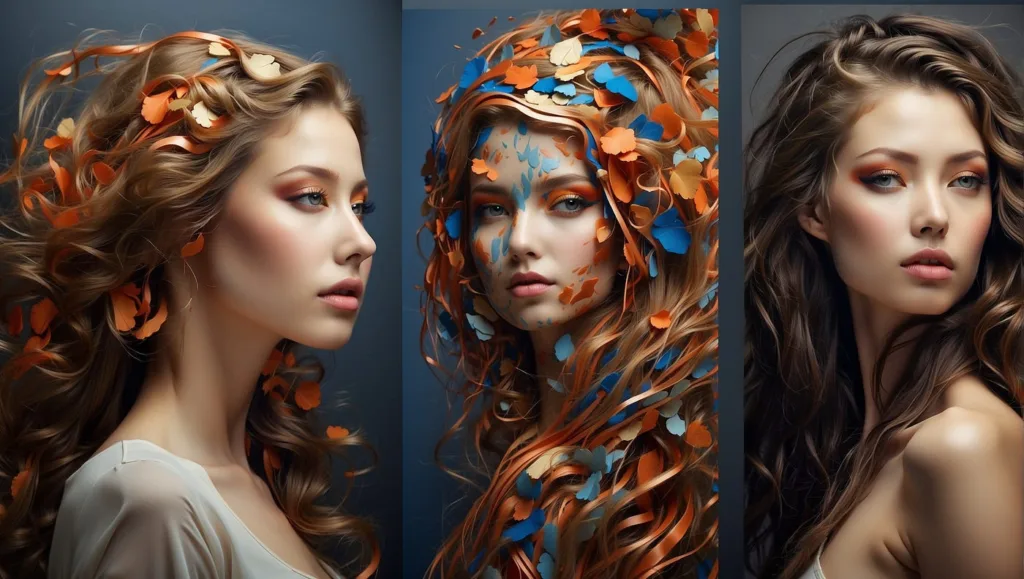
Leonardo.ai provides a sleek web interface for the powerful Stable Diffusion engine. It offers “Fine-Tuned Models” specifically designed for cinematic photography, 3D renders, and vibrant illustrations.
- Best For: Users who want granular control over lighting, contrast, and specific art styles (like 1990s anime or Unreal Engine 5 renders).
- Key Feature: Real-time Canvas, which lets you “paint” an area and watch the AI fill it in instantly.
- The Verdict: Ideal for those who want professional tools without needing a high-end PC to run them locally.
4. NightCafe Creator: The Community Hub
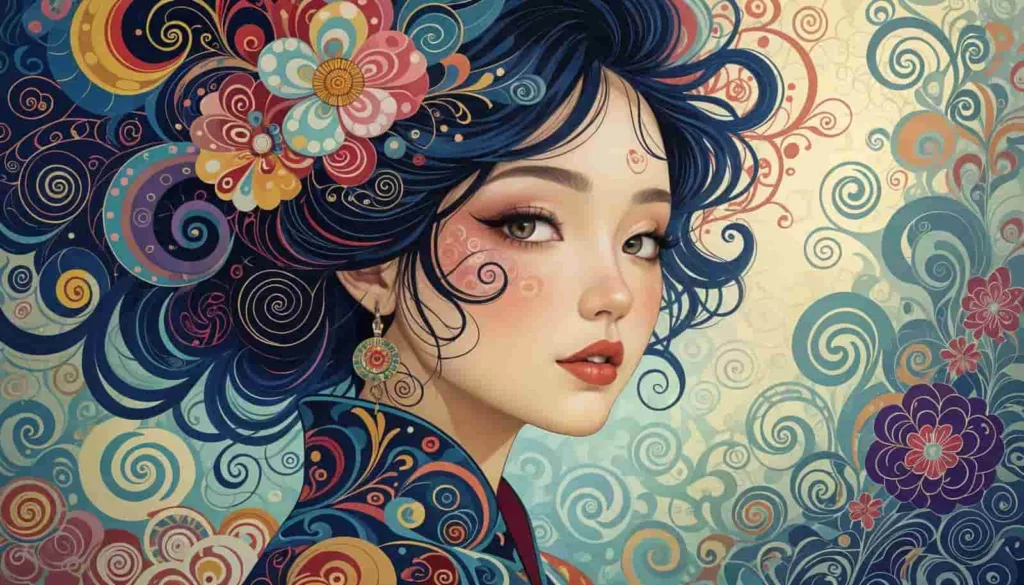
NightCafe is more than just a generator; it’s a social ecosystem. It’s perfect for those who want to experiment with multiple AI models (SDXL, DALL-E, etc.) in one place while getting inspiration from a global feed.
- Best For: Hobbyists who enjoy daily challenges and a “gamified” creation experience.
- Key Feature: A credit-based system that allows for plenty of free daily generations if you engage with the community.
- The Verdict: A fantastic, low-pressure environment to discover your personal wallpaper style through exploration and community feedback.
5. Microsoft Designer (formerly Bing Image Creator)
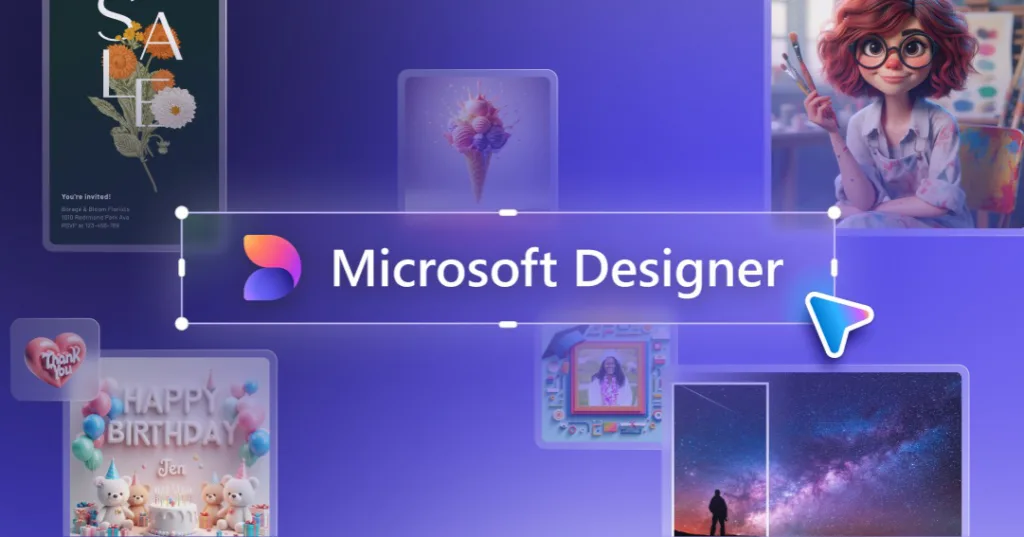
Powered by DALL-E 3, this is the most accessible tool on the market. It’s completely free, fast, and remarkably capable for a tool with zero barrier to entry.
- Best For: Quick, high-quality generations without a monthly commitment.
- Key Feature: “Boosts” that ensure your images generate in under 10 seconds.
- The Verdict: The perfect starting point. If you need a high-quality AI-generated wallpaper right now for free, this is your go-to.
The Quick-Selection Guide: Which AI Tool is Right for You?
| AI Tool | Primary Strength | Ease of Use | Cost Model |
| Midjourney | High-End Artistic Quality | Medium (Discord) | Paid Subscription |
| DALL-E 3 | Precise Prompt Following | Very High | Paid (via ChatGPT) |
| Leonardo.ai | Professional Customization | High (Web UI) | Free & Paid |
| NightCafe | Community & Variety | High | Daily Free Credits |
| MS Designer | Fast & Accessible | Very High | Completely Free |
How Our Expertise Helps You Master AI Personalization
AI tools provide the engine, but knowing how to drive them makes all the difference. Our team spends hundreds of hours testing specific prompt formulas and aspect ratio configurations to ensure you don’t waste time on blurry or distorted results.
By following our guides, you bypass the “trial and error” phase. We help you understand which models handle lighting better, which ones are best for mobile vs. desktop, and how to use advanced parameters to get high-definition results on your first try. We don’t just list tools; we provide the creative blueprint to turn a simple idea into a stunning, high-resolution digital masterpiece.
Conclusion
Your digital device is a canvas waiting for your personal touch. The advent of powerful AI tools for custom wallpapers has shattered the limitations of what’s possible, putting infinite creative potential at your fingertips.
Whether you choose the artistic brilliance of Midjourney, the intuitive understanding of DALL-E 3, the customizable power of Stable Diffusion, the community-driven fun of NightCafe, or the effortless accessibility of Bing Image Creator, you have the power to design a digital environment that inspires you every time you unlock your screen.
Read More: Enhance your photos instantly with AI apps to turn your photos into art
Frequently Asked Questions (FAQs)
1. Are AI-generated wallpapers free to use?
Most platforms allow for personal use of the images you generate. However, commercial use (selling the wallpapers or using them in a for-profit product) often requires checking the specific Terms of Service of the AI tool. Some, like Midjourney, require a paid subscription for commercial rights.
2. What is the best way to write a prompt for a wallpaper?
Be specific! Instead of “a mountain,” try “a majestic, snow-capped mountain at sunrise, digital art, vibrant colors, tall phone wallpaper aspect ratio.” Mention the style (e.g., minimalistic, photorealistic, vaporwave), the main subject, the color palette, and the mood.
3. Why do my generated images sometimes look blurry or distorted?
This can happen if the AI struggles with the prompt or if the initial output resolution is low. Using clearer, more descriptive language can help. Many tools also have an “Upscale” feature that increases the image resolution after generation, which significantly improves clarity.
