



AI tools in software development are changing how developers write code, test applications, fix bugs, and manage complex projects. In 2026, artificial intelligence is becoming an important part of modern software engineering, helping teams automate repetitive tasks, generate code, and accelerate development workflows. From AI coding assistants to autonomous coding agents, these technologies are changing how software is designed, built, and maintained.
Traditional software development often requires developers to spend considerable time writing boilerplate code, investigating errors, creating tests, and reviewing changes. AI-powered solutions can simplify many of these activities, allowing developers to focus more on architecture, problem-solving, and product quality.
However, AI does not eliminate the need for programming knowledge or human judgment. Developers must still validate generated code, protect sensitive information, and ensure that applications meet security and performance requirements. Understanding these changes can help businesses and developers use AI more effectively.
Table of Contents
What Are AI Tools in Software Development?
AI tools in software development are applications that use artificial intelligence to assist with different stages of the software development lifecycle. These tools can generate code, explain programming concepts, identify potential errors, create documentation, and support software testing.
Some tools operate inside code editors, while others work as independent platforms or coding agents that can handle multi-step tasks. Examples include GitHub Copilot, Cursor, Claude Code, OpenAI Codex, and Gemini Code Assist.
Depending on their capabilities, these tools can help developers complete small coding tasks or contribute to larger workflows involving multiple files and tests.
Common applications include:
- Code generation: Creating functions, components, and repetitive code structures.
- Debugging: Investigating error messages and suggesting possible fixes.
- Testing: Generating test cases and identifying edge cases.
- Documentation: Explaining code and drafting technical documentation.
- Code review: Identifying potential problems and suggesting improvements.
- Workflow automation: Assisting with repetitive development activities.
The effectiveness of these tools depends on the quality of the instructions, available project context, and the developer’s review process.
7 Ways AI Tools Are Changing Software Development in 2026
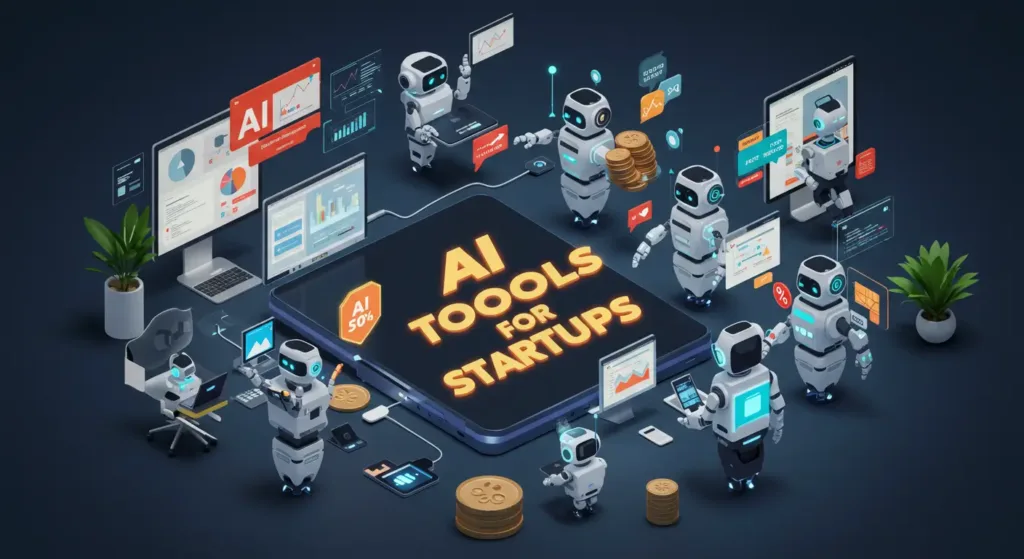
1. Faster Code Generation
One of the biggest changes is the ability to generate code using natural-language instructions. Developers can describe a feature, function, or component and receive a suggested implementation.
For example, a developer building a web application can ask an AI assistant to create a React component, write a Python function, or generate an API endpoint. Instead of starting from a blank file, the developer can review and improve the suggested code.
Tools such as GitHub Copilot and Cursor support AI-assisted coding workflows that can reduce repetitive typing and accelerate implementation.
However, generated code may contain incorrect assumptions or inefficient logic. Developers should understand the output and test it before integrating it into a project.
2. Smarter Debugging and Error Detection
Debugging is another area where AI is making a difference. Developers can provide an error message, relevant code, and information about the expected behavior to receive explanations and possible solutions.
AI assistants can help identify suspicious logic, explain stack traces, and suggest changes. Some coding agents can also inspect project files and run tests when given the appropriate permissions.
These capabilities can reduce the time spent investigating common programming problems.
Nevertheless, AI-generated fixes are not guaranteed to resolve the root cause. Developers should reproduce the issue, verify the proposed solution, and run relevant tests before accepting changes.
3. Automated Software Testing
Software testing is essential for identifying defects before applications reach users. AI can help developers create unit tests, generate sample inputs, and identify scenarios that might otherwise be overlooked.
For example, when building a registration form, an AI assistant can suggest tests for invalid email addresses, missing fields, incorrect passwords, and unusual input values.
AI tools can also help explain failing tests and propose corrections. This makes them useful during development and maintenance.
However, automatically generated tests can miss important requirements or incorrectly assume how a feature should behave. Human review is necessary to ensure that test cases reflect actual business rules and expected application behavior.
4. The Rise of AI Coding Agents
AI coding agents are expanding beyond autocomplete and simple code suggestions. Depending on their capabilities and permissions, they can investigate a codebase, plan changes, edit files, execute commands, and report results.
Tools such as Claude Code and OpenAI Codex support workflows in which developers delegate defined software engineering tasks.
For example, an agent may be asked to investigate a failing test, identify the relevant files, propose a fix, and run the test suite. This can reduce manual work when dealing with multi-step programming tasks.
However, developers must control what agents can access and execute. Changes involving databases, authentication, deployment, or production systems require particularly careful oversight.
5. Improved Code Reviews and Maintenance
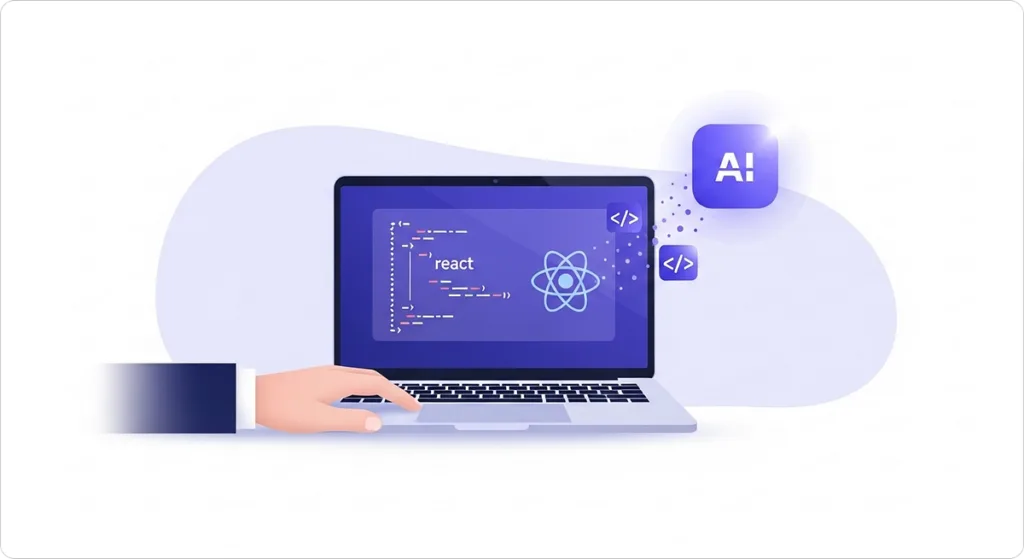
Maintaining existing software can be just as challenging as creating new applications. Developers need to understand legacy code, identify technical debt, and ensure that changes do not introduce new defects.
AI tools can explain unfamiliar functions, summarize changes, identify potential bugs, and suggest refactoring opportunities. They can also help create documentation for code that lacks clear explanations.
These capabilities are useful when teams work with large repositories or when new developers join an established project.
AI review suggestions should not replace formal code reviews. Human reviewers must still assess architectural decisions, business logic, security implications, and maintainability.
6. Faster Prototyping and Product Development
AI is also making it easier to turn ideas into working prototypes. Developers can use natural-language prompts to generate interface components, basic application structures, and sample functionality.
Tools such as Replit and v0 can help accelerate different parts of application prototyping. Developers can test design ideas, demonstrate concepts, and gather feedback before investing heavily in a complete implementation.
This can be particularly useful for startups, freelancers, and small development teams with limited resources.
However, a working prototype is not necessarily production-ready software. Performance optimization, accessibility, authentication, data validation, and security still require careful implementation and testing.
7. Greater Focus on Architecture and Problem-Solving
As AI handles more repetitive programming tasks, developers can spend additional time on higher-level engineering decisions.
These include designing system architecture, choosing databases, planning APIs, managing dependencies, and ensuring that applications meet business requirements.
AI can help explore alternatives and explain technical trade-offs, but it may not fully understand an organization’s constraints or long-term goals.
Developers who combine programming fundamentals with effective AI usage can make better decisions about when to automate tasks and when to implement solutions manually.
Benefits of AI Tools in Software Development
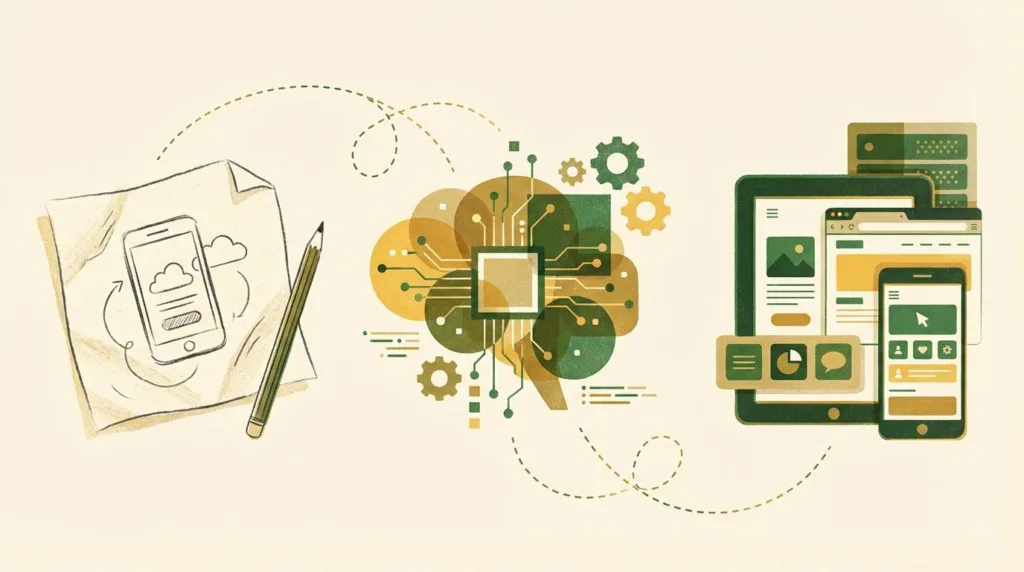
AI adoption can provide several advantages when implemented carefully.
- Higher productivity: Developers can reduce time spent on repetitive coding and documentation.
- Faster development cycles: Teams can move from ideas to initial implementations more quickly.
- Better accessibility: Beginners can receive explanations and examples while learning programming.
- Improved debugging workflows: AI can help investigate errors and suggest possible solutions.
- Reduced repetitive work: Developers can focus on complex engineering decisions rather than routine tasks.
These benefits vary depending on the project, developer experience, tool capabilities, and quality of the review process. Faster code generation does not automatically translate into faster delivery if the output requires extensive correction.
Challenges of Using AI in Software Development
Despite its advantages, AI introduces risks that developers and organizations must understand.
Incorrect code: AI can generate code that looks convincing but contains bugs or incorrect assumptions.
Security vulnerabilities: Generated code may introduce unsafe input handling, insecure dependencies, or other weaknesses.
Privacy concerns: Sending proprietary source code or sensitive information to external services may violate organizational policies.
Overdependence: Developers who accept suggestions without understanding them may struggle to debug or maintain their applications.
Unpredictable costs: Usage limits, model access, and subscription pricing vary across tools and providers.
Organizations should establish clear guidelines for AI usage, require appropriate testing, and review privacy and security controls before adopting tools at scale.
How Developers Can Adapt to AI-Powered Development?
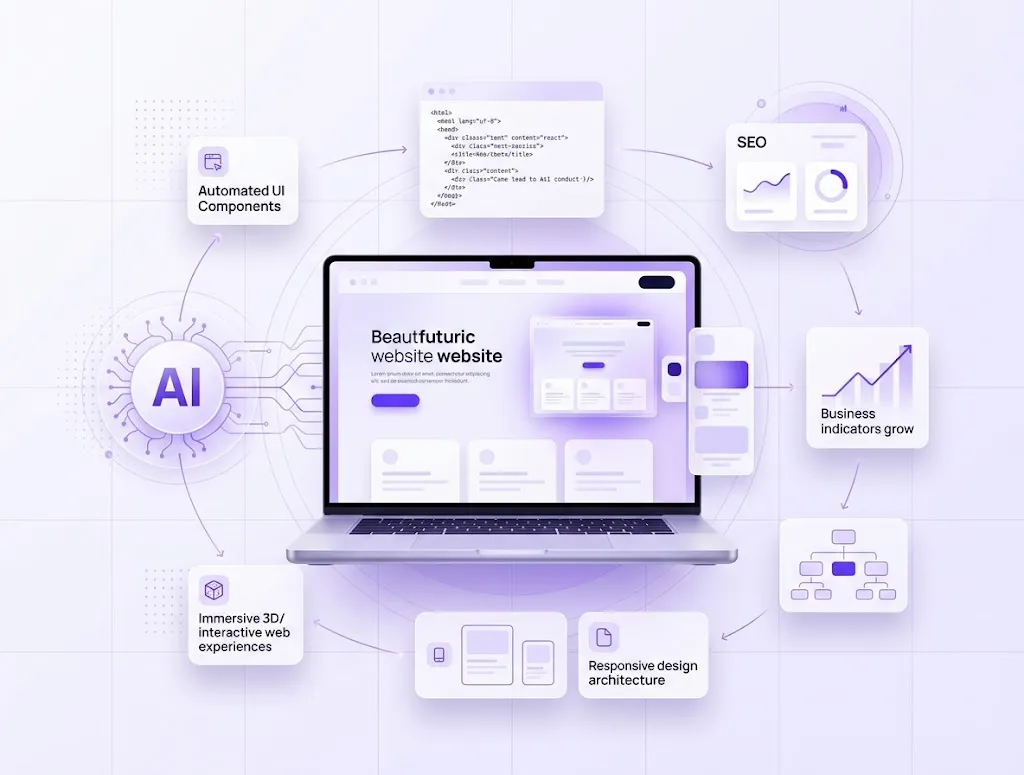
Developers do not need to master every AI tool to benefit from these changes. A practical approach is to start with a coding assistant that fits their existing workflow.
First, use AI for low-risk tasks such as generating test templates, explaining unfamiliar code, or drafting documentation. Next, learn to provide clear prompts with relevant context and expected outcomes.
Continue developing core programming skills, including algorithms, data structures, debugging, software architecture, and security. These fundamentals make it easier to recognize incorrect AI suggestions and evaluate alternative solutions.
Finally, measure the actual impact on your workflow. Track whether AI reduces development time, improves test coverage, or introduces additional review work. Use the results to decide which tasks should be automated.
Conclusion
AI tools in software development are transforming code generation, debugging, testing, maintenance, and application prototyping. AI coding assistants and coding agents can help developers complete routine tasks faster while providing support for more complex engineering workflows.
However, AI is most effective when combined with human expertise. Developers remain responsible for reviewing code, validating security, testing functionality, and making architectural decisions.
In 2026, the most valuable approach is not simply to generate more code with AI. It is to use these tools thoughtfully to build reliable software, improve productivity, and solve meaningful problems.
Frequently Asked Questions
1. How are AI tools changing software development in 2026?
AI tools are helping developers generate code, debug errors, create tests, review implementations, and automate repetitive tasks. Coding agents can also assist with multi-step engineering workflows.
2. Will AI replace software developers?
AI can automate some programming activities, but developers remain important for system architecture, requirements analysis, security, testing, and technical decision-making. Learning to work effectively with AI can help developers adapt to changing workflows.
3. What are the best AI tools for software development?
Popular options include GitHub Copilot, Cursor, Claude Code, OpenAI Codex, and Gemini Code Assist. The best choice depends on your programming language, development environment, project requirements, and budget.
4. Is AI-generated code safe to use?
AI-generated code can be useful, but it is not automatically safe or correct. Developers should review the implementation, run tests, check dependencies, and assess security risks before deploying it.
