


In the frenetic world of startups, where resources are lean and every moment counts, implementing the right task and project management tools isn’t a luxury—it’s a survival mechanism. For startup teams, these platforms become the central nervous system of the operation, coordinating efforts, clarifying priorities, and ensuring that a great idea translates into executed work.
The right tool can mean the difference between chaotic miscommunication and streamlined, scalable growth. This guide explores the leading task and project management tools tailored to the unique needs of startup teams, helping you find the perfect fit for your workflow and ambitions.
Table of Contents
Why Startups Need Specialized Project Management Software
Startups operate under distinct pressures: rapidly changing priorities, small cross-functional teams wearing multiple hats, and the need for extreme cost-efficiency. A giant enterprise solution can be overkill, while basic to-do lists quickly become untenable. Specialized project management software for startups offers:
- Clarity & Alignment: Ensures every team member, from developers to marketers, understands the current priorities and their role in the bigger picture.
- Efficiency & Accountability: Reduces time spent on status meetings and email threads by making progress transparent and tasks owner-assigned.
- Scalability: Provides a structure that can grow with the company, from a five-person team to a fifty-person organization, without requiring a painful platform migration.
- Remote Collaboration: Acts as a single source of truth for distributed teams, critical in today’s flexible work environments.
Key Criteria for Choosing Task and Project Management Tools
Before diving into specific options, consider these essential factors:
- Usability & Learning Curve: The tool must be adopted quickly. A complex system that requires weeks of training is a non-starter.
- Cost-Effectiveness: Look for transparent pricing, free tiers for small teams, or startup discounts. Value for money is paramount.
- Integration Ecosystem: Your project management tool should play nicely with other Top SaaS Tools in your stack, like Slack, Google Workspace, GitHub, or CRM platforms.
- Flexibility: Can it support different methodologies (Kanban, Scrum, lists) and adapt to various departments (product dev, marketing, ops)?
- Collaboration Features: Built-in commenting, file sharing, @mentions, and real-time updates are crucial for seamless teamwork.
When scaling campaigns, using analytics software for startups helps track performance and optimize marketing automation workflows.
Top Tool Recommendations for Startup Teams
1. ClickUp
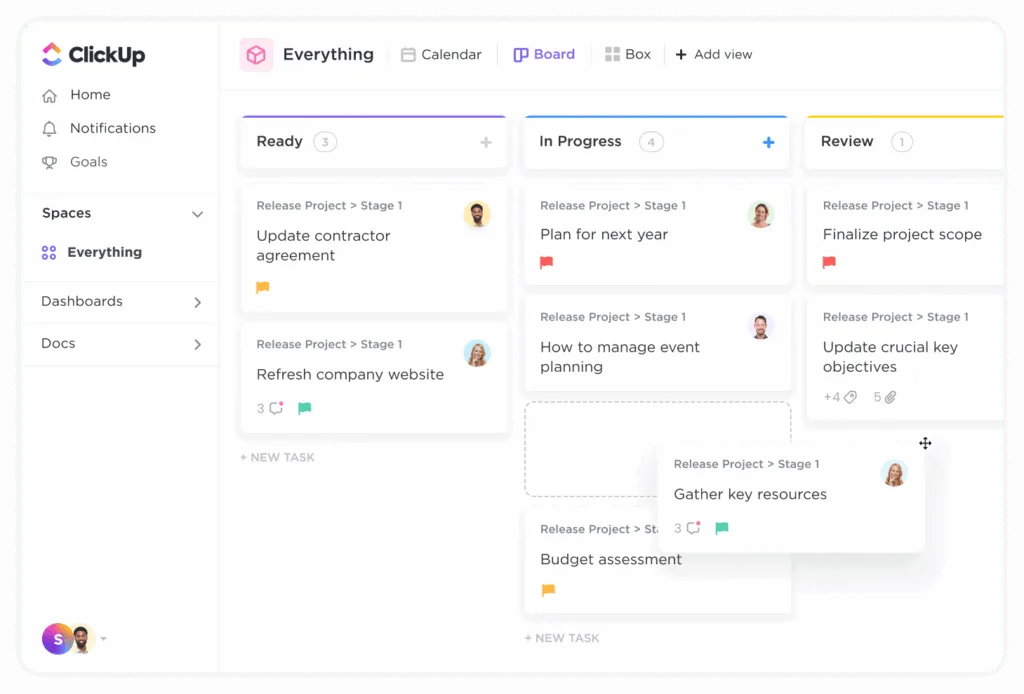
ClickUp positions itself as an “all-in-one” productivity platform, aiming to replace not just your project management tool but also your docs, goals, and even some email functionality. Its strength lies in extreme customizability with multiple views (List, Board, Calendar, Gantt, Mind Map) and hierarchical structure (Spaces > Folders > Lists > Tasks).
- Ideal For: Startups that want a single, highly adaptable hub for all work and dislike switching between numerous apps.
- Pros: Generous free plan, incredible flexibility, powerful native features reducing the need for some external tools.
- Cons: Can be overwhelming due to its vast feature set; requires initial setup to avoid feeling cluttered.
2. Monday.com
Monday.com stands out with its visually intuitive and colorful interface built around “boards.” It excels at workflow automation and offers robust templates for everything from sprint planning to CRM and recruitment. Its strength is in making complex processes feel simple and engaging.
- Ideal For: Startups focused on workflow automation, visual project tracking, and those with less technical teams who value aesthetics and simplicity.
- Pros: Extremely user-friendly, powerful automation builder, excellent for tracking multiple projects and workflows side-by-side.
- Cons: Pricing can scale quickly as you add team members and need more features; less hierarchical than some competitors.
3. Asana
A veteran in the space, Asana is renowned for its clean design and excellent user experience. It offers core project management features through List, Board, Calendar, and Timeline (Gantt) views. It strikes a balance between simplicity and powerful functionality, especially with rules (automations) and portfolio management.
- Ideal For: Startups that prioritize a clean, intuitive user experience and need a reliable tool to manage projects and tasks without excessive complexity.
- Pros: Intuitive and beautiful interface, strong focus on task dependencies and timelines, good free tier for small teams.
- Cons: Advanced features like Portfolios and Goals are locked behind higher-tier plans; can feel limited for teams needing deep customization.
4. Trello
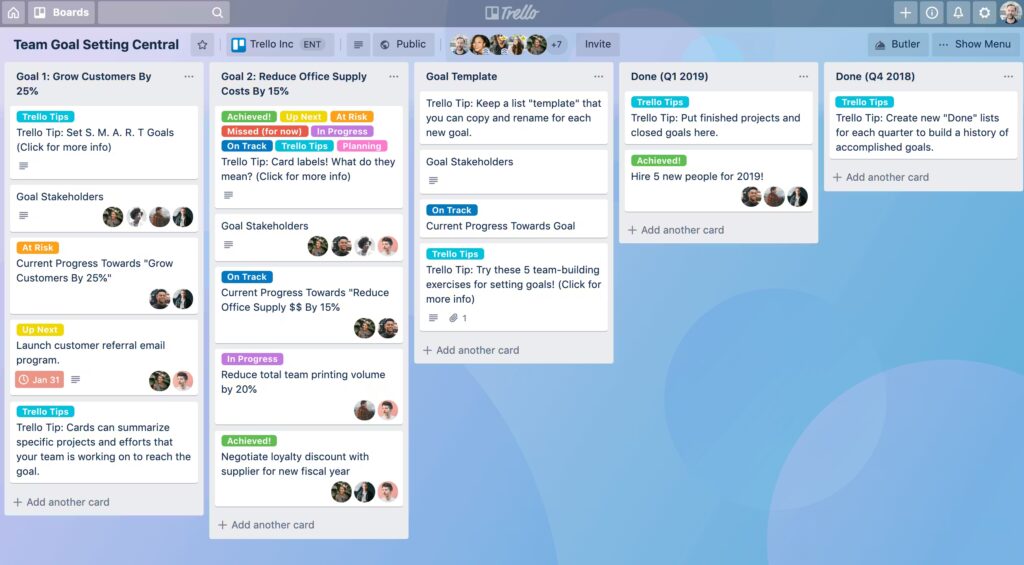
Trello is the quintessential Kanban board tool, famous for its simplicity. Using cards and lists, it provides a straightforward, visual way to manage work. Its power is amplified through “Power-Ups” (integrations) that allow teams to add calendars, voting, custom fields, and more.
- Ideal For: Early-stage startups, small teams, or departments within a startup that need a simple, visual way to track tasks without a steep learning curve. It’s also great for managing lightweight processes like content calendars or hiring pipelines.
- Pros: Extremely easy to learn and use, visually clear, free plan is very capable, highly flexible with Power-Ups.
- Cons: Can become unwieldy for large, complex projects; lacks native advanced features like time tracking or Gantt charts without add-ons.
5. Notion
Notion is a unique contender, starting as a revolutionary note-taking and wiki tool and evolving into a capable project manager. It uses a block-based system where you can create databases (which can be viewed as boards, tables, lists, etc.), linked pages, and docs all within one workspace.
- Ideal For: Startups that deeply value integrated documentation and project management. It’s perfect for teams that want to build their own custom wiki, knowledge base, and project tracker in one modular system.
- Pros: Unmatched flexibility for documentation and data relation, all-in-one workspace, popular free plan for small teams.
- Cons: Requires more upfront setup and structure creation; can be slower for pure task management compared to purpose-built tools.
Making the Final Decision
The best task and project management tools for your startup team is the one that your team will actually use. Start by trialing 2-3 options (most offer free plans or trials) with a real, small project. Involve team members in the testing and gather feedback on usability. Consider not just where you are today, but where you want to be in 12-18 months. The goal is to choose a platform that reduces friction, enhances collaboration tools, and grows with you, allowing your team to focus on building the future rather than managing chaos.
FAQs: Task and Project Management Tools for Startups
Q1: What is the most important feature a startup should look for in a project management tool?
The most critical feature is ease of adoption. A tool with a low learning curve that your team finds intuitive will provide more value than a powerful tool that nobody uses. Look for clean UX, straightforward navigation, and the ability to get started quickly.
Q2: Can we get by with a free plan, and for how long?
Absolutely. Most tools listed offer robust free plans (ClickUp, Asana, Trello, Notion) suitable for teams of 5-10. You can often use them for the first year or more. The transition to a paid plan typically comes when you need advanced views, more automation, increased storage, or guest access for clients/contractors.
Q3: Should we choose an all-in-one tool or best-of-breed specialized apps?
This is a key strategic decision. All-in-one tools (like ClickUp, Notion) reduce context-switching and can be more cost-effective. Best-of-breed (using a specialized tool for each function) can offer deeper functionality. For most early-stage startups, starting with one versatile project management software to consolidate work is recommended to avoid fragmentation and complexity.
Q4: How do we ensure successful implementation and avoid tool fatigue?
Start Small: Roll out the tool with one team or project first.
Designate a Champion: Have one person learn the ins and outs to guide others.
Establish Basic Rules: Agree on naming conventions, status labels, and how to use comments/assignments.
Integrate It: Connect the tool to your communication app (Slack, Teams) so updates flow there, reducing the need to constantly check the platform.
