


Preparing for a developer interview requires knowledge of programming, frameworks, and software development practices. Candidates may face Python coding problems that test logic, problem-solving, data structures, and coding efficiency. Along with programming skills, understanding version control can help demonstrate your ability to work effectively in a professional development environment.
Developers preparing for asp net core roles or a c sharp interview should also be comfortable with Git because collaborative development relies heavily on source control. Knowing how to create branches, commit changes, resolve conflicts, and work with remote repositories can make a significant difference during technical interviews.
What Is Git?
Git is a distributed version control system that helps developers track changes to source code. It allows teams to maintain project history, work on multiple features simultaneously, and collaborate without accidentally overwriting each other’s work.
Understanding common Git interview questions is important for developers at both junior and experienced levels. Interviewers may ask about commits, branches, staging, repositories, merge conflicts, reset, revert, and practical Git workflows.
Why Is Git Important for Developers?
Git provides developers with a structured way to manage source code throughout the software development lifecycle. It allows teams to track changes, identify previous versions, experiment safely, and collaborate on the same project.
A GitHub interview may also test whether candidates understand how Git and GitHub work together. Git handles version control, while GitHub provides a platform for hosting repositories, reviewing code, managing issues, and collaborating with development teams.
Git vs GitHub
Git and GitHub are not the same thing. Git is the version control technology installed and used on a developer’s machine, while GitHub is a cloud-based platform that hosts Git repositories and provides collaboration features.
| Feature | Git | GitHub |
| Purpose | Version control | Code hosting and collaboration |
| Repository | Local repository | Remote repository |
| Branching | Supported | Supported |
| Pull Requests | Not a core Git feature | Supported |
| Code Reviews | Command-line based workflows | Built-in |
| Issues | Not built in | Supported |
Essential Git Commands
Knowing common Git commands is essential for any developer working with version-controlled projects. Rather than memorizing commands without understanding them, candidates should know when and why each command is used.
| Command | Purpose |
| git init | Creates a Git repository |
| git clone | Copies a remote repository |
| git status | Shows the current working-tree status |
| git add | Stages changes |
| git commit | Records changes |
| git push | Uploads commits to a remote repository |
| git pull | Downloads and integrates remote changes |
| git fetch | Downloads remote information without integrating it |
| git log | Displays commit history |
| git diff | Compares changes |
Git Interview Questions Every Developer Should Prepare
Candidates should prepare both theoretical and practical Git questions. Interviewers often want to know whether you can apply Git concepts to real development situations rather than simply define terminology.
1. What is Git?
Git is a distributed version control system used to track changes in files and coordinate work among developers.
2. What is a Git repository?
A Git repository contains project files along with the metadata Git uses to track versions, branches, commits, and other repository information.
3. What is a Git commit?
A commit is a recorded snapshot of changes in a Git repository. It creates a point in the project’s version history.
4. What is the staging area?
The staging area allows developers to select which changes should be included in the next commit.
5. What is the difference between Git and GitHub?
Git is the version control system, whereas GitHub is a platform that hosts Git repositories and provides collaboration and development tools.
Version Control Interview Topics
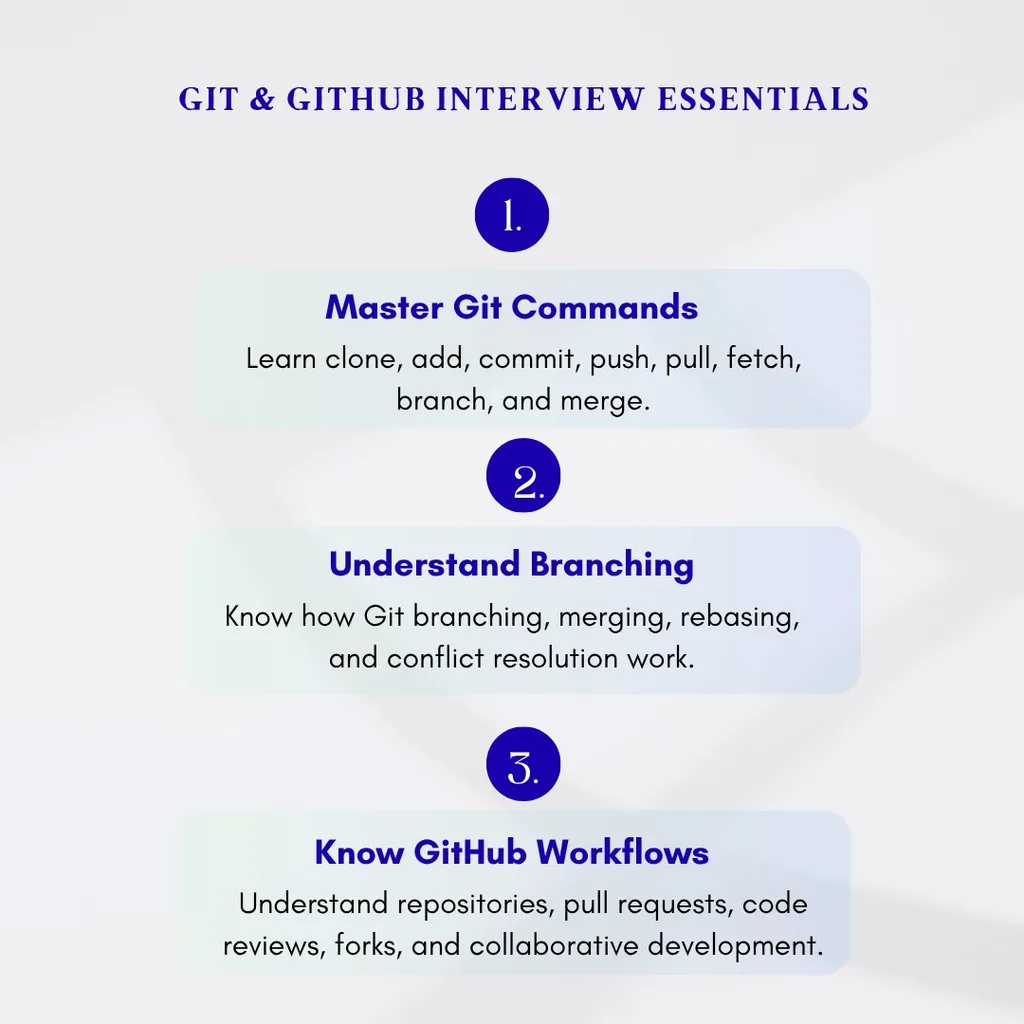
A version control interview can cover several concepts beyond basic commands. Candidates should understand repositories, commits, branches, remotes, merge conflicts, pull requests, tags, and different strategies for managing collaborative development.
| Concept | Meaning |
| Repository | Location where project files and history are maintained |
| Commit | Recorded snapshot of changes |
| Branch | Separate line of development |
| Remote | Reference to another repository |
| HEAD | Current position in Git history |
| Conflict | A change Git cannot automatically combine |
| Staging Area | Changes selected for the next commit |
Git Branching
Git branching allows developers to work on different features or fixes without directly modifying the primary branch. A developer can create a feature branch, make several commits, test the changes, and then submit the work for review.
For example, a team could use branches such as feature/login, feature/payment, and bugfix/checkout. This approach keeps development work organized and makes collaboration easier.
Git Merge and Rebase
Git merge and rebase are two common ways to integrate changes between branches. Merge combines branch histories and can create a merge commit, while rebase reapplies commits onto a new base to create a more linear history.
Developers should understand the team’s branching policy before choosing between these approaches. Rewriting shared history through rebase can create problems for other developers, so it should be used carefully.
How to Resolve Git Merge Conflicts
A merge conflict occurs when Git cannot automatically combine changes from different branches. This often happens when developers modify the same lines of a file.
To resolve a conflict, inspect the affected files, determine which changes should remain, edit the file accordingly, stage the resolved file, and complete the merge or rebase. Afterward, testing the application is important to ensure that the resolution did not introduce unexpected problems.
Kubernetes Pods and Git
Kubernetes pods often rely on configuration files and deployment manifests that can be stored in Git repositories. Version controlling these files allows development and operations teams to review configuration changes, track deployment history, and collaborate on infrastructure updates.
Docker Containers and Git
Docker containers are commonly used alongside Git-based development workflows. Teams can store Dockerfiles, Compose files, build configurations, and application source code in repositories, making environment and deployment changes easier to track.
AWS Cloud Interview and Git
During an AWS cloud interview, candidates may be asked how Git fits into cloud-based development and CI/CD workflows. A Git repository can act as the source for automated pipelines that test, build, and deploy applications to AWS environments.
Node.js Backend and Git
A Node.js backend project can use Git branches to manage features, bug fixes, dependency updates, and production changes. Developers can push their branches to a remote repository and create pull requests so that teammates can review the backend code before it becomes part of the main branch.
SQL Joins and Git-Based Development
Understanding SQL joins is important for developers working with relational databases, while Git helps them manage the application code and database-related files around those queries. Database migrations, schema changes, and query updates can all be tracked through version control.
React Interview Questions and Git
Candidates preparing for React interview questions should also understand Git because modern frontend development frequently involves collaborative repositories. React developers commonly use feature branches, commits, pull requests, code reviews, and automated deployment workflows.
Git Revert vs Git Reset
git revert and git reset are frequently discussed during technical interviews. Revert creates a new commit that reverses an earlier change, making it generally safer for shared branches.
Reset moves the current branch pointer to another commit and can modify the project’s visible history. Because reset can potentially discard work or rewrite history, developers should understand the consequences before using it on shared branches.
| Command | Purpose | Best Used For |
| git revert | Creates a commit that reverses another commit | Shared branches |
| git reset –soft | Moves HEAD while preserving staged changes | Local history cleanup |
| git reset –mixed | Moves HEAD and unstages changes | Local changes |
| git reset –hard | Moves HEAD and removes tracked changes | Carefully controlled local cleanup |
Git Stash
Git stash temporarily saves uncommitted changes so developers can switch to another branch without committing unfinished work.
Common commands include:
- git stash
- git stash list
- git stash pop
- git stash apply
- git stash drop
For example, if you are working on a feature and suddenly need to fix an urgent bug, you can stash your current work, switch branches, complete the fix, and return to your original work afterward.
Git Tags
Git tags identify specific points in repository history and are often used to mark software releases. Teams may create tags such as v1.0.0, v2.0.0, or v2.1.0 to identify stable versions.
Tags can make it easier to identify which version of the source code was used for a particular production release.
GitHub Pull Requests
Pull requests are an important part of collaborative development on GitHub. A developer can push a feature branch to a remote repository and create a pull request asking teammates to review the proposed changes.
Code reviews can identify bugs, improve code quality, encourage knowledge sharing, and ensure that changes follow the team’s development standards.
Git Interview Scenario Questions
What would you do if you accidentally committed a secret?
Remove the secret from the codebase, rotate or revoke the exposed credential, and take appropriate steps to remove the secret from repository history when necessary. Sensitive credentials should be stored using appropriate secret-management solutions rather than committed to source control.
How would you update your feature branch?
You can merge changes from the main branch into your feature branch or rebase your branch onto the latest main branch, depending on the team’s workflow.
How would you undo a pushed commit?
For a shared branch, git revert is generally safer because it creates a new commit instead of rewriting existing shared history.
How can you find which commit introduced a bug?
You can inspect commit history using commands such as git log and git show. For more complex cases, git bisect can help identify the commit that introduced the problem.
Git Interview Preparation Checklist
Before your interview, make sure you can confidently explain:
- Git and GitHub
- Repositories and commits
- Staging and working directories
- Common Git commands
- Git branching
- Merge conflicts
- Merge and rebase
- Pull requests
- Git revert and reset
- Git stash
- Git tags
- Remote repositories
- .gitignore
- Code review workflows
- Basic Git troubleshooting

Final Thoughts
Git and GitHub are essential skills for developers working in modern software teams. A strong understanding of repositories, commits, branches, merging, rebasing, conflict resolution, and pull requests can help candidates answer technical interview questions with confidence.
The best way to prepare is to practice Git instead of only memorizing definitions. Create a repository, make branches, commit changes, resolve a conflict, experiment with revert and reset, and create a pull request. Hands-on practice will help you understand how Git works in real-world development environments.
Frequently Asked Questions
1. Is Git the same as GitHub?
No. Git is a version control system, while GitHub is a platform for hosting Git repositories and supporting collaboration.
2. What are the most important Git commands to learn?
Developers should understand git clone, git status, git add, git commit, git push, git pull, git fetch, git branch, git merge, git log, and git diff.
3. What is the difference between merge and rebase?
Merge combines branches while preserving their existing history. Rebase moves commits onto another base and generally produces a more linear history.
4. Why are Git branches important?
Branches allow developers to work independently on features and fixes without directly modifying the main development branch.
5. Is Git important for developer interviews?
Yes. Git is widely used in professional software development, so candidates should be comfortable with both basic Git concepts and practical scenarios involving branches, commits, conflicts, and collaboration.
