


In today’s digital landscape, web applications are increasingly exposed to complex security vulnerabilities, where XSS attacks remain one of the most common and dangerous threats. These attacks exploit client-side security weaknesses, allowing malicious actors to inject arbitrary scripts into web pages viewed by unsuspecting users. When executed, these scripts can steal sensitive information, hijack active user sessions, and redirect users to malicious websites.
Understanding how XSS functions and executing thorough mitigation practices is critical for safeguarding both enterprise applications and personal user data.
What is an XSS Attack?
Cross-Site Scripting (XSS) is a type of injection flaw where an attacker introduces malicious scripts into content delivered from otherwise trusted websites. These scripts execute directly within the user’s browser during a visit to the compromised page. XSS vulnerabilities typically emerge when an application fails to properly validate, sanitize, or encode user-supplied inputs before rendering them on the screen.
The Three Primary Types of XSS
- Stored XSS (Persistent XSS): The malicious script is permanently saved on the target server (e.g., inside a database, comment section, or forum profile) and served to every user who requests that specific data.
- Reflected XSS (Non-Persistent XSS): The malicious script is reflected off a web server instantly, commonly through error messages or search query results, executing when a user clicks a crafted link.
- DOM-based XSS: The vulnerability exists entirely within the client-side JavaScript, modifying the Document Object Model (DOM) insecurely without interacting with the backend server.
Why XSS Attacks Pose Severe Risks
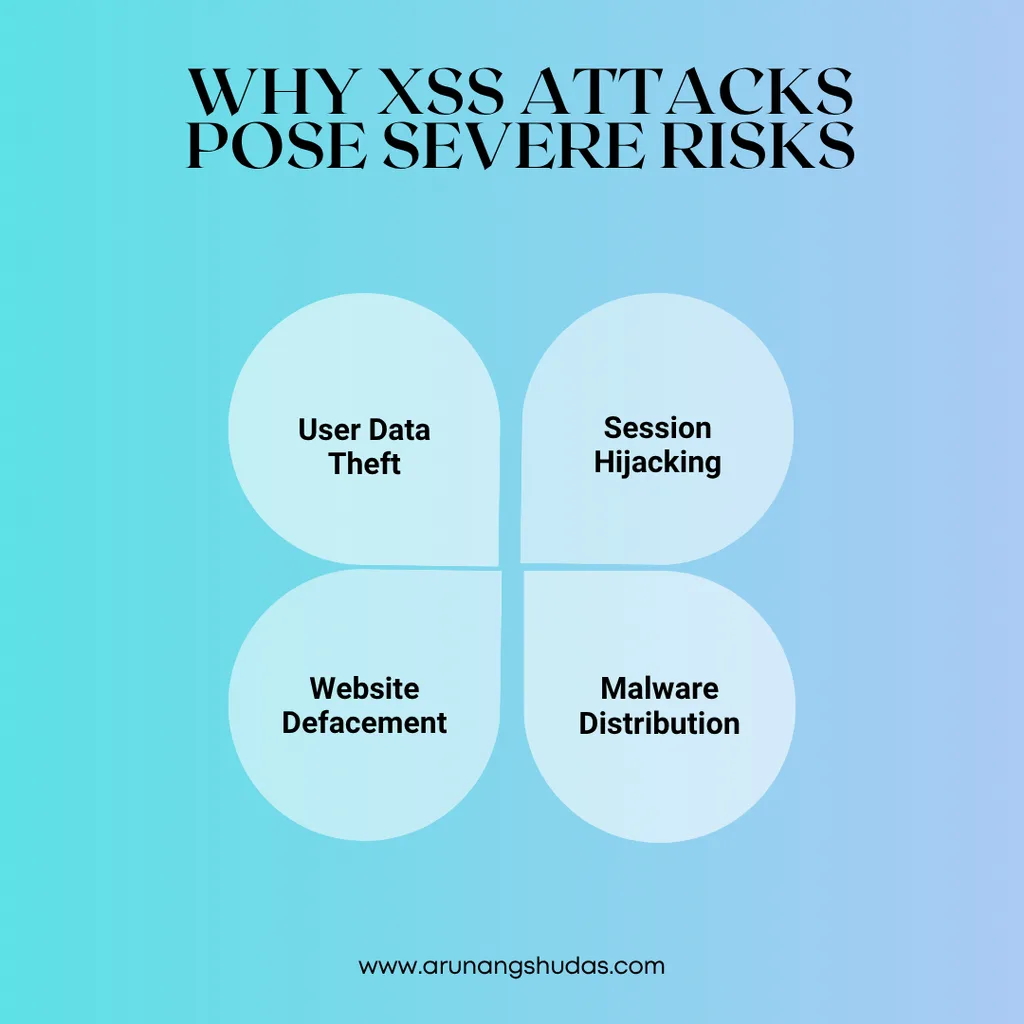
The potential impact of a successful XSS exploit can be catastrophic:
- User Data Theft: Unauthorized access to cookies, session tokens, and local storage.
- Session Hijacking: Attackers take over active user accounts seamlessly.
- Website Defacement: Malicious modification of website layouts to damage brand reputation.
- Malware Distribution: Forcing users to download malicious payloads or redirecting them to phishing sites
Read More Blog : critical for safeguarding
Comparison: The Three Types of XSS Attacks
| Attack Type | Storage Location | Execution Vector | Typical Delivery Method |
| Stored (Persistent) XSS | Server-side Database / Storage | Automatically on page load for all users | Comment sections, user profiles, forums |
| Reflected (Non-Persistent) XSS | None (Immediate reflection) | Instantly in the browser via server response | Phishing links, search results, error pages |
| DOM-based XSS | Client-side (DOM environment) | Client-side script manipulation | Malicious URL parameters executed by local scripts |
Detailed Strategies to Improve Frontend Security Against XSS Attacks
Mitigating XSS requires a defense-in-depth approach spanning input handling, browser controls, and secure coding practices.
1. Sanitize and Validate User Input
Always treat user input as untrusted.
- Validation: Enforce strict allowlists for acceptable input types (e.g., verifying an email format or exact character limits).
- Sanitization: Strip out executable code, HTML tags, or dangerous characters from input fields before saving or processing them using trusted libraries like DOMPurify.
2. Use HTML Escaping
HTML escaping converts special characters into safe HTML entities so browsers render them as plain text instead of executable code. For example, convert < and > into < and >. Utilize native framework features or libraries like htmlspecialchars in PHP or .textContent in JavaScript.
3. Implement Content Security Policy (CSP)
A robust Content Security Policy (CSP) HTTP header restricts where scripts and resources can be loaded from, blocking inline script execution and unauthorized external domains.
4. Leverage Modern Frameworks Securely
Modern frameworks like React, Vue, and Angular automatically escape HTML in data bindings by default. Avoid bypassing these built-in protections (e.g., using dangerouslySetInnerHTML in React or v-html in Vue) unless strictly necessary.
5. Avoid Inline JavaScript and Style
Avoid embedding JavaScript directly in HTML (like onclick event handlers or eval() functions). External scripts managed through strict script sources make applications significantly easier to secure.
6. Use Safe JavaScript Methods
Certain JavaScript functions expose applications to XSS risks. Avoid using methods that directly manipulate the DOM as raw strings. Instead of .innerHTML, rely on .textContent or .innerText to securely render text.
7. Implement User Authentication and Session Management
Enforce secure cookie attributes. Add the HttpOnly and Secure flags to session cookies to prevent client-side scripts from reading sensitive authentication tokens via JavaScript.
8. Regularly Scan and Test for XSS Vulnerabilities
Automate security scans using tools like OWASP ZAP, Burp Suite, or Web Application Firewalls (WAFs) to catch vulnerabilities early in the software development lifecycle (SDLC).
In today’s digital landscape, web applications are exposed to various security vulnerabilities, with Cross-Site Scripting (XSS) attacks being one of the most common and dangerous. XSS attacks exploit security weaknesses on the client side, allowing attackers to inject malicious scripts into web pages viewed by users. When these scripts are executed, they can steal sensitive information, hijack user sessions, redirect users to malicious websites, and more.

Conclusion
Protecting your application from XSS attacks is essential to maintain user trust and data integrity. By implementing these best practices—sanitizing inputs, escaping HTML, leveraging Content Security Policies, using secure JavaScript methods, and testing for vulnerabilities—you can significantly reduce the risk of XSS. While no single measure can completely prevent XSS, combining these techniques can fortify your application’s defenses and ensure a secure frontend environment for your users.
Staying informed about new vulnerabilities and emerging security standards is also critical, as attackers continually evolve their methods. By keeping security top of mind, you can minimize the risk of XSS attacks and safeguard both your users and your application from potential threats.
Frequently Ask Questions :
Q1: What is the main difference between Stored XSS and Reflected XSS?
A: Stored XSS saves the malicious payload permanently on the server (such as in a database), affecting every user who views the page. Reflected XSS does not save the script; instead, it bounces off the web server instantly via a crafted URL or request parameter, targeting specific individuals.
Q2: How does a Content Security Policy (CSP) stop XSS?
A: CSP blocks XSS by defining authorized sources for executable scripts and disabling inline script execution. Even if an attacker successfully injects a script, the browser will refuse to run it if it violates the active policy rules.
Q3: Do modern frontend frameworks completely prevent XSS?
A: Not entirely. While frameworks like React and Angular automatically encode data binding and mitigate default XSS risks, developers can still introduce vulnerabilities by explicitly using unsafe methods like raw HTML rendering or unsafe DOM manipulation
Q4: Which tools can I use to scan for XSS vulnerabilities?
A: Popular web security tools include OWASP ZAP (Zed Attack Proxy), Burp Suite, and automated vulnerability scanners or Web Application Firewalls (WAFs) that inspect and block malicious traffic patterns.
Q5: Can HTTP-only cookies protect against XSS session theft?
A: Yes. Adding the HttpOnly flag to session cookies prevents client-side scripts (like malicious JavaScript executed via an XSS flaw) from reading or accessing sensitive session tokens through document.cookie.
