


In 2026, the digital landscape is noisier than ever. For the modern content creator and social media manager, SaaS tools for content creators have evolved from “helpful extras” into the essential engine room of a professional online presence. Relying on manual workflows in an AI-driven era is a surefire path to burnout.
These platforms handle the heavy lifting of AI-assisted design, multi-platform scheduling, and deep-dive analytics, freeing you to focus on what truly matters: authentic storytelling and community engagement.
Key Insights: Why Your Tech Stack Matters Now
- Efficiency over Effort: AI-integrated tools now save creators an average of 12+ hours per week on administrative tasks.
- Platform Fragmentation: With audiences spread across TikTok, Threads, Instagram, and LinkedIn, a centralized command center is mandatory.
- Data-Backed Creativity: 2026 creators don’t guess; they use SaaS intelligence to know exactly what their audience wants before they hit “publish.”
Read more blog : Ultimate Guide to SaaS Tools: Boost Your Business Efficiency
The Ultimate Toolkit: 8 Essential SaaS Tools for 2026
| Tool | Primary Purpose | Best For | AI Feature |
| Canva | Visual Design | Graphics & Video | Magic Studio (Text-to-Image) |
| Later | Social Scheduling | Visual Platforms | Best-Time-to-Post AI |
| Grammarly | Writing Assistant | Copy & Captions | Strategic Tone Suggestions |
| Buzzsprout | Podcasting | Audio Distribution | Auto-Transcripts for SEO |
| Trello | Project Management | Workflow Tracking | Automation “Butler” |
| Loom | Video Messaging | Async Communication | Auto-Summaries |
| Semrush | SEO & Competitors | Organic Growth | Keyword Intent Mapping |
| CapCut | Video Editing | Short-form Video | Auto-Captions & Removal |
1. Canva: The Visual Design Powerhouse
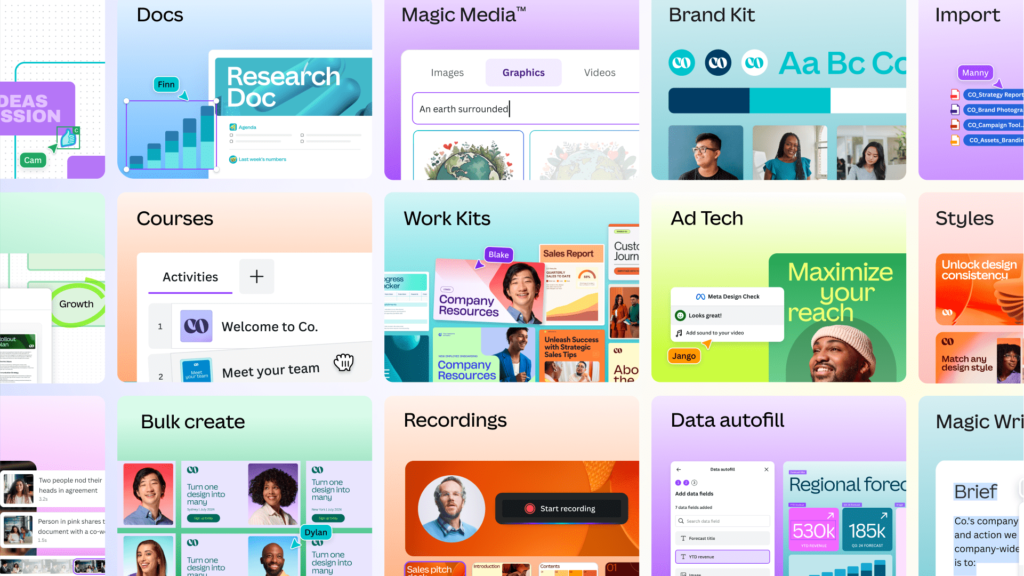
Virtually no list of SaaS tools for content creators is complete without Canva. This cloud-based design platform has democratized graphic design, making it accessible to everyone, regardless of skill level.
- Key Features for Creators:
- Magic Studio (AI): Uses generative AI to turn text prompts into unique images and videos instantly.
- Brand Kit: Stores your hex codes, logos, and fonts to ensure every post stays “on-brand.”
- Content Planner: Directly schedule your designs to Instagram, LinkedIn, and Pinterest without leaving the app.
- One-Click Resize: Instantly turn a YouTube thumbnail into an Instagram Story or a Twitter post.
- Why it’s a Game Changer: It eliminates the need for expensive software like Photoshop. In 2026, its ability to generate AI-driven assets saves designers hours of manual work.
2. Later: Streamline Your Social Media Scheduling
Later is a visual-first social media scheduler beloved for its intuitive, drag-and-drop calendar interface. It is the gold standard for anyone managing a heavy visual presence.
- Key Features for Managers:
- Visual Grid Preview: See exactly how your Instagram feed will look before you hit publish.
- Linkin.bio: Transforms your Instagram bio into a clickable, shoppable landing page.
- AI Posting Times: Analyzes your specific audience to suggest the exact minute you should post for maximum reach.
- Multi-Platform Sync: Schedule the same video to TikTok, Reels, and Shorts with customized captions for each.
- Why it’s a Game Changer: It allows you to “set and forget” your social media for a month in a single afternoon, ensuring you stay consistent even when you’re offline.

3. Grammarly: The Invisible Writing Assistant
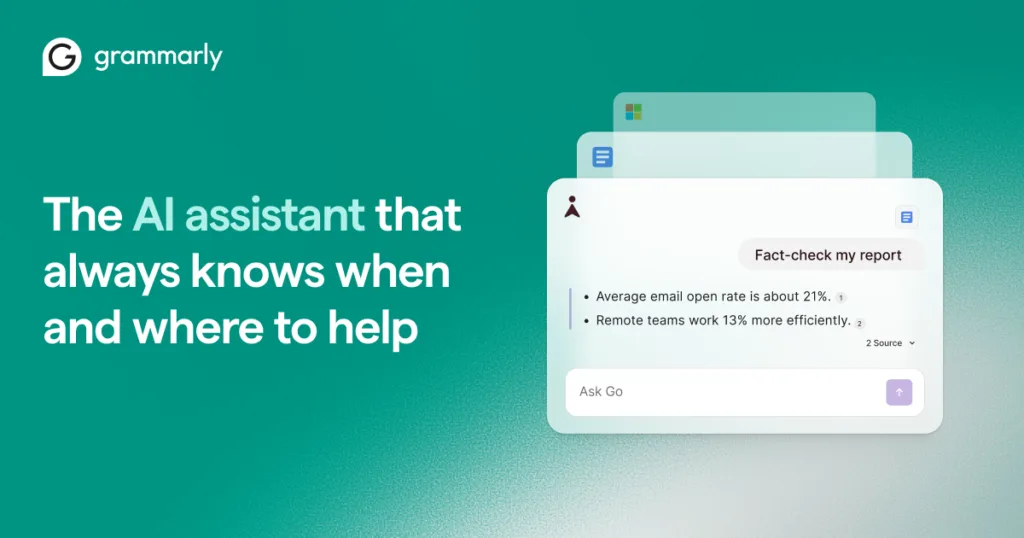
Clear, compelling, and error-free writing is the bedrock of effective content. Grammarly operates as a smart writing assistant across your entire digital workspace.
- Key Features for Writers:
- Tone Detector: Tells you if you sound too formal, friendly, or aggressive before you send that post.
- Clarity Suggestions: Identifies wordy sentences and suggests simpler alternatives to keep your audience engaged.
- Plagiarism Checker: Ensures your blog posts and captions are 100% original.
- Strategic AI Writing: Helps you brainstorm captions or rewrite paragraphs to be more persuasive.
- Why it’s a Game Changer: It protects your brand credibility. One typo can ruin a professional image; Grammarly ensures every word is polished.
4. Buzzsprout: Podcasting Made Simple
The podcasting boom is still going strong, and Buzzsprout makes it incredibly easy for small businesses to launch and grow an audio presence.
- Key Features for Podcasters:
- Automatic Distribution: Submits your show to Apple Podcasts, Spotify, and Amazon Music with one click.
- Magic Leveling: Automatically processes your audio to make it sound like it was recorded in a professional studio.
- AI Co-host: Generates episode summaries, titles, and even social media snippets from your audio.
- Dynamic Content: Easily swap out “Intro” or “Outro” messages across your entire catalog to promote new offers.
- Why it’s a Game Changer: It removes the technical headache of podcasting, allowing you to focus on the conversation rather than the code.
5. Trello: The Visual Content Calendar
Staying organized is half the battle. Trello uses a Kanban-style system of boards, lists, and cards to provide a crystal-clear overview of your workflow.
- Key Features for Teams:
- Customizable Boards: Create columns for “Ideas,” “Writing,” “Designing,” and “Published.”
- Butler Automation: Set up “if-then” rules (e.g., “When a card moves to Done, notify the manager”).
- Collaborative Cards: Attach files, set due dates, and leave feedback directly on specific content pieces.
- Visual Roadmap: Get a bird’s-eye view of your entire month’s content strategy.
- Why it’s a Game Changer: It eliminates the “where are we with this post?” questions. Everything is visible, organized, and searchable in one place.

6. Loom: Faster, More Personal Communication
Loom allows you to instantly record your screen and camera to create asynchronous video messages. It is the ultimate tool for remote creative collaboration.
- Key Features for Collaborators:
- Instant Sharing: No downloading or uploading; just record and send the link.
- AI Summaries: Automatically generates a text summary of your video so people don’t have to watch the whole thing.
- Video Comments: Receivers can leave time-stamped comments to give specific feedback.
- Viewer Insights: See who watched your video and for how long.
- Why it’s a Game Changer: It replaces long, confusing emails with a 1-minute video, cutting down on miscommunication and unnecessary meetings.
7. Semrush: The SEO and Competitive Intelligence Hub
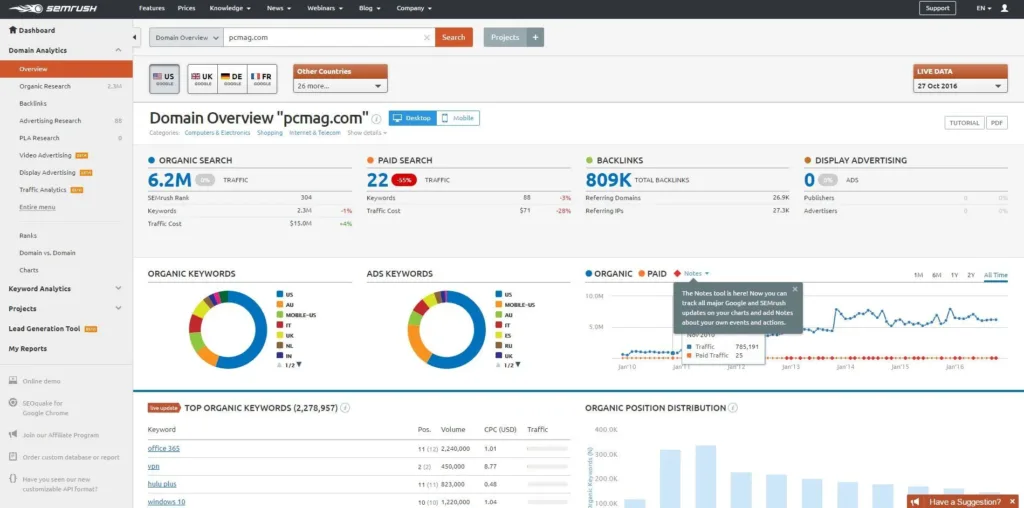
For content creators focused on driving organic traffic, Semrush is an unparalleled resource. It tells you exactly what people are searching for.
- Key Features for Growth:
- Keyword Magic Tool: Discover thousands of high-traffic keywords for your niche.
- Competitor Audit: See which posts are driving the most traffic to your rivals.
- SEO Writing Assistant: Checks your blog posts in real-time to ensure they are optimized for Google’s 2026 algorithms.
- Position Tracking: Monitor your rank on search results pages every day.
- Why it’s a Game Changer: It turns content creation into a science. You stop “hoping” people find you and start “knowing” they will.
8. CapCut: The Go-To Video Editing Suite
With video content dominating every social media algorithm, having a powerful yet accessible video editor like CapCut is non-negotiable.
- Key Features for Video:
- Auto-Captions: Uses AI to generate perfect subtitles in seconds (essential for silent-scrollers).
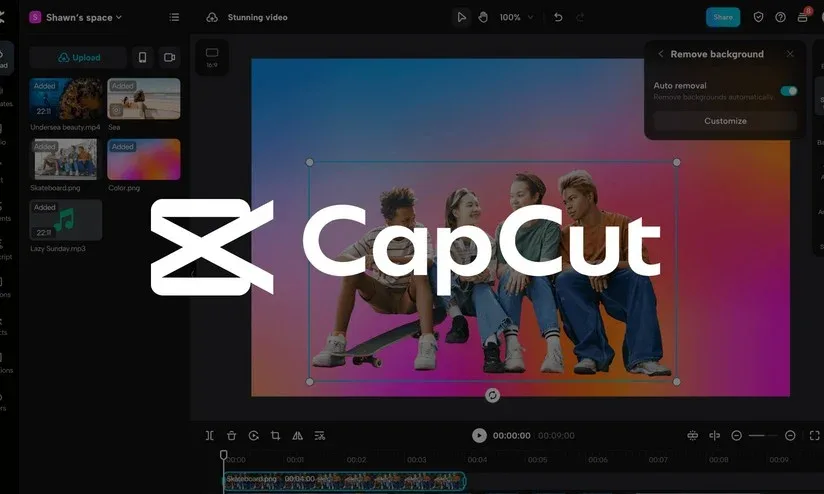
- Background Removal: Change your video background with one tap—no green screen required.
- Trending Music: Direct access to TikTok’s trending audio library.
- Professional Effects: High-end filters and transitions that used to require Hollywood-level software.
- Why it’s a Game Changer: It allows a social media manager to produce a viral-quality Reel or TikTok on their phone during a lunch break.
Get more Information : 6 SaaS Tools You Did not Know You Needed
Final Thoughts: Building Your Cohesive Content Engine
In the fast-paced world of 2026, the demand for high-quality, “always-on” content can feel like an uphill battle. However, by strategically adopting these powerful SaaS tools for content creators, you transform that daily struggle into a manageable, data-driven, and highly creative process. These platforms are more than just software; they are the building blocks of a resilient digital ecosystem. When you connect Canva’s design power with Later’s scheduling precision, or use Semrush’s data to fuel your CapCut video strategy, you aren’t just making posts—you are building a scalable content engine.
Success in social media management today hinges on working smarter, not harder. By automating the “busy work” of manual posting and basic editing, you reclaim the time needed to innovate and connect with your audience on a human level. Whether you are a solo influencer or managing a global brand, the right toolkit provides the foundation you need to achieve remarkable results. The digital landscape will continue to shift, but with these eight essential tools at your fingertips, you are no longer just keeping up—you are leading the way. The time to streamline your workflow and future-proof your creative career is right now.
Frequently Asked Questions (FAQs)
1. I’m a solo content creator on a tight budget. Which tools should I prioritize?
Start with the tools that offer the most robust free plans. Canva, Grammarly, Trello, CapCut, and Loom all have excellent free tiers that provide substantial value. Focus on mastering one tool from each core category—design (Canva), writing (Grammarly), and organization (Trello)—before investing in paid scheduling or analytics platforms.
2. How do I convince my team or client to invest in these SaaS tools?
Frame the investment in terms of Return on Investment (ROI) and efficiency. Demonstrate how a scheduler like Later saves X hours per week in manual posting, which can be reallocated to strategy. Show how a tool like Semrush can prevent wasted budget on ineffective keywords by guiding content toward high-opportunity topics. Presenting a clear cost-benefit analysis that highlights time savings, performance improvements, and reduced errors is the most persuasive approach.
3. Won’t using too many tools make my workflow more complicated?
It can, if not managed carefully. The key is integration and focus. Choose tools that integrate with each other to create a seamless flow of information (e.g., Canva with Later). Avoid tool overload by only adopting a new platform when it clearly solves a specific, recurring pain point in your workflow. It’s better to be a power user of a few essential tools than a casual user of a dozen redundant ones.
