


Multimodal AI replacing traditional software is not a future prediction—it is happening right now across every major software category. For decades, traditional software required humans to translate the real world into data: type text into forms, upload photos to separate tools, transcribe audio recordings manually. Multimodal AI eliminates that translation layer. It sees, hears, reads, and understands simultaneously. The result is that multimodal AI replacing traditional software is making thousands of point solutions obsolete.
Consider this: a traditional software stack for a field inspector might include a form app (text), a camera app (images), a voice recorder (audio), and a reporting tool (output). Multimodal AI does all four in one interface. According to a 2026 Forrester report, companies that have deployed multimodal AI have reduced their software vendor count by an average of 37%.
This guide explains how multimodal AI replacing traditional software is transforming five major categories, which specific tools are leading the charge, and how to prepare your organization for an AI-native future.
Table of Contents
How Multimodal AI Is Replacing Traditional Software Across 5 Categories
Let’s examine the specific ways multimodal AI replacing traditional software is disrupting established categories. Each example shows a traditional software stack being replaced by a single multimodal interface.
1. Document Processing: From 4 Tools to 1
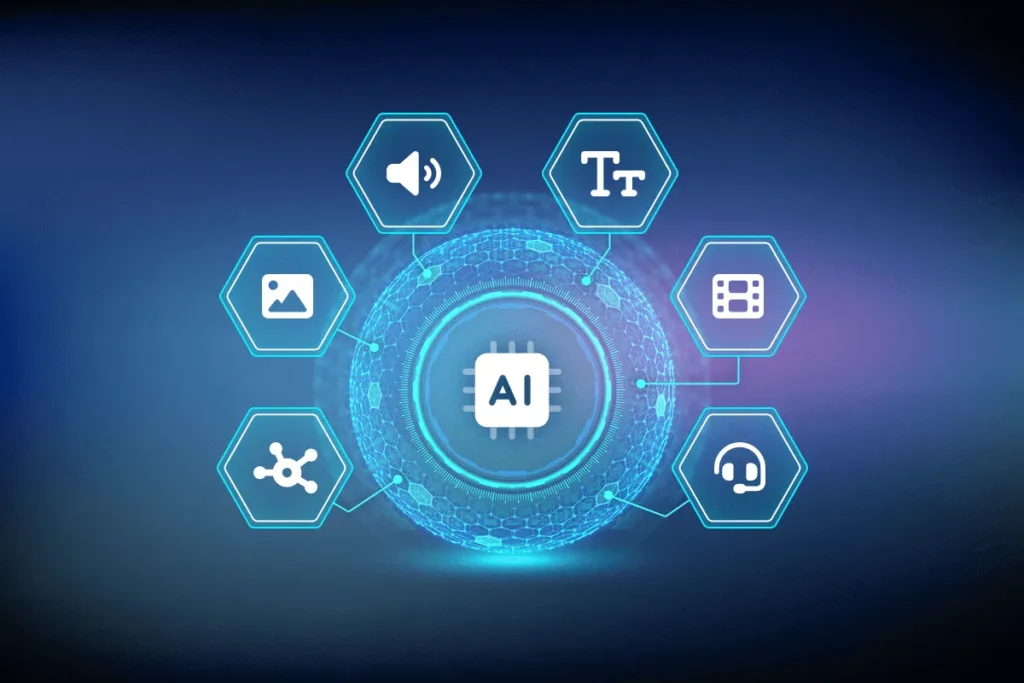
Traditional document processing required a stack of separate tools: an OCR app to scan, a translation tool for foreign languages, a summarizer for long documents, and a form-filler for data entry. Multimodal AI capabilities collapse all four into one. Google’s Gemini Ultra 2.0 (2026) can ingest a 200-page scanned PDF with handwritten notes, extract the text, translate Spanish annotations to English, summarize key clauses, and populate a database—all in 90 seconds.
This is a prime example of multimodal AI replacing traditional software because the AI understands the document the way a human would: visually (layout, handwriting), linguistically (words, context), and structurally (tables, forms). Enterprise customers report replacing four separate vendors (ABBYY, DeepL, ChatGPT, Zapier) with one multimodal AI subscription. The cost savings: from $1,200/month to $200/month.
2. Customer Support: From 5 Channels to 1 Brain
Traditional customer support software splits channels: email tickets go to Zendesk, phone calls to Twilio, chat to Intercom, social media to Sprout Social, and video reviews to a separate tool. Multimodal AI capabilities unify all five. A multimodal support agent can read a frustrated email, listen to a voicemail, watch a screen recording of the bug, and scan a photo of the error message—then respond appropriately across the same channel.
CogniSupport AI (launched early 2026) is a clear case of multimodal AI replacing traditional software. It ingests text, audio, image, and video inputs in a single thread. A customer can say “the red button doesn’t work” while showing a screenshot, and the AI understands both modalities. Early adopters have retired their separate ticketing, voice, and chat systems. The AI-native software approach reduces support tool spend by 60% and resolution time by 45%.
3. Inspection & Quality Control: From 3 Apps to 1 Camera
Traditional inspection workflows require three separate applications: a checklist app (text), a camera app (photos), and a reporting tool (PDF generation). Field workers toggle between screens, wasting time and introducing errors. Multimodal AI capabilities embedded in a single mobile app change this.
FieldMind AI is a leading example of multimodal AI replacing traditional software. A construction inspector opens the app, points the camera at a beam, and speaks: “Crack in the southeast support beam, about 6 inches long.” The AI simultaneously captures the image, transcribes the voice note, timestamps the location, checks the crack against safety standards, and generates a report. What used to take 8 minutes per inspection now takes 90 seconds. The AI-native software replaces three separate legacy apps.
4. Meeting Transcription & Action: From 4 Tools to 1 Workspace
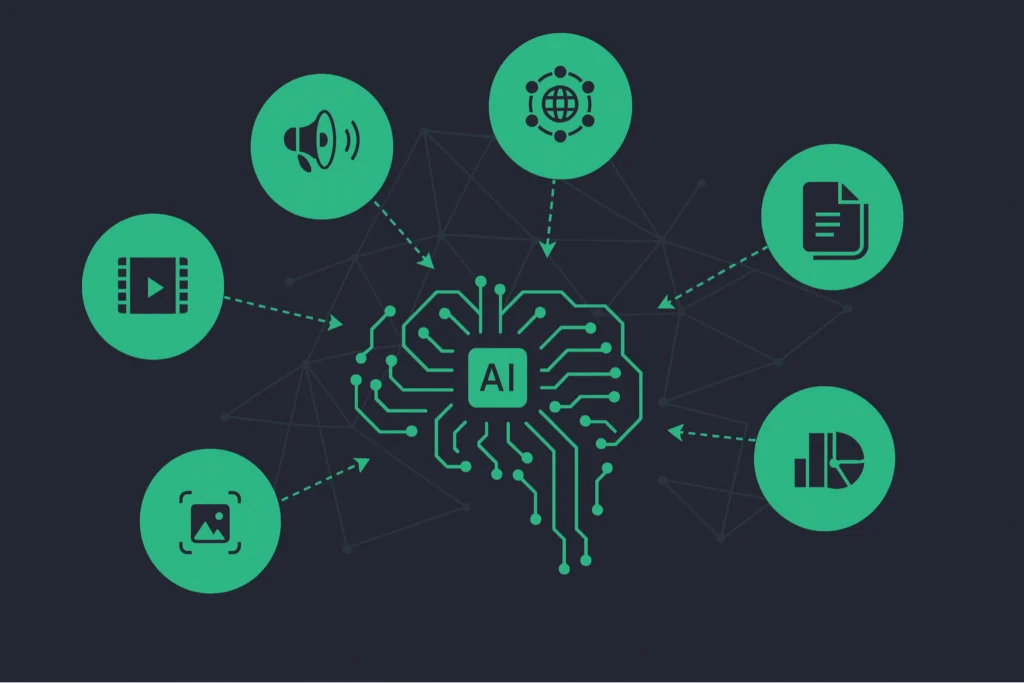
Traditional meeting software is fragmented: Zoom for video, Otter for transcription, Asana for action items, and Slack for follow-ups. Multimodal AI capabilities merge these into a single workspace. Fireflies.ai’s 2026 multimodal version watches the video, listens to the audio, reads the shared screen (including slides and chat), and generates a unified output: transcription, action items assigned to specific people, and a summary with timestamps.
This is multimodal AI replacing traditional software at the workflow level. The AI knows that when the presenter points to a bar chart and says “this quarter is down 15%,” that is a visual+verbal signal to flag as a key insight. Users report retiring four separate subscriptions and saving 90 minutes per week in manual follow-up.
5. Creative Production: From 6 Apps to 1 Prompt
The most dramatic example of multimodal AI replacing traditional software is creative production. Traditional creative stacks include Photoshop (images), Premiere (video), Audition (audio), After Effects (motion), Illustrator (graphics), and InDesign (layout). Multimodal AI tools like Runway Gen-5 (2026) and Pika Labs 3.0 replace all six. You input a text prompt (“a 30-second ad for a luxury watch, with dramatic lighting, ambient music, and slow-motion close-up of the dial”) and the AI generates video, audio, and graphics simultaneously.
Multimodal AI capabilities here include understanding spatial relationships (watch dial close-up), temporal pacing (slow-motion), and emotional tone (dramatic lighting). For social media teams and small agencies, AI-native software has already replaced traditional creative suites. A single $100/month subscription replaces $500+/month in legacy tools.
Why Multimodal AI Wins: The Integration Advantage
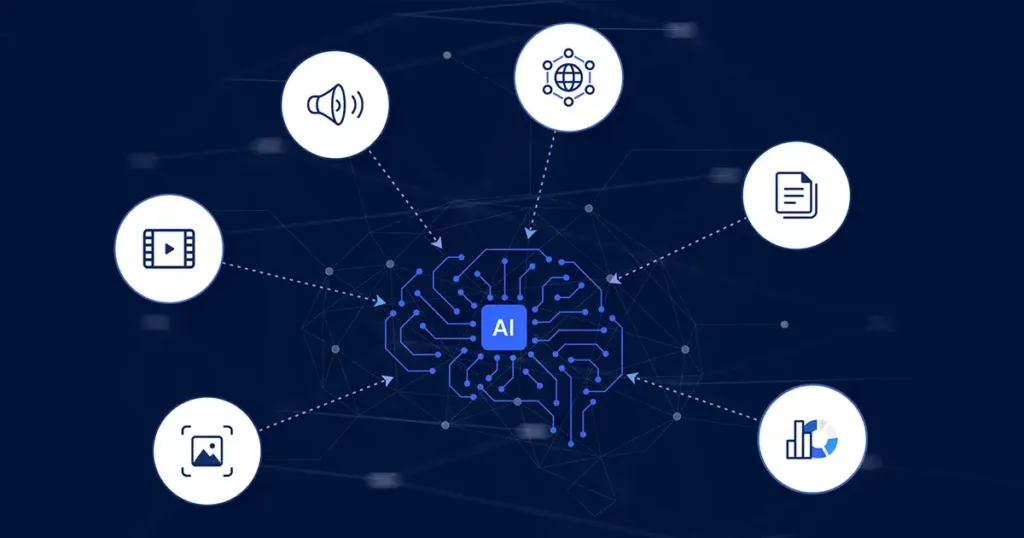
The reason multimodal AI replacing traditional software is accelerating is integration. Traditional software forces users to be the integration layer: you take a photo, save it, open another app, upload the photo, type notes, generate a report, save the PDF, email it. Each step is a context switch and an opportunity for error.
Multimodal AI eliminates context switches. The same model that sees the image hears your voice, reads the text, and generates the output. The multimodal AI capabilities of modern foundation models (Gemini 2.0, GPT-5o, Claude 4) achieve near-human performance on cross-modal reasoning. They can look at a photo of a damaged machine part, listen to a mechanic describe the problem, read the repair manual, and generate a fix—all in one session.
When Is Multimodal AI Not Replacing Traditional Software?
Not every software category is vulnerable to multimodal AI replacing traditional software. Highly specialized, numerically precise, or regulated software remains necessary. Examples include:
- Financial modeling (Excel with audit trails)
- Medical imaging diagnostics (FDA-approved PACS systems)
- Air traffic control (zero-error tolerance)
- Nuclear reactor monitoring (regulatory mandates)
In these cases, AI-native software augments rather than replaces. A radiologist might use multimodal AI to flag suspicious areas, but the FDA-approved diagnostic tool remains the system of record.
Implementation Roadmap for Multimodal AI
To benefit from multimodal AI replacing traditional software, follow this four-step roadmap.
Step 1: Audit your current software stack. Identify categories where the same real-world input (e.g., a customer issue, an inspection, a document) touches three or more separate tools. Those are prime candidates.
Step 2: Run a 30-day pilot with one multimodal AI platform. Google Gemini Ultra, Microsoft Copilot Multimodal, or CogniSupport AI are good starting points. Give the AI read-only access to your existing data.
Step 3: Measure time saved and error reduction. The typical ROI from multimodal AI capabilities is 30-50% time savings on cross-modal tasks (document processing, inspection, support).
Step 4: Retire legacy tools. Cancel the subscriptions you no longer need. Reallocate the budget to multimodal AI.
Risks and Limitations
Multimodal AI replacing traditional software carries three risks. First, latency: processing video+audio+text simultaneously requires significant compute. For real-time applications (live customer support), 2-3 second delays may be unacceptable. Second, accuracy: cross-modal reasoning still fails on edge cases. A multimodal AI might misinterpret a sarcastic tone in voice when combined with a neutral facial expression. Third, compliance: regulated industries may not accept AI-generated outputs as official records.
Mitigate these by keeping legacy systems as fallbacks for high-stakes or high-speed tasks. Multimodal AI replacing traditional software works best for back-office and field workflows, not real-time safety-critical systems.
The Future: Fully AI-Native Software Stacks
By 2028, experts predict that 60% of new software purchases will be AI-native software with multimodal input as the default interface. You will not “open an app.” You will speak, show, or point, and the AI will route your intent to the right capability. The era of separate tools for text, image, audio, and video will seem as archaic as separate tools for typing and printing.
Multimodal AI replacing traditional software is not a threat. It is an efficiency opportunity. The companies that adopt early will cut software spend by 30-50% and employee time on manual integration by 70%. The laggards will pay for legacy stacks and watch competitors outpace them.
Final Verdict
Multimodal AI replacing traditional software is already transforming document processing, customer support, field inspection, meeting management, and creative production. The integration advantage—one model handling text, image, audio, and video simultaneously—eliminates the need for point solutions. Audit your stack. Pilot one multimodal platform. Measure the savings. Cancel legacy subscriptions. The future of software is not more tools. It is one AI that does everything.
Frequently Asked Questions (FAQs)
Q1: Is multimodal AI replacing traditional software for all businesses or just large enterprises?
Both. For small businesses, multimodal AI replacing traditional software means replacing 5-10 separate subscriptions with one or two platforms. A freelance videographer can replace Adobe Creative Cloud (Photoshop, Premiere, After Effects, Audition) with Runway Gen-5 for $100/month instead of $600/month. For enterprises, the savings come from integration (fewer context switches, less manual data transfer). The ROI is actually faster for small businesses because their software spend is a higher percentage of revenue.
Q2: What are the best examples of multimodal AI replacing traditional software today?
Top examples include: (1) Google Gemini Ultra replacing OCR + translation + summarization + form-filling tools. (2) CogniSupport AI replacing Zendesk + Twilio + Intercom + Sprout Social. (3) FieldMind AI replacing inspection checklist + camera + reporting tools. (4) Runway Gen-5 replacing Adobe Creative Cloud for video/audio/graphics. Each of these demonstrates multimodal AI capabilities collapsing multiple legacy tools into one interface.
Q3: How do I know if my legacy software is at risk of being replaced by multimodal AI?
Ask three questions: (1) Does my workflow require moving data between separate apps (e.g., screenshot → email → form)? (2) Does my work involve multiple input types (text, image, audio, video) that are currently handled separately? (3) Are my tasks rule-based and repeatable rather than highly creative or strategic? If you answered yes to two or more, multimodal AI replacing traditional software is likely coming for that workflow within 12-24 months.
Q4: Can multimodal AI fully replace traditional software for video editing?
For social media clips, YouTube shorts, and basic marketing videos, yes. AI-native software like Runway Gen-5 and Pika Labs 3.0 can generate, edit, and export videos from text prompts alone. For Hollywood-grade feature films with precise frame-by-frame control, no. Professional editors still need traditional NLEs (non-linear editors) like Premiere or DaVinci Resolve. However, even those are adding multimodal AI features. The trend is clear: multimodal AI replacing traditional software for 80% of use cases, with legacy tools reserved for the top 20% of professional work.
