



Detect vulnerabilities in IoT devices is the critical, proactive security practice that separates resilient organizations and informed individuals from easy targets. In the rapidly expanding Internet of Things (IoT) landscape, waiting for a breach to occur or relying solely on manufacturers for patches is a dangerous strategy.
Cybercriminals use automated tools to constantly scan the internet for weak points, and the first one to discover a flaw decides its fate—whether it will be weaponized or patched. By taking a proactive stance and learning how to detect vulnerabilities in IoT devices, you can identify and remediate security weaknesses before they can be exploited, safeguarding your data, privacy, and network integrity.
Table of Contents
Shifting Left: The Proactive Mindset for IoT Security
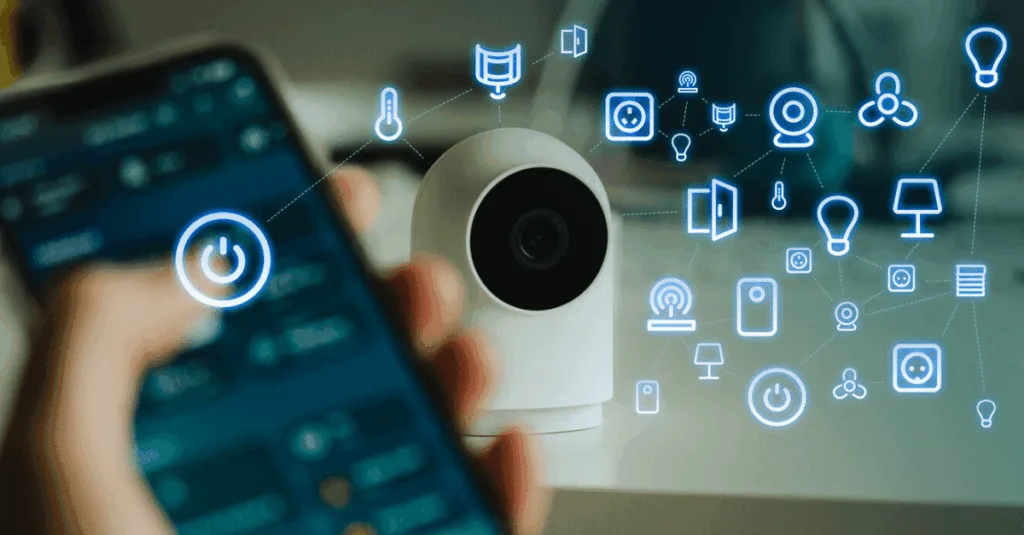
The traditional approach to security is often reactive: a vulnerability is discovered, a patch is released, and users apply it. However, this model is flawed for IoT for several reasons: many devices lack automatic update mechanisms, manufacturers may not support older products, and the window between public disclosure and active exploitation is shrinking.
The “shift left” philosophy in security means integrating testing and protection early in the lifecycle—ideally before a device is even deployed. For consumers and businesses, this means making proactive IoT security a standard part of the setup and maintenance routine for every connected device.
A Practical Framework: How to Detect Vulnerabilities in IoT Devices
You don’t need to be a seasoned hacker to perform basic IoT vulnerability detection. A systematic approach can uncover the most common and dangerous flaws. Here is a framework for vulnerability assessment, ranging from simple checks to more advanced techniques.
1. The Foundation: Automated Scanning and Inventory
The first step is knowing what you have and performing a high-level health check.
- Network Scanning with Tools like Nmap: A free and powerful tool, Nmap can scan your network to discover every connected device. More importantly, it can identify open ports (e.g., is port 23 for Telnet open?) and often fingerprint the operating system and services running on the device. An open Telnet or SSH port on a consumer device is a major red flag.
- Vulnerability Scanners: Several security tools and vendor platforms are designed to automatically scan for known vulnerabilities. They cross-reference the information gathered from your devices (model, firmware version) with databases like the National Vulnerability Database (NVD) to flag outdated software, missing patches, and common misconfigurations. For home users, some modern routers now include basic device-scanning features.
2. In-Depth Analysis: Manual Interrogation and Traffic Monitoring
For critical devices or when a deeper understanding is required, manual techniques provide greater insight.
- Interrogating Web Interfaces and APIs: Many IoT devices are managed through a web page or a mobile app that communicates with an API.
- Check for Default Credentials: Always attempt to log in with known default username/password combinations. Lists of these are readily available online.
- Test for Weak Authentication: See if you can access sensitive information or functions without being logged in (a broken access control flaw).
- Analyze Data Transmission: Use a tool like Wireshark to monitor network traffic from the device. Look for unencrypted (HTTP instead of HTTPS) data being sent, which could include your passwords or personal data. This is a crucial part of a thorough vulnerability assessment.
3. Advanced Testing: Firmware Analysis and Fuzzing
For security professionals and highly technical users, the investigation can go even deeper.
- Firmware Analysis: If the manufacturer makes the firmware file available for download, it can be analyzed.
- Extraction: Use tools like binwalk to unpack the firmware file and access its file system.
- Code Inspection: Search the unpacked files for hard-coded passwords, private encryption keys, and vulnerable code libraries. This can reveal backdoors that are invisible from the network level.
- Fuzzing: This technique involves feeding the device’s inputs (like network requests or web form fields) with massive amounts of random, malformed data. The goal is to see if any of this “fuzz” causes the device to crash or behave unexpectedly, which indicates a previously unknown software flaw that could be exploited.
From Detection to Protection: Building a Action Plan

Finding a vulnerability is only useful if you act on it. Your proactive IoT security strategy must include a clear remediation process.
- Prioritize and Triage: Not all vulnerabilities are created equal. Use a risk-based model to prioritize flaws. A critical remote code execution flaw in an internet-facing camera is an emergency, while a low-severity information disclosure on an internal sensor can be scheduled for a later update.
- Patch and Update: The most straightforward solution. If a patch is available from the vendor, apply it immediately. For devices with automatic updates, enable them.
- Implement Compensating Controls: If a patch is not available, you must isolate the risk.
- Network Segmentation: Move the vulnerable device to a separate, locked-down network VLAN where it cannot communicate with critical systems.
- Firewall Rules: Configure your firewall to block all unnecessary inbound and outbound traffic to and from the device.
- Report to the Vendor: If you discover a flaw that is not publicly known, consider reporting it responsibly to the manufacturer. Provide clear steps to reproduce the issue to help them develop a patch, protecting all users of that device.
Conclusion: Empowering the Defender
In the asymmetric battle of IoT security, defenders must be smarter and more proactive. Learning how to detect vulnerabilities in IoT devices empowers you to take control of your digital environment. By moving from a passive to an active security posture—embracing automated scanning, manual testing, and firmware analysis—you can uncover hidden weaknesses that would otherwise remain as open doors for attackers.
This continuous process of assessment and hardening is the cornerstone of building a truly resilient and secure smart ecosystem, ensuring that your connected devices serve you without betraying you.
Frequently Asked Questions (FAQs)
1. Is it legal for me to scan my own IoT devices for vulnerabilities?
Yes, scanning and testing devices on your own private network is perfectly legal. The legality issues arise when you test devices you do not own or without explicit permission from the owner. Always ensure your testing activities are confined to your own network and devices.
2. I found a serious vulnerability in a device I own. What should I do?
First, ensure your own network is protected by segmenting or disconnecting the device. Then, follow a practice called “responsible disclosure.” Document the vulnerability clearly and report it to the manufacturer’s security team, if they have one. Provide them with a reasonable timeframe (e.g., 90 days) to fix the issue before you might consider making the information public.
3. What’s the most common vulnerability found in consumer IoT devices?
The most common critical vulnerabilities are a combination of:
Use of Default Credentials: Hard-coded or unchangeable usernames and passwords.
Lack of Encryption: Sending data over the network in plain text.
Unsecured Network Services: Having unnecessary and vulnerable services like Telnet exposed and accessible.
