


SaaS accounting software has revolutionized the way small businesses manage their finances. Gone are the days of cumbersome, manually-updated ledgers and stacks of paper receipts. For entrepreneurs and small business owners, time is the most precious commodity, and financial management is a critical, yet often time-consuming, task.
The advent of cloud-based, Software-as-a-Service (SaaS) solutions has democratized sophisticated accounting tools, making them accessible, affordable, and incredibly powerful for businesses of all sizes. This technology is not just a convenience; it is a strategic asset that can drive growth, ensure compliance, and provide unparalleled clarity into a company’s financial health.
Table of Contents
Key Advantages of SaaS Accounting Software
The shift from traditional, desktop-based accounting programs to cloud-native platforms represents a fundamental change in approach. SaaS accounting software offers a suite of interconnected advantages that directly address the common pain points of small business owners.
1. Automation of Repetitive Tasks
One of the most significant benefits is the automation of routine bookkeeping. Tasks that once took hours can now be completed in minutes. This includes:
- Bank Reconciliation: The software can automatically import and categorize bank and credit card transactions, matching them against invoices and bills with stunning accuracy.
- Invoice Management: You can create and send professional invoices instantly, set up automatic payment reminders for clients, and even offer online payment options to get paid faster.
- Payroll and Expense Tracking: Many platforms integrate with payroll services and allow employees to upload receipt images via a mobile app, which are then automatically logged and categorized.
This automation minimizes human error, frees up the business owner to focus on strategy and growth, and ensures that the books are always up-to-date.
2. Real-Time Financial Visibility and Reporting
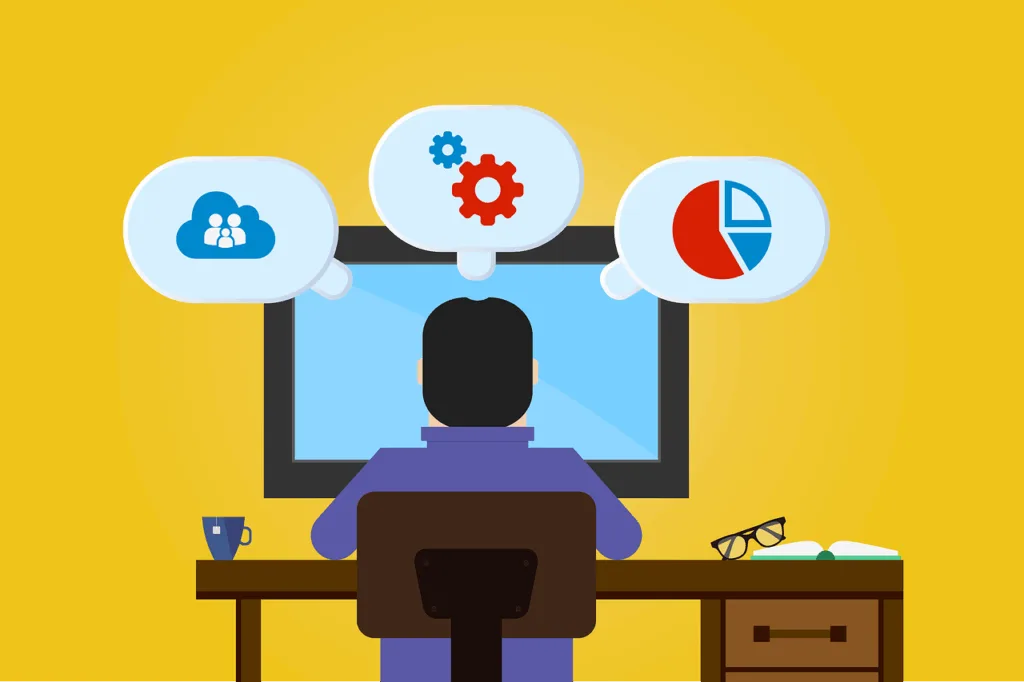
With traditional software, your financial data was only as current as your last manual entry. SaaS accounting software provides a live dashboard of your key financial metrics. You can see your cash flow position, outstanding invoices, and profit and loss in real time.
This allows for data-driven decision-making. Instead of wondering how the business performed last quarter, you can know how it’s performing today. Generating detailed reports on sales, expenses, or tax liabilities is as simple as clicking a button, providing the insights needed to spot trends, manage budgets, and plan for the future.
3. Unmatched Accessibility and Collaboration
Since the software is hosted in the cloud, your financial data is not trapped on a single computer. You can access your books securely from any device with an internet connection—whether you’re in the office, at home, or on the go. This also facilitates seamless collaboration.
You can easily grant your accountant or bookkeeper access to your books without needing to email bulky files or arrange physical meetings. This creates a unified, always-updated record that everyone on your team can work from, ensuring consistency and improving communication with your financial advisors.
Leveling the Playing Field: Capabilities Once Reserved for Large Corporations

Modern SaaS accounting software does more than just bookkeeping; it integrates a range of functionalities that were previously only available to large enterprises with big IT budgets.
- Integration with Other Business Tools: The best accounting platforms act as a financial hub, seamlessly integrating with other business applications like point-of-sale (POS) systems, e-commerce platforms (like Shopify or WooCommerce), payment gateways (like Stripe or PayPal), and CRM software. This creates a seamless flow of data across your entire business ecosystem, eliminating the need for duplicate data entry and providing a holistic view of operations.
- Enhanced Security and Data Protection: Reputable SaaS providers invest heavily in security measures that most small businesses could never afford on their own. This includes data encryption, secure data centers with 24/7 monitoring, regular backups, and multi-factor authentication. Your financial data is often safer in a professionally managed cloud than in a filing cabinet or on a single office computer vulnerable to theft, damage, or hardware failure.
- Scalability: A major advantage of the SaaS model is its scalability. As your business grows, your accounting software can grow with it. You can easily upgrade your plan to handle more transactions, add more users, or access advanced features like inventory management or project tracking, all without needing to migrate to a new system.
Making the Right Choice for Your Business
The market for SaaS accounting solutions is robust, with leading options including QuickBooks Online, Xero, FreshBooks, and Zoho Books. When selecting a platform, small businesses should consider factors such as:
- The specific features they need (e.g., invoicing, inventory, payroll).
- The user interface and ease of use.
- The cost of the subscription and any tiered pricing plans.
- The quality of customer support and available training resources.
- The ecosystem of third-party integrations available.
Taking the time to choose the right fit is crucial, as a well-implemented SaaS accounting software system becomes the financial backbone of the entire operation.
Conclusion
In conclusion, SaaS accounting software is far more than a digital ledger. It is a powerful, all-in-one financial management tool that empowers small businesses to operate with greater efficiency, intelligence, and security.
By automating tedious tasks, providing real-time insights, and enabling collaboration, it allows business owners to redirect their energy from managing finances to growing their business. In today’s competitive landscape, adopting this technology is not merely an option; it is a strategic imperative for any small business aiming for sustainability and success.
Frequently Asked Questions (FAQs)
1. Is my financial data safe in cloud-based SaaS accounting software?
Yes, data is typically very safe. Reputable SaaS providers use bank-level security protocols, including data encryption (both in transit and at rest), secure data centers, and regular backups. They often have dedicated security teams and compliance certifications that surpass what a small business could implement on its own. Always ensure you use strong passwords and enable multi-factor authentication for an added layer of security.
2. How is SaaS accounting software different from a traditional desktop version like QuickBooks Desktop?
The primary difference is accessibility and updates. Desktop software is installed on a specific computer and the data resides there. SaaS software is accessed via a web browser, so your data is available anywhere, on any device, and it facilitates easy collaboration. Furthermore, SaaS versions are automatically updated by the provider, so you always have the latest features and security patches without any extra cost or effort.
3. I’m not an accountant. Is this software easy to learn?
Absolutely. Modern SaaS accounting platforms are designed with non-accountants in mind. They feature intuitive, user-friendly dashboards, simple navigation, and plenty of guided setup processes. Most providers also offer extensive knowledge bases, video tutorials, and community forums. The automation features also do much of the complex work for you, reducing the need for deep accounting knowledge.
