


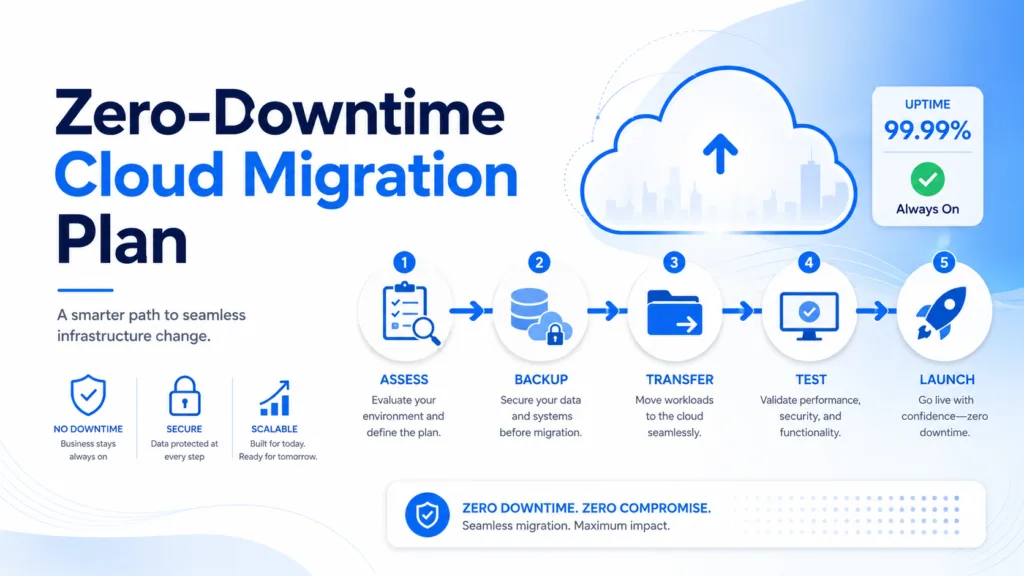
Cloud migration strategy is essential for moving websites, applications, databases, and business workloads to the cloud without interrupting normal operations. Although cloud technology can improve scalability, performance, security, and flexibility, the migration process can create serious problems when it is rushed or poorly planned.
Unexpected downtime may prevent customers from accessing a website, completing purchases, using an application, or contacting a business. It can also reduce employee productivity and damage customer trust. For companies that depend on digital services, even a brief interruption may lead to lost revenue.
A successful cloud migration requires more than copying files from one server to another. Businesses must assess their current infrastructure, understand application dependencies, prepare the new cloud environment, synchronize data, test systems, and create a rollback plan.
This guide explains how to build an effective cloud migration strategy and complete a zero-downtime migration with minimal business disruption.
Table of Contents
What Is Cloud Migration?
Cloud migration is the process of moving digital resources from traditional hosting, physical servers, on-premise infrastructure, or another cloud provider to a new cloud environment.
The resources being moved may include:
- Websites and applications
- Customer databases
- Business documents
- Virtual machines
- Email systems
- Backup files
- Internal software
- Development environments
- Customer portals
- Analytics platforms
A business may move its entire technology infrastructure to the cloud or migrate selected workloads gradually.
Cloud migration may involve a public cloud, private cloud, hybrid cloud, or multi-cloud environment. The most suitable option depends on the organization’s size, budget, security requirements, technical capabilities, and long-term goals.
Why a Cloud Migration Strategy Is Important?
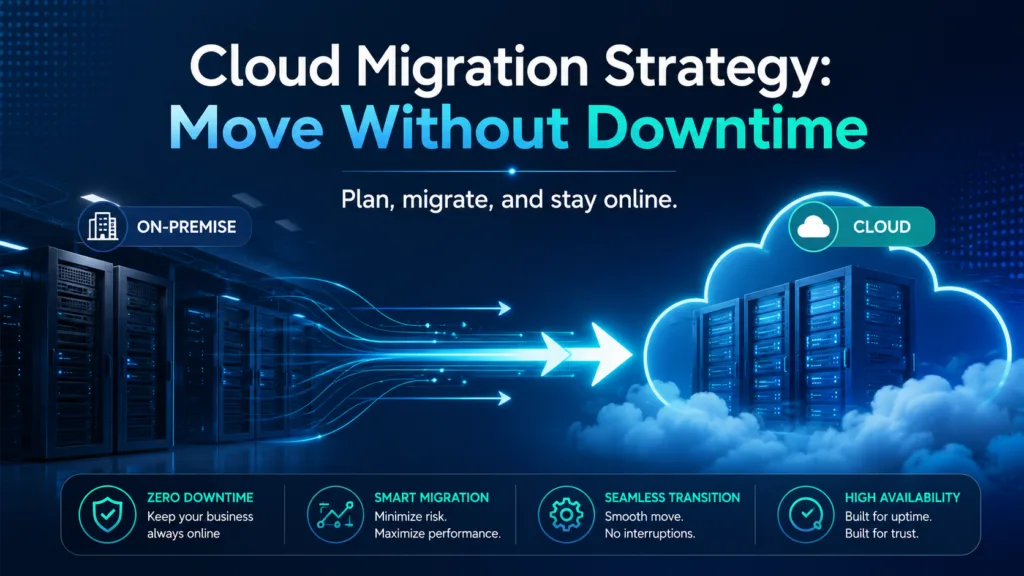
A structured cloud migration strategy provides a clear roadmap for every stage of the project. It explains what will be moved, when it will be moved, who will manage each activity, and how the business will respond if something goes wrong.
Without a clear plan, companies may experience:
- Data loss
- Application failures
- Broken integrations
- Security vulnerabilities
- Unexpected expenses
- Extended downtime
- Poor website performance
- Compliance problems
Proper planning also helps teams identify connections between systems. For example, an e-commerce website may depend on a product database, payment gateway, inventory platform, customer relationship management system, and email service.
If one dependency is overlooked, the website may appear online while important functions remain unavailable.
Step 1: Define the Purpose of the Migration
Every cloud migration project should begin with clear business goals.
Common objectives include:
- Improving website performance
- Increasing system availability
- Reducing hardware maintenance
- Supporting business growth
- Strengthening disaster recovery
- Improving remote access
- Modernizing old applications
- Reducing infrastructure costs
The goals should be specific and measurable.
Instead of saying that the business wants “better performance,” define a target such as reducing website loading time, improving application response speed, or supporting a larger number of simultaneous users.
Clear objectives make it easier to choose the right cloud provider, services, architecture, and migration method.
Step 2: Assess Your Existing Infrastructure
Before starting the migration, create a complete inventory of the current technology environment.
Review:
- Physical and virtual servers
- Applications
- Databases
- Storage systems
- Operating systems
- Network settings
- Security tools
- User accounts
- Third-party integrations
- Backup procedures
Businesses should also record which systems depend on one another.
Dependency mapping is especially important for complex applications. A customer-facing application may depend on authentication tools, databases, APIs, payment systems, and external software.
Understanding these relationships helps determine the correct migration order and reduces the risk of unexpected failures.
Step 3: Choose the Right Migration Approach
Not every workload should be moved in the same way. Businesses can select from several cloud migration approaches.
Rehosting
Rehosting, also known as lift and shift, moves an application to the cloud with minimal changes.
This method is generally faster and less expensive, but the application may not benefit fully from cloud-native features.
Replatforming
Replatforming makes limited improvements during the move.
For example, a business may transfer an application to the cloud while replacing its traditional database with a managed cloud database.
Refactoring
Refactoring involves redesigning an application specifically for a cloud environment.
This approach may provide greater scalability, automation, and performance, but it requires more development work and testing.
Replacing
Sometimes, replacing an old application with cloud-based software is more practical than migrating it.
The correct approach depends on the age of the system, technical requirements, project budget, operational risk, and business goals.
Step 4: Create a Detailed Migration Plan
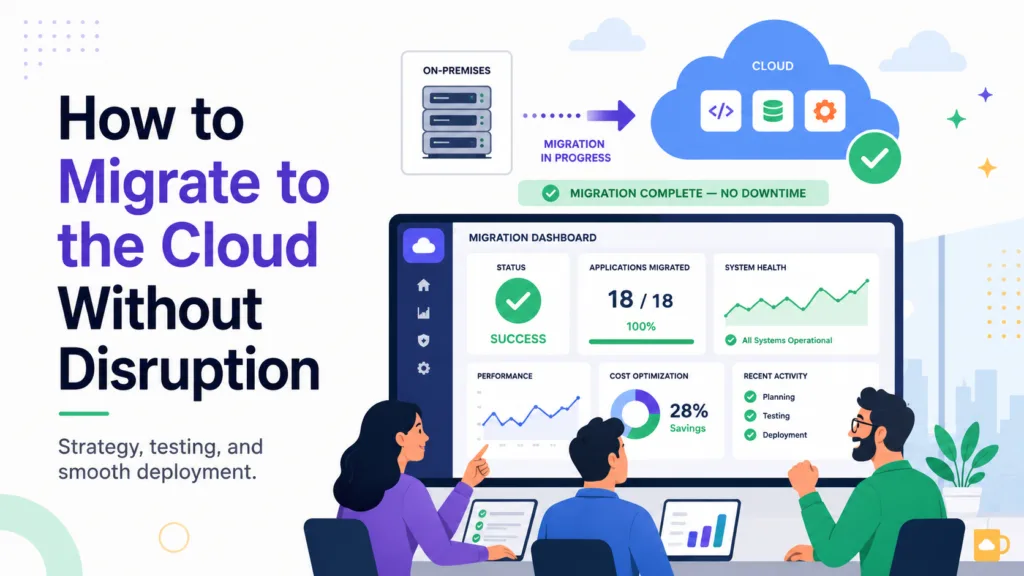
A complete migration plan should document every activity required before, during, and after the move.
The plan should include:
- Project scope
- Applications and data being moved
- Migration sequence
- Team responsibilities
- Backup requirements
- Security checks
- Testing procedures
- Data synchronization methods
- DNS changes
- Communication plans
- Rollback procedures
- Success measurements
Each task should have an owner and deadline.
The final cutover should be scheduled during a period of low activity whenever possible. Businesses should avoid major sales events, product launches, payment deadlines, or other critical operating periods.
Step 5: Back Up and Verify All Data
Reliable backups are essential for a safe cloud migration.
Businesses should back up:
- Application files
- Databases
- Customer records
- Configuration files
- User accounts
- Website content
- Virtual machines
- Security settings
- Email data
Backups should be stored separately from both the existing and new environments.
The restoration process must also be tested. A backup should not be considered reliable until the team confirms that the files and systems can be recovered successfully.
Frequent backups may be required during the migration period to capture recent changes.
Step 6: Build the New Cloud Environment First
The target cloud infrastructure should be fully configured before production systems are moved.
Prepare:
- Virtual servers
- Cloud storage
- Databases
- Network configurations
- Firewalls
- User permissions
- Encryption
- Monitoring tools
- Backup systems
- Load balancers
- Auto-scaling rules
Building the environment in advance allows the migration team to identify configuration issues while the existing system continues serving users.
The new infrastructure should also match the performance, security, compliance, and availability requirements of the business.
Step 7: Test with a Staging Environment
Never begin cloud migration with the most important production system.
Start by moving a development, staging, or low-risk workload.
Test:
- Website and application functions
- Database connectivity
- User authentication
- File permissions
- Payment processing
- Email delivery
- API connections
- Reports and dashboards
- Security controls
- Loading speed
Testing helps teams detect compatibility problems without affecting customers or employees.
Any errors should be documented, corrected, and tested again before production traffic is moved.
Cloud Migration Strategy for Zero-Downtime Migration
A zero-downtime migration keeps the existing environment active while the new cloud system is prepared, tested, and synchronized.
The goal is to prevent users from noticing the transition.
Although completely eliminating downtime may not always be possible, the following methods can significantly reduce interruption.
Step 8: Replicate and Synchronize Data
Data synchronization is one of the most important elements of zero-downtime migration.
Instead of stopping the existing system and transferring all information during one migration window, teams can copy most data in advance.
Common methods include:
- Database replication
- Incremental backups
- Continuous file synchronization
- Real-time replication
- Change data capture
The original system remains available while information is transferred to the cloud.
During the final cutover, only the most recent changes need to be copied. This reduces the amount of time required to switch environments.
The team should confirm that no records are missing, duplicated, or corrupted.
Step 9: Move Workloads in Phases
Migrating every application and database simultaneously creates unnecessary risk.
A phased approach may begin with:
- Development environments
- Internal tools
- Low-risk applications
- Secondary databases
- Customer-facing platforms
- Core production systems
Moving gradually allows the team to learn from each stage and improve the process before migrating more important workloads.
If a problem occurs, fewer users and systems are affected.
Step 10: Prepare DNS Changes
DNS records direct users to the server hosting a website or application.
Before migration, reduce the DNS Time to Live value. A lower TTL helps new DNS changes take effect more quickly.
A typical process includes:
- Lowering the TTL before migration
- Testing the cloud environment
- Completing data synchronization
- Updating the DNS records
- Monitoring traffic
- Keeping the old system available temporarily
Because DNS updates may take different amounts of time across networks and regions, both environments should remain operational during the transition.
Step 11: Use Load Balancing and Gradual Traffic Switching
Load balancing can distribute user traffic between the old infrastructure and the new cloud environment.
Instead of moving every visitor immediately, the business can direct a small percentage of users to the cloud system first.
If the new environment performs correctly, the team can gradually increase traffic.
This approach makes it easier to detect:
- Application errors
- Slow response times
- Database issues
- Failed integrations
- Security problems
When serious issues appear, traffic can be directed back to the original environment.
Step 12: Prepare a Rollback Plan
Every migration project needs a rollback plan.
A rollback plan explains how the business will return to the previous infrastructure if the cloud system fails.
It should identify:
- Conditions that trigger rollback
- The person authorized to approve it
- Steps for redirecting traffic
- Data recovery procedures
- Backup restoration methods
- Stakeholder communication
- Required recovery time
The old environment should remain active until the cloud system has been tested under normal production traffic.
Removing the original infrastructure too early can leave the business without a safe recovery option.
Step 13: Monitor the New Environment
Monitoring should begin before the final cutover and continue after the migration is complete.
Track:
- Application availability
- Website loading speed
- CPU usage
- Memory consumption
- Database performance
- Network activity
- Error rates
- Failed logins
- Security alerts
- Customer transactions
Real-time monitoring helps technical teams identify and resolve problems quickly.
Performance should also be compared with the original environment to confirm whether the cloud migration achieved its objectives.
Step 14: Review Security and Access Controls
Security settings should be reviewed immediately after migration.
Check:
- Administrator accounts
- User permissions
- Firewall rules
- Encryption settings
- Storage access
- Multi-factor authentication
- Audit logs
- Backup policies
- Compliance requirements
Cloud platforms provide advanced security features, but incorrect configurations may expose sensitive information.
Businesses should follow the principle of least privilege, which means every user receives only the access required to perform their role.
Common Cloud Migration Mistakes
Several common mistakes can increase downtime and project costs.
These include:
- Migrating without mapping dependencies
- Skipping backup restoration tests
- Moving every system at once
- Ignoring data synchronization
- Failing to test third-party integrations
- Removing the old environment too quickly
- Choosing a provider based only on price
- Not communicating with employees and customers
Avoiding these mistakes improves the likelihood of a successful cloud migration.
Benefits of Successful Cloud Migration
A carefully managed cloud migration can provide:
- Improved scalability
- Better system availability
- Stronger disaster recovery
- Reduced hardware maintenance
- Faster application deployment
- Flexible resource usage
- Better remote accessibility
- Improved monitoring
- Greater operational efficiency
Cloud infrastructure can also help businesses respond more quickly to changing customer demand and launch new services without purchasing additional physical hardware.
Conclusion
A successful cloud migration strategy requires careful assessment, preparation, testing, synchronization, monitoring, and communication. Businesses should understand their existing systems, map application dependencies, prepare secure backups, and build the cloud environment before moving production workloads.
A zero-downtime migration becomes more achievable when data is replicated continuously, workloads are moved in phases, and traffic is redirected gradually. Keeping the original environment available also provides a reliable fallback if unexpected problems occur.
Cloud migration should be treated as both a technical and business project. With a structured plan, companies can reduce disruption, protect important information, maintain customer trust, and gain the scalability and flexibility offered by modern cloud platforms.
Frequently Asked Questions
1. What is a cloud migration strategy?
A cloud migration strategy is a structured plan for moving applications, databases, websites, and other digital resources to a cloud environment while controlling downtime, cost, security, and operational risk.
2. How can businesses avoid downtime during cloud migration?
Businesses can reduce downtime by preparing the cloud environment in advance, replicating data, testing systems, lowering DNS TTL values, using load balancing, and moving traffic gradually.
3. What is a zero-downtime migration?
A zero-downtime migration keeps the existing system available while data and traffic are transferred to the new environment. Users can continue accessing services during most or all of the transition.
4. Why is a rollback plan necessary?
A rollback plan allows the business to return to the previous environment if the new cloud system experiences serious technical, security, or performance problems.
