


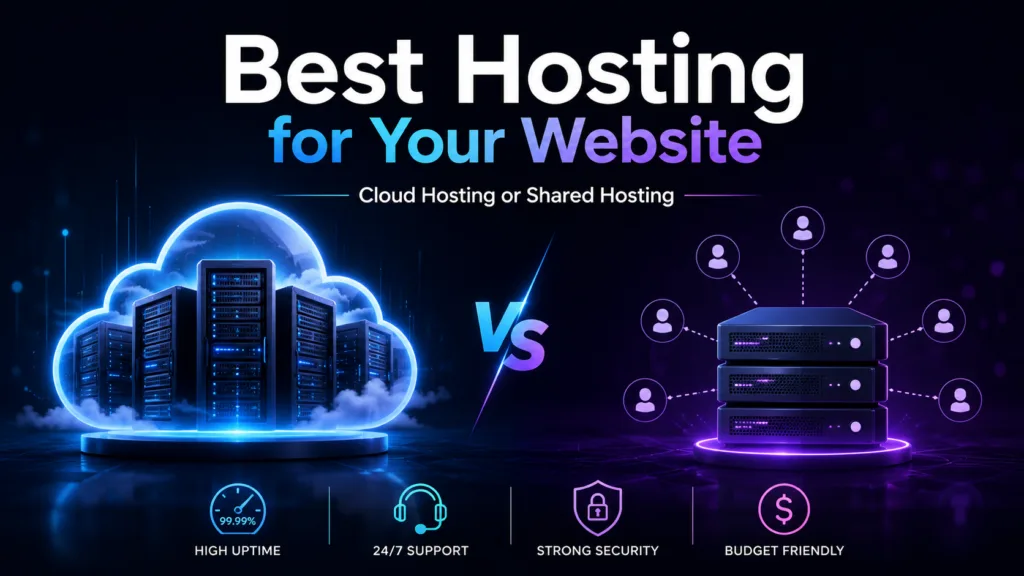
Cloud hosting vs shared hosting is an important comparison for anyone planning to launch, upgrade, or expand a website. Both hosting options make your website accessible online, but they differ significantly in performance, reliability, scalability, security, resource allocation, and pricing.
Shared hosting is usually the more affordable and beginner-friendly choice. Multiple websites share the resources of one physical server, allowing hosting providers to offer plans at a low monthly cost. Cloud hosting uses resources from a network of connected servers, which can provide greater flexibility and reduce dependence on a single machine.
Choosing the wrong hosting plan can result in slow loading speeds, website downtime, limited growth, or unnecessary expenses. A personal blog with a few hundred visitors may not require advanced cloud infrastructure, while an online store receiving thousands of daily visitors may quickly outgrow a basic shared plan.
This guide compares cloud hosting and shared hosting to help you choose the most suitable option for your website, technical requirements, and future business goals.
What Is Shared Hosting?
Shared hosting is a hosting model in which multiple websites operate on the same physical server.
Every website has its own account and files, but users share server resources such as:
- Processing power
- Memory
- Storage
- Bandwidth
- Operating system
- Server software
Shared hosting is similar to living in an apartment building. Each resident has a private space, but everyone shares the same building infrastructure.
Because the cost of maintaining the server is divided among many customers, shared hosting is generally inexpensive. It is commonly used for personal blogs, portfolios, local business websites, landing pages, and small informational websites.
Most shared plans include a beginner-friendly control panel, SSL certificate, email accounts, one-click WordPress installation, and customer support.
What Is Cloud Hosting?
Cloud hosting uses a network of connected physical and virtual servers rather than depending entirely on one machine.
Your website files, databases, or resources may be distributed across the cloud infrastructure. If one server becomes unavailable or overloaded, another server may help maintain website availability, depending on how the platform is configured.
Cloud hosting can provide:
- Flexible processing resources
- Scalable memory
- Cloud storage
- Load balancing
- Automated backups
- Performance monitoring
- Advanced security tools
- Better traffic management
This hosting model is commonly used for growing business websites, e-commerce stores, SaaS platforms, membership websites, large blogs, and web applications.
Cloud plans may have fixed monthly pricing or usage-based billing. Some providers allow resources to scale automatically when website traffic increases.
Cloud Hosting vs Shared Hosting: Key Differences
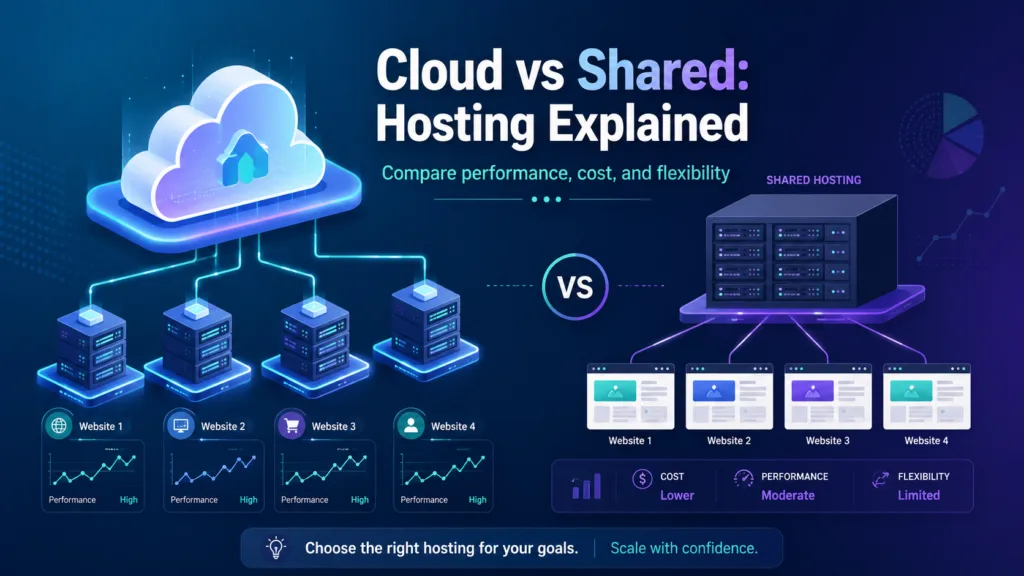
Understanding the differences between the two hosting options will help you avoid choosing a plan that is either too limited or unnecessarily expensive.
1. Hosting Infrastructure
The main difference is the infrastructure supporting the website.
Shared hosting operates on one physical server. Multiple customers share the resources available on that machine.
Cloud hosting uses multiple connected servers. Resources can be distributed across a larger infrastructure instead of remaining dependent on one server.
If the physical server supporting a shared hosting account experiences a serious problem, all websites hosted on that server may be affected. Cloud infrastructure can provide better redundancy because workloads may be moved to another available machine.
However, cloud hosting is not completely protected from downtime. Network failures, software errors, data center issues, or incorrect configurations can still interrupt service.
2. Website Performance
Website performance affects customer experience, conversions, and search engine visibility.
In shared hosting, many websites use the same server resources. If another website experiences a sudden traffic increase or consumes excessive processing power, other accounts may experience slower performance.
Hosting providers usually place limits on each account, but shared resources can still create performance variation.
Cloud hosting generally provides more consistent performance because resources can be distributed across multiple servers. Businesses can also increase memory or processing capacity when their websites require additional power.
However, hosting is only one factor affecting speed. Website design, image sizes, plugins, databases, caching, and code quality also influence performance.
A properly optimized shared website may load faster than a poorly optimized website on an expensive cloud plan.
3. Scalability
Scalability refers to how easily a website can access additional resources as it grows.
Shared hosting has limited scalability because many customers use the same physical server. When your website outgrows the available resources, you may need to upgrade to a higher plan or migrate to a different hosting environment.
Cloud hosting is designed to scale more easily. Businesses can often increase:
- CPU capacity
- RAM
- Storage
- Bandwidth
- Database resources
Some platforms offer automatic scaling, which increases resources when traffic rises and reduces them when demand returns to normal.
This makes cloud hosting suitable for businesses running seasonal promotions, advertising campaigns, product launches, or online events.
4. Reliability and Uptime
Website availability is important for any business that generates leads, processes payments, or serves customers online.
Shared hosting depends heavily on one server. Hardware failure, maintenance, resource overload, or server-level software problems may affect every account on that machine.
Cloud infrastructure reduces single-server dependency. If one server fails, another part of the network may continue supporting the website.
This generally gives cloud platforms an advantage in reliability.
Before purchasing either option, review the provider’s uptime guarantee, backup policy, infrastructure redundancy, and service-level agreement. The quality of the hosting company is often as important as the hosting category.
5. Security
Both hosting types can be secure when managed by a reliable provider.
Shared hosting companies commonly provide:
- SSL certificates
- Firewalls
- Malware scanning
- Account isolation
- Software updates
- Backup services
- Login protection
However, several websites still share the same physical environment. Hosting providers must maintain strong isolation to prevent one compromised account from affecting others.
Cloud hosting may provide more advanced security controls, including private networks, detailed access permissions, encryption, automated monitoring, and activity logs.
However, greater flexibility can also introduce more complexity. Incorrect cloud permissions, exposed administrator accounts, or poorly configured storage may create serious security risks.
Small businesses without technical expertise should consider managed hosting, regardless of which model they choose.
6. Pricing
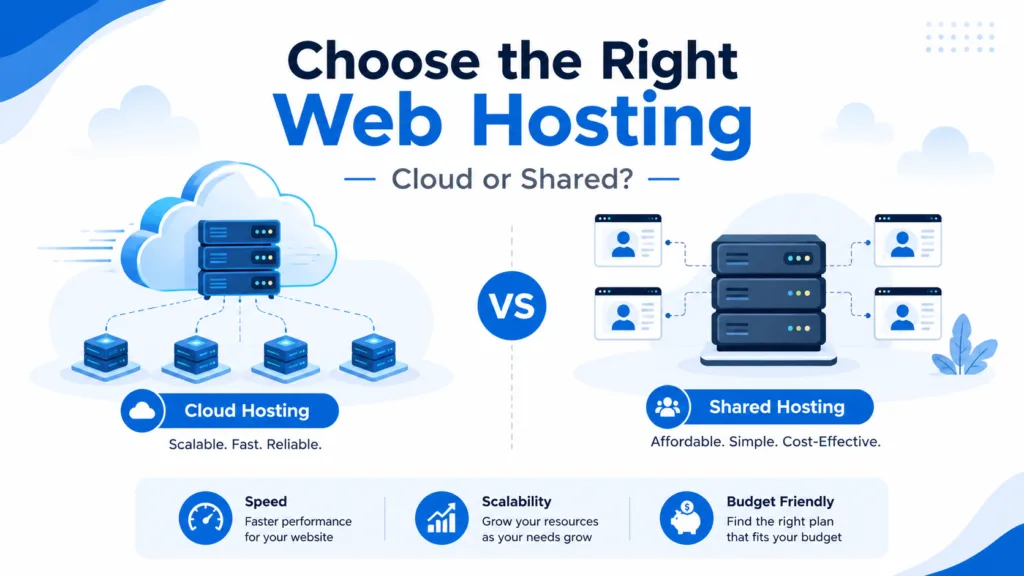
Shared hosting is generally the cheaper option.
The cost of the server is divided among many users, allowing providers to offer inexpensive introductory plans. These plans may also include email, SSL, website-building tools, and domain registration.
Cloud hosting usually costs more because it provides stronger performance, scalability, and infrastructure flexibility.
Cloud pricing may be based on:
- Fixed monthly plans
- Resource usage
- Data transfer
- Cloud storage
- Database activity
- Backup capacity
- Premium support
Usage-based pricing can be cost-effective when resource needs change, but it may also make monthly expenses harder to predict.
When comparing costs, review renewal pricing, backup charges, support fees, migration costs, bandwidth limits, and security features.
7. Ease of Use
Shared hosting is usually designed for beginners.
Most plans include a control panel where users can manage:
- Domains
- Email accounts
- Website files
- Databases
- Backups
- SSL certificates
- WordPress installations
The hosting provider handles the physical server, operating system, and most technical maintenance.
Cloud hosting can also be easy to use when it is fully managed. However, unmanaged cloud servers may require knowledge of operating systems, command-line tools, networking, security, backups, and software configuration.
Business owners without server administration experience should choose managed cloud hosting rather than selecting an unmanaged plan only because it appears affordable.
8. Resource Allocation
Shared hosting customers use resources from a common pool. Providers may set limits on CPU usage, memory, storage, file count, or website traffic.
If your website exceeds these limits, it may slow down, display errors, or require a plan upgrade.
Cloud hosting generally provides more flexible resource allocation. Businesses can select or adjust resources according to website demand.
This can be particularly valuable for e-commerce stores and applications where traffic or database activity changes throughout the year.
9. Technical Control
Shared hosting provides limited control over server configurations.
The provider decides which operating system, server software, security rules, and technical features are available. This makes management easier but may restrict businesses with specialized requirements.
Cloud hosting often provides more control. Depending on the service, users may be able to choose:
- Operating systems
- Server locations
- Software configurations
- Storage types
- Network settings
- Security rules
Greater control is useful for developers and businesses running custom applications, but it also creates more management responsibility.
10. Website Traffic Handling
Shared hosting works best for websites with low or moderate traffic.
A sudden increase in visitors may exceed resource limits, especially if the website uses heavy plugins, large images, or inefficient database queries.
Cloud hosting can generally manage traffic spikes more effectively because additional resources may be made available when demand rises.
For example, an e-commerce store may experience a significant increase in visitors during a holiday sale. Scalable cloud resources can help maintain website performance during the campaign.
Advantages of Shared Hosting
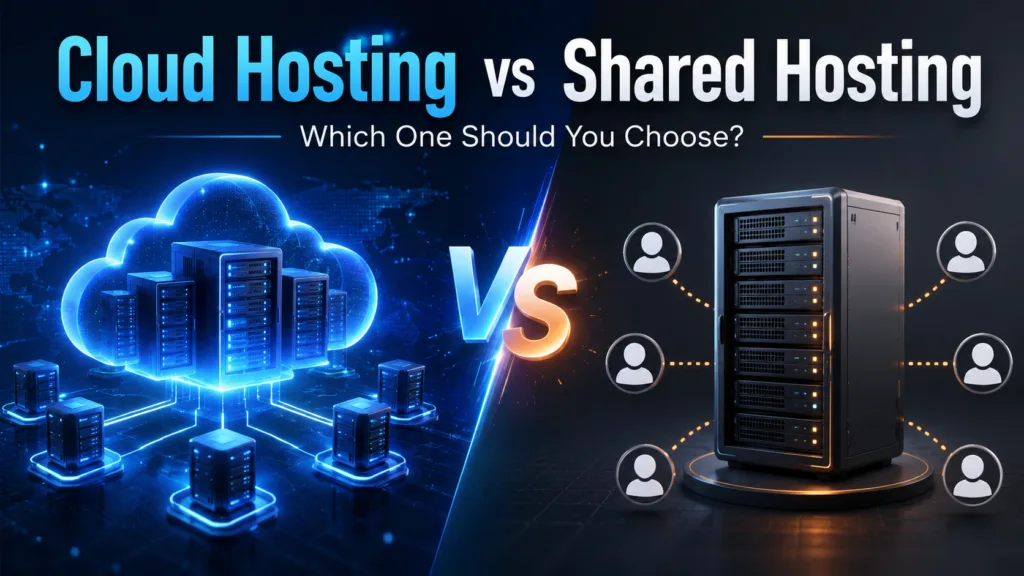
Shared hosting offers several benefits for beginners and smaller websites.
Affordable Plans
It is usually the least expensive way to host a professional website.
Easy Website Management
Control panels and one-click installation tools simplify daily tasks.
Technical Maintenance Included
The provider manages the server, operating system, security updates, and infrastructure.
Suitable for Basic Websites
It can support portfolios, blogs, service websites, and small local businesses.
Predictable Pricing
Most plans charge a fixed monthly or annual fee.
Disadvantages of Shared Hosting
The main limitations include:
- Shared server resources
- Limited scalability
- Reduced technical control
- Possible performance variation
- Dependence on one physical server
- Restrictions on software and configurations
A growing website may eventually need to move to a VPS, dedicated server, or cloud platform.
Advantages of Cloud Hosting
Cloud hosting provides several advantages for growing and business-critical websites.
Greater Scalability
Resources can usually be increased without a complicated server migration.
Better Reliability
Distributed infrastructure reduces dependence on one physical machine.
Improved Traffic Management
Cloud platforms can handle changing or unpredictable traffic more effectively.
Flexible Resources
Businesses can adjust memory, processing power, bandwidth, and storage.
Advanced Hosting Features
Cloud services may include load balancing, automatic backups, monitoring, and managed databases.
Disadvantages of Cloud Hosting
Potential disadvantages include:
- Higher starting costs
- More complicated pricing
- Technical complexity
- Additional charges for bandwidth or backups
- Greater management responsibility on unmanaged plans
Businesses should review the complete cost and management requirements before choosing a cloud provider.
Which Hosting Option Should You Choose?
Choose shared hosting when:
- You are launching your first website
- Your website has low or moderate traffic
- Your budget is limited
- You need a simple control panel
- You do not require custom server settings
- You operate a blog, portfolio, or basic business website
Choose cloud hosting when:
- Your website traffic is growing
- You expect sudden traffic increases
- Website availability is important
- You operate an e-commerce store
- You need flexible resources
- You run a business application
- You want a hosting environment that can scale
Many businesses begin with shared hosting and migrate to the cloud after their traffic, storage, or performance requirements increase.
Conclusion
When comparing cloud hosting vs shared hosting, there is no single solution that is best for every website.
Shared hosting is affordable, easy to manage, and suitable for beginners, blogs, portfolios, and smaller business websites. Its main limitations are shared resources, limited scalability, and dependence on one physical server.
Cloud hosting provides better flexibility, scalability, and infrastructure redundancy. It is usually more suitable for growing businesses, online stores, high-traffic websites, and applications that require reliable performance.
Before choosing a plan, consider your traffic, budget, technical skills, security requirements, website functionality, and future growth. The best hosting option should meet your present needs without making future expansion unnecessarily difficult.
Frequently Asked Questions
1. Is cloud hosting better than shared hosting?
Cloud hosting is generally better for websites that require scalability, reliability, and flexible resources. Shared hosting may be more suitable for beginners and smaller websites because it is simpler and more affordable.
2. Is shared hosting suitable for a small business?
Yes. Shared hosting can support a small business website with moderate traffic and basic functionality. Businesses may need to upgrade when traffic, storage, or performance requirements increase.
3. Is cloud hosting more expensive than shared hosting?
Cloud hosting usually costs more because it offers greater scalability, flexibility, and infrastructure redundancy. The final cost depends on resource usage, support, storage, bandwidth, and additional services.
4. Can I migrate from shared hosting to cloud hosting later?
Yes. Most websites can be migrated from shared hosting to a cloud environment. Many providers offer free or paid migration assistance to help reduce downtime and data-loss risks.
