


GitHub Copilot vs Cursor vs Windsurf is a common comparison among developers looking to write code faster, debug applications, and improve their software development workflow. All three tools provide AI-powered coding assistance, but they differ in how they integrate with development environments, understand codebases, and help developers complete complex programming tasks.
GitHub Copilot brings AI assistance into supported IDEs and development workflows. Cursor is an AI-focused code editor designed around codebase understanding and AI-assisted editing. Windsurf combines an AI-first development environment with agentic coding capabilities through its Cascade feature.
Choosing the right tool depends on your programming experience, preferred editor, project complexity, budget, and the level of automation you need. This guide compares their features, advantages, limitations, and ideal use cases to help you make an informed decision.
Table of Contents
What Are GitHub Copilot, Cursor, and Windsurf?
Before comparing these AI coding tools, it is helpful to understand what each one offers.
GitHub Copilot
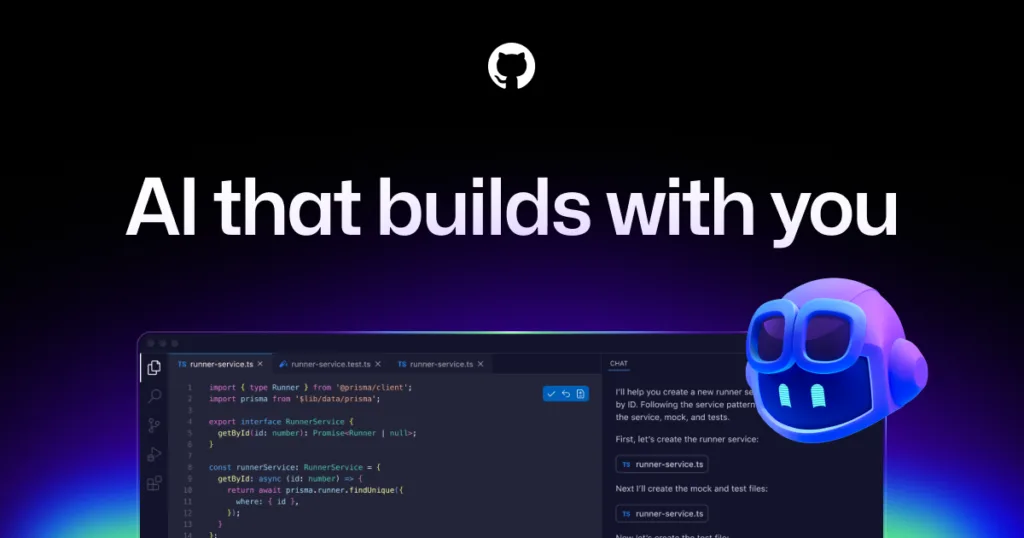
GitHub Copilot is an AI coding assistant that helps developers generate code, complete functions, explain programming concepts, and write tests. It integrates with supported IDEs and other development workflows, allowing developers to receive assistance without completely changing their existing setup.
It is particularly useful for developers who want AI-powered suggestions while continuing to work in familiar environments.
Cursor
Cursor is an AI-powered code editor built around assisted coding and codebase understanding. Developers can ask questions about their projects, request changes, and use AI to modify related files.
Its editor-based workflow is especially useful for developers who frequently work on existing applications and need to understand how different components interact.
Windsurf
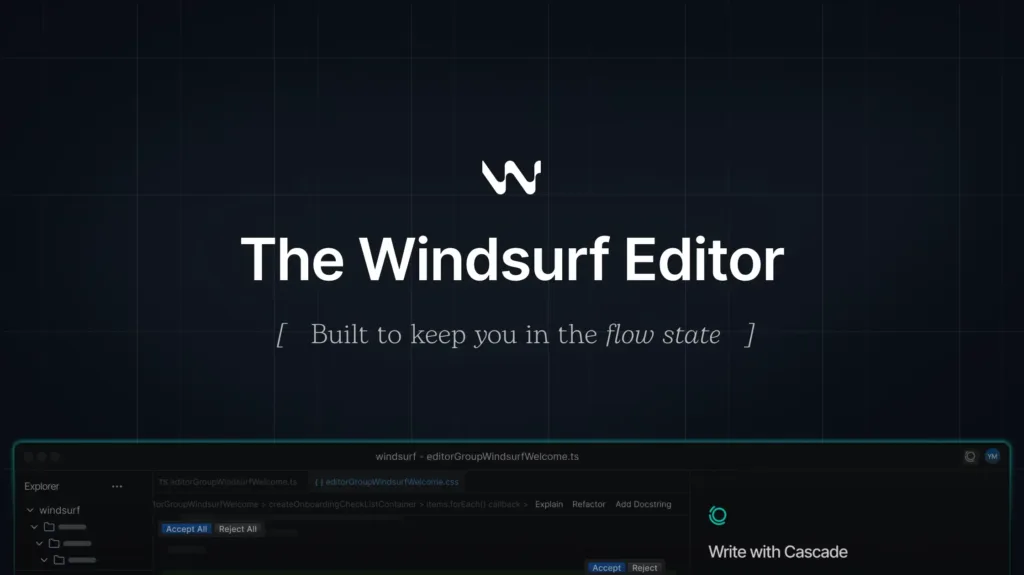
Windsurf is an AI-focused development environment that integrates coding assistance with agentic workflows. Its Cascade feature helps developers explore project context, plan changes, generate code, and work through development tasks using natural-language instructions.
It is designed for developers who want AI assistance integrated throughout the coding process rather than limited to individual code suggestions.
GitHub Copilot vs Cursor vs Windsurf: Key Differences
The biggest difference between these tools is how they fit into a developer’s workflow. GitHub Copilot emphasizes integrated coding assistance, while Cursor and Windsurf offer AI-first editing experiences.
| Feature | GitHub Copilot | Cursor | Windsurf |
|---|---|---|---|
| Main approach | AI coding assistant | AI-first code editor | AI-first development environment |
| Code completion | Yes | Yes | Yes |
| Codebase understanding | Available features vary by IDE and workflow | Core capability | Core capability |
| Multi-file editing | Supported through relevant features | Supported | Supported |
| AI agent workflows | Available | Available | Available |
| Existing IDE workflow | Strong integration with supported IDEs | Requires adopting Cursor’s editor | Requires adopting Windsurf’s environment |
| Best suited for | Developers who prefer their current IDE | Developers wanting AI-assisted editing | Developers wanting integrated agentic workflows |
Features and usage limits can change, so check each provider’s current documentation before choosing a subscription.
1. Code Generation and Autocomplete
Code completion is one of the most useful features of AI coding tools. It helps developers write functions, complete repetitive statements, and generate code based on surrounding context.
GitHub Copilot: A strong option for developers who want suggestions while typing inside a supported IDE. It can help generate functions, documentation, and test cases without requiring a complete change to their workflow.
Cursor: Combines code completion with conversational editing. Developers can request changes and use project context to help generate code that fits their applications.
Windsurf: Offers AI-powered code completion alongside its agentic workflow. Developers can use Cascade to work on larger tasks that extend beyond individual lines or functions.
Winner: All three are useful for code generation. GitHub Copilot is a practical choice for traditional IDE workflows, while Cursor and Windsurf are attractive for developers who prefer AI-first editing.
2. Debugging and Understanding Code
Debugging requires identifying the underlying cause of a problem rather than simply replacing an incorrect line. The quality of the available context and the developer’s ability to verify suggestions are important.
GitHub Copilot can explain code, suggest fixes, and assist with testing. Cursor can help developers investigate code across related files, which is useful when errors involve multiple components. Windsurf can combine codebase context with agentic workflows to help investigate and modify affected files.
These AI coding tools can save time, but none guarantees a correct diagnosis. Developers should reproduce bugs, review proposed changes, and run tests before accepting a fix.
Winner: Cursor and Windsurf are worth considering for project-wide debugging workflows. GitHub Copilot remains useful for developers who want debugging assistance inside an existing IDE.
3. Working With Large Codebases
Large projects often contain interconnected modules, shared dependencies, and complex application logic. A useful coding assistant should help developers understand these relationships before making changes.
Cursor focuses on interacting with codebases through its editor and AI features. Windsurf emphasizes project context within its Cascade workflow. GitHub Copilot also provides codebase-oriented assistance through supported features, although the exact experience depends on the editor and workflow being used.
For example, modifying an authentication feature might require changes to frontend forms, backend endpoints, validation rules, and tests. An AI assistant that understands the relevant project files can help coordinate these changes.
Winner: Cursor and Windsurf are strong candidates for developers who want an AI-first approach to multi-file work. The best result depends on repository size, available context, and the quality of the instructions.
4. Ease of Use and Learning Curve
GitHub Copilot is convenient for developers who already use supported IDEs. They can introduce AI assistance into their workflow without necessarily learning a new editor.
Cursor may feel familiar to developers who have used similar code editors, but switching to its environment requires some adjustment. Windsurf also involves adopting an AI-oriented development environment and learning how its Cascade workflow operates.
Beginners may appreciate conversational assistance from any of the three tools. However, learning to write code independently remains important for understanding generated output and diagnosing problems.
Winner: GitHub Copilot is a practical starting point for developers who want to retain their existing IDE. Cursor and Windsurf may be more appealing to developers ready to adopt an AI-first workflow.
5. Pricing and Free Plans

Pricing is important when selecting AI coding tools, especially for students, freelancers, and independent developers.
GitHub Copilot has offered a free plan with limited usage alongside paid individual plans. Cursor also offers a free Hobby plan with limited AI usage and paid options. Windsurf has offered free and paid tiers, but its current pricing and usage allowances should be checked directly before subscribing.
Do not compare subscriptions by monthly price alone. Consider how many agent requests are included, which models are available, whether usage is capped, and whether additional usage costs extra.
For developers in India, local pricing and payment options may also affect the decision. Cursor, for example, has introduced an India-specific Start plan. Check its current availability and terms before purchasing.
Winner: There is no universal winner on price. Compare the current free allowances and paid-plan limits against your actual coding workload.
Advantages and Limitations of Each Tool
GitHub Copilot
Advantages
- Integrates with supported development environments.
- Helps generate code and tests.
- Fits established coding workflows.
- Offers features for individual developers and teams.
Limitations
- The experience varies by IDE and feature.
- Some advanced capabilities have usage restrictions.
- Suggestions still require review and testing.
Cursor
Advantages
- AI-first code editing experience.
- Useful for working across multiple files.
- Conversational project exploration.
- Supports agentic development workflows.
Limitations
- Requires adopting its editor.
- Usage limits and model access depend on the plan.
- Complex changes can still introduce bugs.
Windsurf
Advantages
- Integrates AI assistance into the development environment.
- Cascade supports agentic coding workflows.
- Useful for exploring and modifying project context.
- Can assist with multi-step development tasks.
Limitations
- Requires learning its environment and workflow.
- Available capabilities can vary by plan.
- Generated changes must be checked carefully.
Which AI Coding Tool Should You Choose?
The best option depends on how you develop software.
- Choose GitHub Copilot if you want AI coding assistance while keeping your existing IDE and established workflow.
- Choose Cursor if you prefer an AI-first editor with tools for exploring and modifying codebases.
- Choose Windsurf if you want an integrated development environment built around conversational and agentic coding workflows.
For beginners, the best choice is the tool that helps explain code while allowing you to practise independently. For experienced developers, the deciding factors may be repository context, agent capabilities, model access, and usage limits.
Before paying, test each available free option on the same small project. Ask each tool to implement a feature, fix a bug, and generate tests. Compare the quality of the output, the amount of manual correction required, and the overall cost.
Final Verdict
In the GitHub Copilot vs Cursor vs Windsurf comparison, there is no single winner for every developer.
GitHub Copilot is a strong choice for adding AI assistance to existing development workflows. Cursor is appealing for developers who want AI-assisted editing and project-wide changes. Windsurf is worth considering for developers who prefer an AI-first environment with integrated agentic workflows.
The right tool is the one that improves your productivity without compromising code quality, security, or maintainability. Test the available options against your real development tasks, review the generated code, and choose based on measurable results rather than marketing claims.
Frequently Asked Questions
1. Is GitHub Copilot better than Cursor?
GitHub Copilot may be better for developers who want AI assistance in their existing IDE. Cursor may be preferable for developers who want an AI-first editor and conversational tools for working across a codebase.
2. Is Cursor better than Windsurf?
Cursor and Windsurf both offer AI-assisted editing and agentic workflows. Cursor emphasizes AI-powered codebase interaction, while Windsurf integrates its Cascade agent into an AI-focused development environment. The better option depends on personal preference, project needs, and current features.
3. Which AI coding tool is best for beginners?
All three can help beginners generate and understand code. GitHub Copilot may be convenient for those already using a supported IDE, while Cursor and Windsurf offer conversational workflows. Beginners should always understand and test the code they use.
4. Are GitHub Copilot, Cursor, and Windsurf free?
All three have offered free access or free-plan options, but features and usage limits vary. Check their official pricing pages for the latest plans, model availability, and usage restrictions before subscribing.
