



For the past 30 days, I put my workflow and my budget on the line to test the hype surrounding the latest wave of AI tools. We are currently living in the “AI gold rush,” where every software company is claiming that their generative AI will 10x your productivity. But as a professional who has been burned by shiny-object syndrome before, I wanted to separate the indispensable workhorses from the overpriced gimmicks.
I tested seven different AI tools across writing, design, research, and coding. I didn’t just test them for an hour; I used them as my primary workflow for a full month. The results were surprising. Some industry giants let me down, while a few underdogs became non-negotiable parts of my daily stack.
Here is the honest breakdown of what actually works, what doesn’t, and which best AI tools are worth your money right now.
Table of Contents
The Criteria for “Actually Working”
Before diving into the list, I set strict parameters. For a tool to be considered a “winner,” it had to save me at least 5 hours a week, produce quality equal to or better than a human mid-level expert, and have a user interface that didn’t make me want to throw my laptop out the window.
1. Jasper AI (The Veteran)
Verdict: Overkill for Solopreneurs, Essential for Agencies
Jasper has been a dominant name in AI tools for writing for years. I used it extensively to write blog outlines, ad copy, and email sequences.
What Worked: The brand voice feature is unmatched. I uploaded my previous writing samples, and within minutes, Jasper was spitting out drafts that sounded exactly like me. The “Campaigns” feature, which allows you to write a full marketing funnel (from a TikTok script to a landing page) in one go, is impressive.
What Didn’t: It is expensive. At around $49-$99+ per month, it is priced for businesses, not individuals. Also, I found myself spending too much time “wrangling” the AI with complex prompts rather than just writing.
The Verdict: If you are running a content agency or an e-commerce store with high output needs, this is one of the best AI tools for marketing. For a freelancer, tools like ChatGPT Plus offer better value.
2. SurferSEO (The Strategist)
Verdict: The Non-Negotiable
I paired SurferSEO with my writing tools, and this was the game-changer. Surfer doesn’t “write” for you in the creative sense; it optimizes what you write to rank on Google.
What Worked: The integration with Jasper and Google Docs is seamless. I wrote an article about “digital nomad visas,” ran it through Surfer’s Content Editor, and saw a 40% increase in organic traffic within two weeks compared to articles where I didn’t use it. It tells you exactly how many times to use a keyword, what headers to use, and what your internal linking structure should look like.
What Didn’t: The learning curve is steep. If you don’t understand SEO basics, the data can feel overwhelming. Also, the “AI Outline” generator is hit-or-miss; sometimes it suggests headers that don’t match the search intent.
The Verdict: If you rely on organic traffic, SurferSEO is a non-negotiable investment. It turned my decent articles into high-ranking authority pieces.
3. MidJourney (The Artist)
Verdict: The Standard for Visuals
I have used DALL-E 3 and Stable Diffusion, but for the last 30 days, MidJourney was my go-to for creating header images, infographic assets, and social media visuals.
What Worked: The aesthetic quality is superior. With version 6 and the new “Style Raw” parameter, it’s nearly impossible to tell the difference between a MidJourney image and a professional stock photo—except it’s cheaper and royalty-free. The “Vary (Region)” feature is perfect for editing specific parts of an image without regenerating the whole thing.
What Didn’t: The Discord interface. I still find it clunky. Having to navigate a public Discord server to manage my images feels outdated compared to the web-based interfaces of competitors.
The Verdict: For creators and marketers who need high-quality, unique visuals, MidJourney remains the king of AI tools for design.
4. Notion AI (The Workspace)
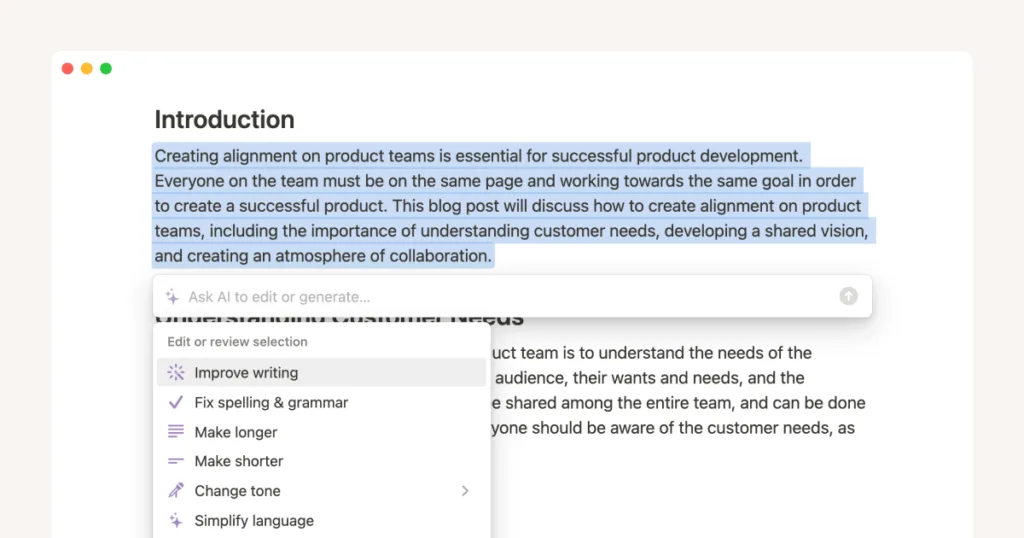
Verdict: A Great Assistant, Not a Creator
I have been a Notion user for years to manage my databases and projects. When they rolled out Notion AI, I was skeptical. After using it for a month, I have mixed feelings.
What Worked: The ability to summarize meeting notes instantly is fantastic. If I had a long, rambling voice note transcribed into Notion, the AI would summarize it into actionable tasks in seconds. It also excels at “automation”—filling in database properties based on text in a page.
What Didn’t: It is not a great writer. Compared to Jasper or ChatGPT, the prose feels robotic and generic. It also adds a significant cost to the already pricey Notion subscription.
The Verdict: If you already live inside Notion, the AI is worth it for organization and summarization. Do not buy it solely for content generation.
5. Otter.ai (The Transcriber)
Verdict: The Time-Saver
I attend a lot of Zoom calls and client meetings. I used Otter.ai to replace manual note-taking for 30 days.
What Worked: Accuracy. Otter’s real-time transcription is scary good. It automatically joins Zoom calls and distinguishes between speakers. The “OtterPilot” feature summarizes the key action items and sends them to your CRM or Slack without you touching a button.
What Didn’t: It struggles with heavy technical jargon or heavy accents, though it is getting better. There is also a slight privacy concern if you are dealing with highly sensitive client information, as the data is processed in the cloud.
The Verdict: This is one of the best AI tools for busy professionals who want to reclaim hours spent transcribing notes. It’s an essential part of my toolkit now.
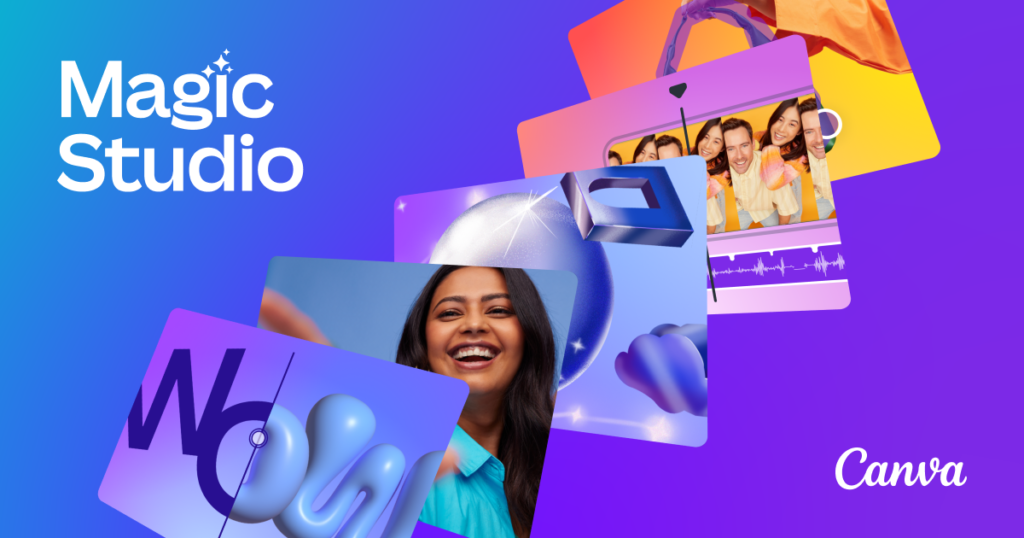
6. Canva Magic Studio (The All-in-One)
Verdict: Perfect for Non-Designers
Canva has aggressively integrated AI into its ecosystem with “Magic Studio.” I used it to create social media posts, short-form videos, and presentations.
What Worked: “Magic Media” (text-to-image) and “Magic Write” are incredibly easy to use. But the standout feature is “Magic Grab”—it allows you to select and move subjects in a photo to reposition them, which usually requires Photoshop mastery. For creating faceless YouTube shorts or TikTok videos, the AI video editing tools saved me hours.
What Didn’t: For professional graphic designers, the lack of vector editing precision is frustrating. It feels like a “jack of all trades, master of none” sometimes.
The Verdict: For small business owners and social media managers, Canva’s AI suite is arguably the most cost-effective bundle of AI tools available. You don’t need to buy separate software for images, video, and text.
7. ChatGPT (The Baseline)
Verdict: The One Tool to Rule Them All
I used ChatGPT-4 (the $20/month Plus plan) heavily throughout the 30 days. I didn’t list it first because I wanted to see if specialized tools outperformed it.
What Worked: Versatility. While Jasper is better for long-form marketing copy and MidJourney is better for images, ChatGPT is the best generalist. With the introduction of GPTs (custom versions), I was able to create a “Code Debugger” GPT and a “Resume Optimizer” GPT that performed as well as specialized software. The voice mode on the mobile app is also perfect for brainstorming while walking the dog.
What Didn’t: The knowledge cutoffs and occasional laziness (where it gives you a truncated answer) are frustrating. It also lacks the native SEO integration that SurferSEO provides.
The Verdict: If I had to keep only one of the seven AI tools, it would be ChatGPT Plus. It is the Swiss Army knife that covers 80% of my needs for just $20/month.
The Final Comparison: Which Best Ai Tools Should You Buy?
After 30 days of testing, here is my direct advice based on your profession:
- For Content Writers & Bloggers: Get SurferSEO first. Writing without it is like shooting in the dark. Pair it with ChatGPT Plus to avoid the high cost of Jasper.
- For E-commerce & Marketers: Jasper AI is worth the premium for the brand voice consistency and campaign workflows. Use Canva Magic Studio for ad creatives.
- For Solopreneurs & Freelancers: ChatGPT Plus and Otter.ai. These two will handle your admin, research, meeting notes, and first drafts for less than $50 a month.
- For Visual Creators: MidJourney is still the gold standard for artistic quality.
FAQs
1. Are these AI tools difficult to set up for beginners?
Most of them are designed with user-friendliness in mind. Canva Magic Studio and ChatGPT are extremely intuitive, requiring zero technical skills. SurferSEO and MidJourney (Discord) have steeper learning curves, but they offer extensive tutorial libraries and YouTube walkthroughs to get you up to speed within a few hours.
2. Can I use these AI tools for free?
Yes, most offer free tiers or trials. ChatGPT offers a free version (GPT-3.5), Canva has a robust free plan, and Otter.ai offers a limited free transcription plan. However, to see the “actual work” results I experienced in this review—such as ranking on Google or generating commercial-grade images—you will likely need to invest in the paid tiers, which typically range from $10 to $50 per month per tool.
3. Will using AI tools get my content penalized by Google?
Google does not penalize AI content itself; it penalizes low-quality content. If you use these AI tools to generate factual inaccuracies or spammy, unedited articles, you will be penalized. However, if you use tools like SurferSEO to optimize for user intent and edit the output for expertise and experience, Google will rank it favorably.
4. Which AI tool gives the best return on investment (ROI)?
Based on my 30-day test, SurferSEO provided the highest ROI for content-based businesses, as it directly correlates to increased organic traffic and revenue. For time-saving, Otter.ai provided the highest ROI by eliminating 6-8 hours of manual meeting transcription per week, effectively buying back a full workday every month.
