



No matter how many precautions you take, IT issues are inevitable. Whether it’s a forgotten password, software bug, hardware failure, or login error, technical problems can disrupt productivity, reduce efficiency, and frustrate both employees and customers.
What is a HelpDesk? A HelpDesk is a centralized support system that helps businesses manage, track, and resolve technical issues quickly and efficiently. By streamlining support requests and automating ticket management, HelpDesk software minimizes downtime, improves customer satisfaction, and enhances team productivity.
In this guide, you’ll learn what is a HelpDesk, how it works, its key features, the different types of HelpDesk systems, and the four proven benefits of implementing HelpDesk software to strengthen your IT support and customer service operations.
What Is a HelpDesk?
What is a HelpDesk? A HelpDesk is a centralized support system that helps organizations manage, track, prioritize, and resolve technical issues and customer service requests. Understanding what is a HelpDesk is essential for businesses looking to improve IT support, reduce downtime, and deliver better customer experiences.
It acts as the primary communication point between users and the support team, ensuring every support request is logged, assigned, and resolved efficiently.
For internal employees, a HelpDesk handles tasks such as:
- Password resets
- Printer troubleshooting
- Software installation
- Laptop configuration
- Access management
- Network connectivity issues
For customers, it helps with:
- Login problems
- Product setup
- Software bugs
- Billing-related technical issues
- Feature guidance
Instead of managing support requests through scattered emails or phone calls, HelpDesk software organizes every issue into a ticket, making support faster and more efficient.
Learn More About IT Service Management
To better understand IT service management (ITSM) best practices and how HelpDesk systems fit into modern IT operations, you can explore the official ITIL framework:
https://www.axelos.com/certifications/itil-service-management
If you’re looking for industry-standard guidance on IT governance, security, and digital transformation, the ISACA knowledge hub offers valuable resources:
https://www.isaca.org/resources
For organizations interested in implementing a modern HelpDesk solution, explore the official Atlassian Jira Service Management documentation to learn about ticket management, automation, and service delivery:
https://www.atlassian.com/software/jira/service-management
How Does a HelpDesk Work?
Before understanding how a HelpDesk functions, it’s important to know what is a HelpDesk and how it streamlines the entire support process. What is a HelpDesk if not a centralized system designed to manage support requests efficiently? A HelpDesk follows a structured workflow that ensures every issue is tracked, prioritized, and resolved without delays.
- User submits a support request.
- The system automatically creates a support ticket.
- The ticket is categorized and prioritized.
- It is assigned to the appropriate support agent.
- Progress is tracked until resolution.
- The ticket is closed after confirmation.
This organized workflow prevents requests from being overlooked while improving response and resolution times.
Read More – structured workflow
HelpDesk vs Service Desk
Although many people use these terms interchangeably, they serve different purposes.
| Feature | HelpDesk | Service Desk |
|---|---|---|
| Primary Purpose | Resolve technical issues | Deliver end-to-end IT services |
| Focus | Incident management | Service management |
| Users | Employees & Customers | Entire organization |
| Scope | Reactive support | Proactive service improvement |
| Best For | Fast issue resolution | ITSM and digital transformation |
Quick takeaway:
A HelpDesk focuses on fixing problems quickly, while a Service Desk manages the complete lifecycle of IT services.
Why Is a HelpDesk Important?
Without a HelpDesk, organizations often experience:
- Slow responses
- Lost support emails
- Poor customer experiences
- Increased downtime
- Frustrated employees
- Lack of accountability
A modern HelpDesk eliminates these issues by providing one centralized platform for all support activities.
Key Features to Look for in HelpDesk Software
Once you understand what is a HelpDesk, the next step is choosing software with the right features to support your business needs. Knowing what is a HelpDesk also helps you evaluate the tools that improve ticket management, automate repetitive tasks, and enhance both employee productivity and customer satisfaction.
1. Ticket Management
Automatically converts emails, chat requests, and web forms into trackable support tickets.
2. Email Support
Support emails (such as support@company.com) automatically become tickets, ensuring every customer request is captured.
3. Knowledge Base
A searchable knowledge base enables users to solve common problems themselves through:
- FAQs
- Tutorials
- Troubleshooting guides
- Documentation
This reduces ticket volume while improving customer experience.
4. Self-Service Portal
Customers can:
- Submit tickets
- Track request status
- Search knowledge articles
- Resolve common issues independently
Self-service reduces workload for support teams.
5. Community Forums
Community discussions encourage peer-to-peer support where users can share solutions and best practices.
6. Reporting and Analytics
Analytics dashboards help monitor:
- First response time
- Resolution time
- Customer Satisfaction (CSAT)
- Ticket volume
- Agent performance
- SLA compliance
These insights help improve overall service quality.
7. Workflow Automation
Automation saves time by:
- Auto-assigning tickets
- Sending reminders
- Escalating urgent issues
- Closing inactive tickets
- Routing requests to specialists
8. SLA Management
Service Level Agreements (SLAs) ensure teams meet predefined response and resolution targets while maintaining service quality.
9. Customization
The best HelpDesk platforms allow customization of:
- Branding
- Ticket forms
- Workflows
- User roles
- Dashboards
10. Third-Party Integrations
Integration with business tools improves efficiency.
Popular integrations include:
- Slack
- Microsoft Teams
- Jira
- Confluence
- CRM platforms
- Email services
4 Proven Benefits of Using a HelpDesk
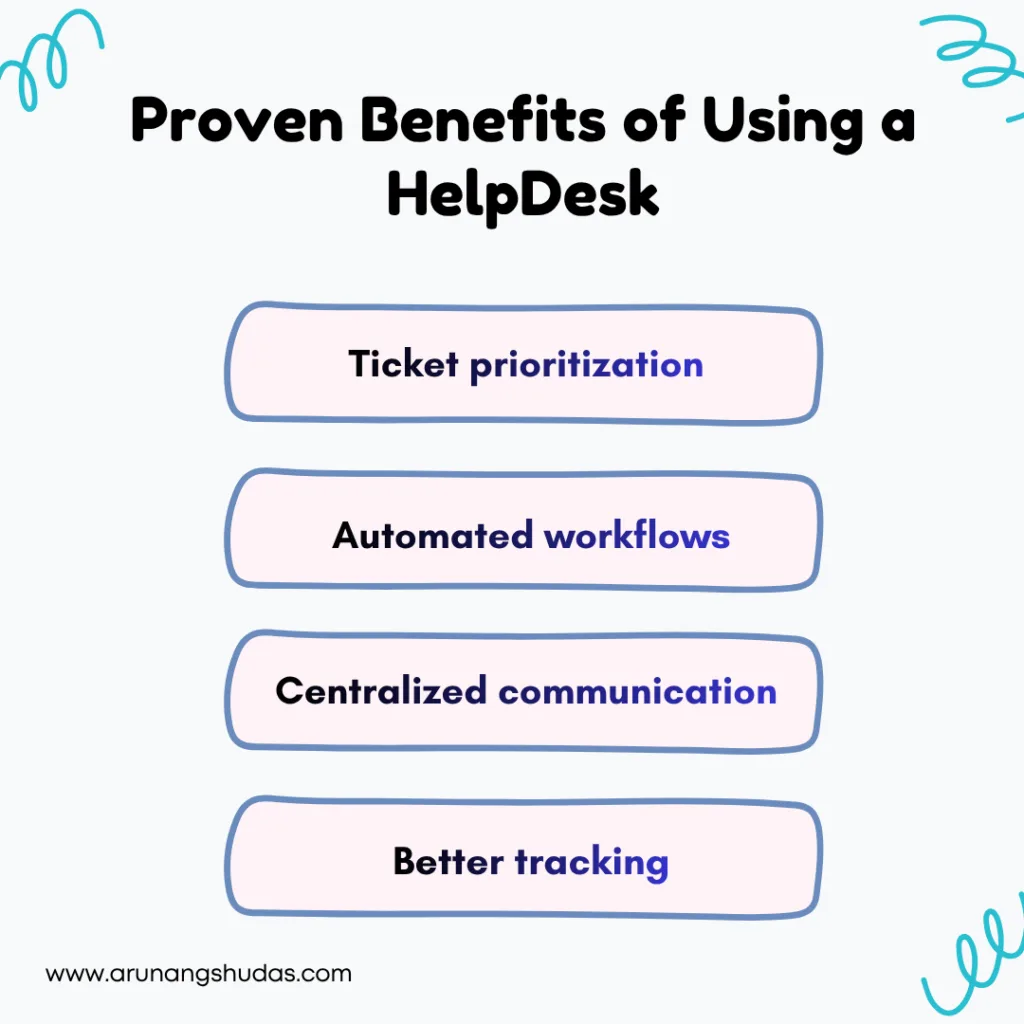
1. Faster Issue Resolution
A HelpDesk speeds up support through:
- Ticket prioritization
- Automated workflows
- Centralized communication
- Better tracking
Less downtime means higher productivity and lower operational costs.
2. Improved Customer Satisfaction
Customers expect quick and reliable support.
HelpDesk software provides:
- Faster responses
- Better communication
- Ticket tracking
- Consistent service
These improvements increase customer trust and long-term loyalty.
3. Higher Employee Productivity
Employees spend less time waiting for IT assistance.
By minimizing interruptions, HelpDesk systems allow teams to stay focused on high-value work.
Benefits include:
- Reduced downtime
- Faster onboarding
- Better collaboration
- Improved workplace efficiency
4. Scalable Business Growth
As businesses grow, support requests increase.
Modern HelpDesk software scales by supporting:
- More users
- Multiple departments
- Additional communication channels
- Automation rules
- Advanced reporting
This allows organizations to maintain excellent support without significantly increasing operational costs.
Types of HelpDesks
IT HelpDesk
Supports internal employees with hardware, software, security, and infrastructure issues.
Customer Support HelpDesk
Handles customer inquiries, technical assistance, onboarding, and troubleshooting.
Business HelpDesk
Departments beyond IT also benefit from HelpDesk systems.
Examples include:
Human Resources
- Leave requests
- Payroll questions
- Employee onboarding
- Benefits support
- Finance
- Expense approvals
- Invoice requests
- Payment queries
Legal
- Contract reviews
- Compliance requests
- Policy approvals
How to Choose the Right HelpDesk Software
When evaluating HelpDesk software, consider:
| Feature | Why It Matters |
|---|---|
| Ticket Management | Organizes and tracks every support request |
| Automation | Reduces manual work and speeds up response times |
| Knowledge Base | Enables self-service and lowers ticket volume |
| SLA Management | Ensures timely responses and accountability |
| Reporting & Analytics | Helps improve support performance with actionable insights |
| Integrations | Connects with CRM, Slack, Microsoft Teams, Jira, and other business tools |
| Scalability | Supports business growth without compromising service quality |
Read More – evaluating HelpDesk software
Best Practices for Implementing a HelpDesk
Review customer feedback for ongoing improvements.
Define clear support workflows.
Prioritize tickets based on urgency.
Build a comprehensive knowledge base.
Automate repetitive tasks.
Monitor KPIs regularly.
Train support agents continuously.
Conclusion –
Understanding what is a HelpDesk is the first step toward building a more efficient support process.
A modern HelpDesk does far more than resolve technical issues—it improves productivity, enhances customer satisfaction, automates repetitive tasks, and scales with your business. Whether you’re supporting employees or customers, investing in the right HelpDesk software creates a smoother, faster, and more organized support experience.
If your business is growing and support requests are becoming difficult to manage, now is the perfect time to implement a HelpDesk solution that keeps your team productive and your customers hap
Frequently Ask Questions –
What is a HelpDesk used for?
A HelpDesk is used to manage, track, and resolve technical support requests from employees or customers through a centralized ticketing system.
What is the difference between a HelpDesk and a Service Desk?
A HelpDesk focuses primarily on resolving technical issues, while a Service Desk provides broader IT service management, including service requests, asset management, and process improvements.
What are the main benefits of HelpDesk software?
HelpDesk software improves response times, increases customer satisfaction, boosts employee productivity, reduces downtime, and streamlines support operations through automation.
Which businesses should use a HelpDesk?
Businesses of all sizes—including startups, SMEs, enterprises, educational institutions, healthcare organizations, and government agencies—can benefit from implementing a HelpDesk system.
Can a HelpDesk support departments beyond IT?
Yes. HR, finance, legal, facilities, and customer service teams can all use HelpDesk software to manage requests efficiently and improve internal operations.
