


Service Workers in Progressive Web Apps (PWAs) are the foundation of fast, reliable, and engaging web experiences. They enable offline functionality, intelligent caching, push notifications, and background synchronization, helping Progressive Web Apps deliver app-like performance. As user expectations continue to grow, service workers have become an essential technology for building secure, scalable, and high-performing web applications. Service Workers in Progressive Web Apps (PWAs) play a crucial role in creating fast, reliable, and engaging web experiences. As users increasingly expect websites and applications to load instantly and work seamlessly across different network conditions, traditional web applications are evolving into more powerful solutions.
Progressive Web Apps (PWAs) combine the best features of websites and native mobile applications by offering offline functionality, faster performance, push notifications, and app-like experiences. The technology that makes many of these advanced features possible is the Service Worker.
A service worker acts as a background script that enables PWAs to handle network requests, cache important resources, support offline access, synchronize data in the background, and deliver notifications even when the application is not actively open.
In this guide, we will explore what service workers are, how service workers work, their role in Progressive Web Apps, key benefits, challenges, and why they are essential for modern web development.
- What Is a Service Worker?
- Key Characteristics of Service Workers
- How Do Service Workers Work?
- How Service Workers Contribute to Progressive Web Apps
- Benefits of Service Workers
- Challenges
- Best Practices
- FAQs
- Conclusion
What Is a Service Worker?
A service worker is a JavaScript file that runs independently in the background of a web browser and works separately from the main webpage. Unlike traditional JavaScript that directly interacts with the webpage DOM, service workers operate in their own environment and focus on handling background tasks.
Service workers allow developers to build web applications with capabilities that were previously available only in native apps.
Key Characteristics of Service Workers
1. Event-Driven Architecture
Service workers only run when triggered by specific events, such as:
- Network requests
- Push notifications
- Background synchronization events
This helps optimize performance and reduces unnecessary resource usage.
2. Asynchronous Processing
Service workers use asynchronous programming with promises, allowing background tasks to run without blocking the main browser thread.
3. Independent Lifecycle
Once installed and activated, service workers can continue responding to events even after the user closes the webpage.
This enables features such as:
- Offline access
- Background updates
- Push notifications
How Do Service Workers Work?
Service workers follow a specific lifecycle consisting of three main stages:
- Installation
- Activation
- Event Handling
1. Service Worker Installation
During installation, the browser downloads and registers the service worker file.
At this stage, developers commonly cache important resources such as:
- HTML files
- CSS files
- JavaScript files
- Images
- Application assets
Example:
self.addEventListener('install', event => {
  console.log('Service Worker Installed');
});
Once installation is completed successfully, the service worker moves to the activation stage.
2. Service Worker Activation
During activation, the new service worker becomes active and replaces the previous version.
This stage is responsible for:
- Removing outdated cache files
- Updating stored resources
- Preparing the application for better performance
3. Event Handling
After activation, the service worker waits for events.
Common service worker events include:
| Event | Purpose |
|---|---|
| Fetch | Intercepts network requests |
| Push | Handles notifications |
| Sync | Performs background synchronization |
| Install | Stores cached resources |
| Activate | Updates and manages cache |
Read More : HTML, CSS, and JavaScript Interview Questions for Web Developer
How Service Workers Contribute to Progressive Web Apps
Service workers are one of the core technologies behind PWAs because they enable advanced app-like features.
1. Offline Functionality
One of the biggest advantages of service workers is their ability to provide offline access.
Service workers store important resources locally using caching techniques. When users lose internet connectivity, the application can load previously stored content instead of showing an error page.
Example:
A news application can cache articles while the user is online. If the user opens the app later without internet access, previously stored articles can still be displayed.
Benefits:
- Improved reliability
- Better user experience
- Continuous application access
2. Network Request Interception and Cache Management
Service workers can intercept network requests and decide whether information should come from:
- Cache storage
- Network server
- Updated resources
This improves application speed and reduces unnecessary server requests.
Common Caching Strategies
Cache First
The application checks cached data before requesting information from the server.
Best for:
- Images
- Static files
- UI components
Network First
The application requests fresh data from the network before using cached content.
Best for:
- News websites
- Real-time information
Stale While Revalidate
The application loads cached content immediately while updating data in the background.
Best for:
- Frequently updated content
3. Push Notifications
Service workers allow PWAs to send push notifications even when users are not actively using the application.
Examples:
- New product alerts
- Messages
- Offers
- Updates
This improves user engagement and keeps customers connected with applications.
4. Background Synchronization
Background synchronization allows applications to complete tasks when the internet connection becomes available again.
Example:
A user writes a comment while offline. The service worker stores the request and automatically sends it once the connection is restored.
Benefits:
- Prevents data loss
- Improves reliability
- Creates a smoother experience
5. Efficient Data Management
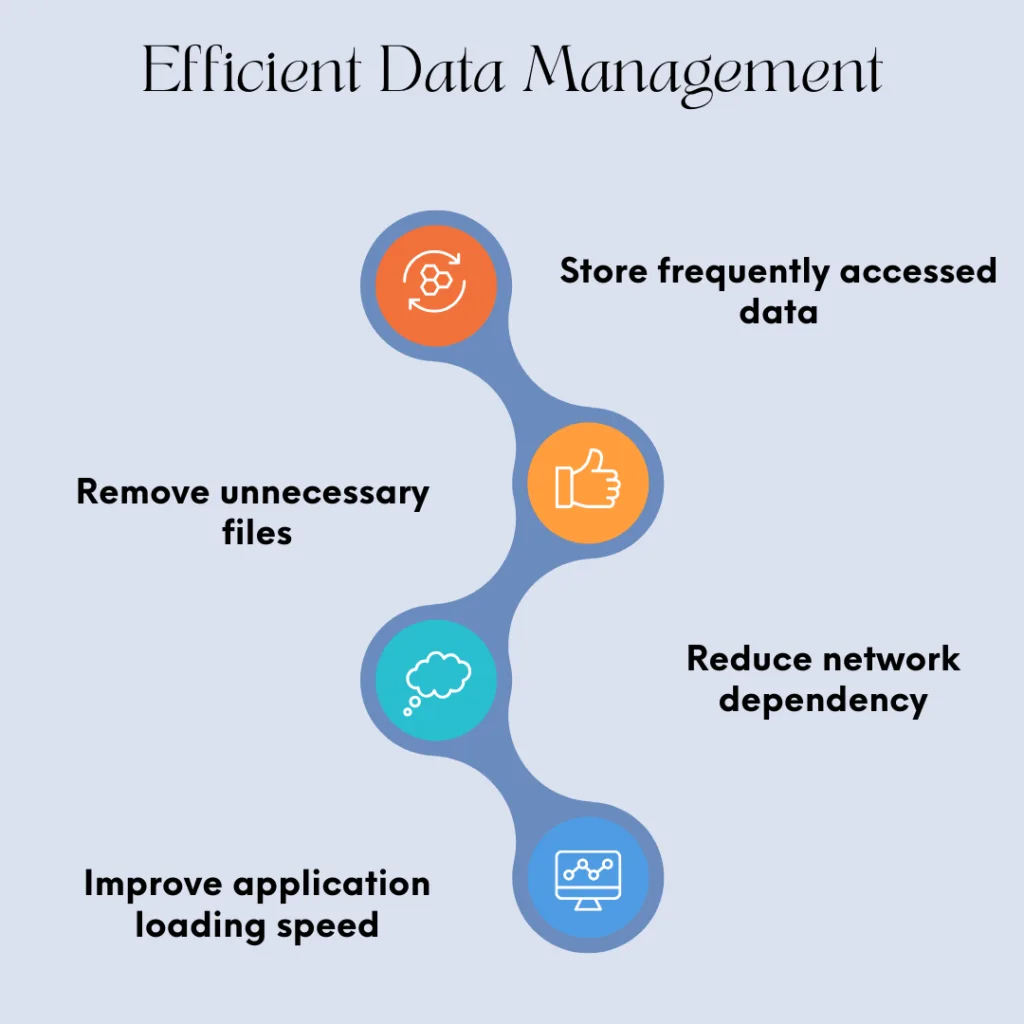
Service workers help developers implement intelligent caching strategies to optimize storage and performance.
They can:
- Store frequently accessed data
- Remove unnecessary files
- Reduce network dependency
- Improve application loading speed
Service Workers vs Traditional Web Applications
| Feature | Service Workers in PWAs | Traditional Web Applications |
|---|---|---|
| Offline Support | Yes | Limited |
| Background Processing | Available | Not Available |
| Push Notifications | Supported | Limited |
| Caching Control | Advanced | Basic Browser Cache |
| App-Like Experience | Yes | No |
| Performance | Faster Loading | Depends on Network |
| User Engagement | Higher | Limited |
Read More : Scaling Databases for High Traffic Applications
Benefits of Service Workers in Progressive Web Apps
1. Improved Speed and Performance
Service workers cache important resources, allowing applications to load faster even with slow internet connections.
2. Better Reliability
PWAs remain functional during poor network conditions through offline caching and background synchronization.
3. Enhanced User Engagement
Push notifications help businesses communicate with users and improve retention.
4. Reduced Data Usage
Caching minimizes repeated downloads and decreases bandwidth consumption.
5. Native App-Like Experience
Service workers help PWAs deliver experiences similar to mobile applications without requiring installation from an app store.
Challenges of Using Service Workers
Although service workers provide powerful features, developers should consider some challenges:
Browser Compatibility
Most modern browsers support service workers, but developers must consider older browser limitations.
Cache Management
Incorrect caching strategies can create outdated content issues.
Security Requirements
Service workers require HTTPS to ensure secure communication.
Debugging Complexity
Debugging background processes can be more challenging compared to traditional JavaScript.
Best Practices for Implementing Service Workers
- To build efficient PWAs, developers should follow these practices:
- Use modern caching strategies.
- Use HTTPS for secure service worker execution.
- Implement proper cache management.
- Remove outdated cached files regularly.
- Optimize service worker size.
- Monitor performance impact.
- Test offline functionality.
- Handle errors properly.

Additional Resources – To learn more about Service Workers in Progressive Web Apps, you can refer to these official resources:
web.dev – Progressive Web Apps
MDN Web Docs – Service Worker API
Conclusion :
Service Workers in Progressive Web Apps are the foundation of fast, reliable, and engaging web applications. By enabling offline functionality, improving page load times, and supporting advanced features like push notifications and background synchronization, they transform traditional websites into powerful app-like experiences. As a result, Service Workers in Progressive Web Apps help developers build scalable, high-performance applications that deliver a seamless user experience across different devices and network conditions. Whether you’re developing a new PWA or enhancing an existing web application, implementing service workers is essential for creating secure, efficient, and future-ready digital solutions.
Frequently Ask Questions :
What is a service worker in a Progressive Web App?
Service workers allow Progressive Web Apps to work faster, function offline, reduce network dependency, and provide an app-like user experience.
Why are service workers important for PWAs?
Service workers allow Progressive Web Apps to work faster, function offline, reduce network dependency, and provide an app-like user experience.
Do service workers work without internet?
Yes, service workers can allow PWAs to function offline by serving cached resources and previously stored data.
Are service workers supported by all browsers?
Most modern browsers, including Chrome, Edge, Firefox, and Safari, support service workers. However, developers should check compatibility requirements for specific users.
What is the difference between a service worker and regular JavaScript?
Regular JavaScript runs inside webpages and interacts with the DOM, while service workers run separately in the background and handle tasks like caching, notifications, and network requests.
