



The decision to migrate your website is a significant step for any business or individual. Whether you’re plagued by slow loading times, suffering from constant downtime, or have simply outgrown your current plan, moving to a superior provider is crucial for your online success.
While the process may seem daunting, a well-executed website migration can be smooth and painless. This comprehensive guide will walk you through the essential steps to ensure a seamless transition to a better hosting service, minimizing risk and maximizing uptime.
Table of Contents
Your Pre-Migration Checklist: Laying the Groundwork
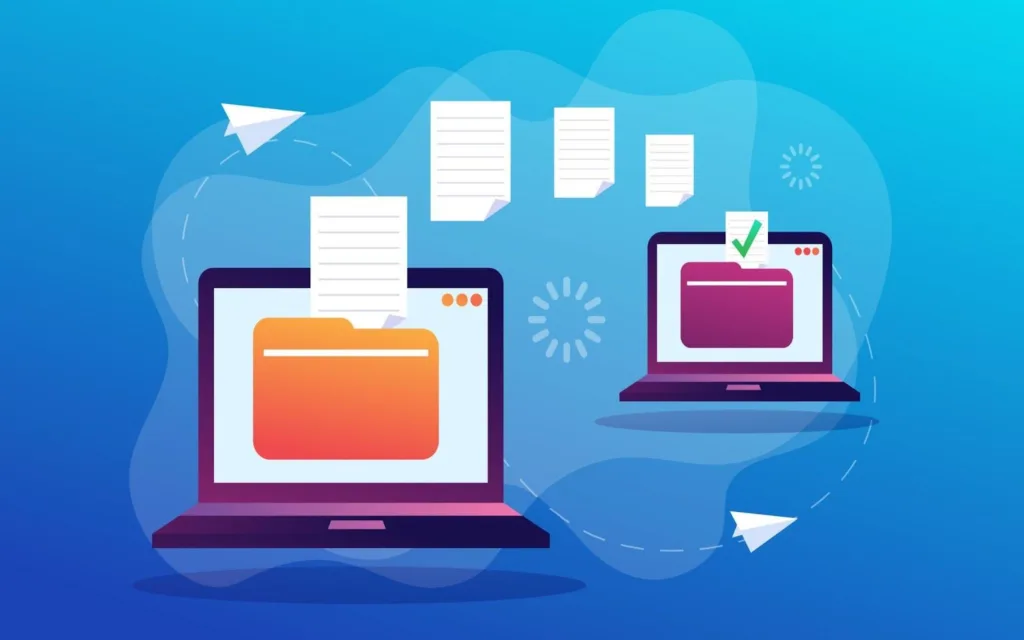
Before you initiate any transfer, meticulous planning is non-negotiable. Rushing this process is the most common cause of migration failures.
- Choose Your New Hosting Provider Wisely: This is the most critical decision. Don’t just jump to the cheapest option. Research performance reviews, uptime guarantees, customer support responsiveness, and scalability options. Ensure the new host’s technology (e.g., PHP version, database support) is compatible with your website.
- Audit Your Current Website: Take a full inventory of what you need to move. This includes all files (via FTP/SFTP), databases (like MySQL), email accounts, and any associated applications. Create a list so nothing is forgotten.
- Back Up Everything: This is your safety net. Before making any changes, create a complete backup of your entire website—files, databases, and emails—from your current host. Store this backup securely on your local computer or a cloud service. Verify that the backup is not corrupt and can be restored.
- Plan for Downtime: Even with the best planning, a brief period of downtime is often unavoidable. Inform your users about the scheduled maintenance window through a notice on your website or an email newsletter. Choosing a time with the lowest traffic, like late at night or early in the morning, can mitigate impact.
The Core Steps to a Successful Website Migration
Once your checklist is complete, you can begin the active transfer process. The following steps outline the core of the website migration procedure.
Step 1: Transferring Your Files and Databases
There are two primary methods for this step:
- Manual Transfer: This involves using an FTP client (like FileZilla) to download all your website files from the old server and upload them to the new one. You will also need to export your database (e.g., using phpMyAdmin) from the old host and import it into the new host’s database management system. This method offers granular control but is more technical.
- Using a Migration Plugin/Tool: Many hosting providers, especially in the WordPress ecosystem, offer free migration plugins (e.g., SiteGround’s Migrator, Duplicator, All-in-One WP Migration). These tools can often automate the entire process with a few clicks, making it the preferred option for non-technical users. Your new host’s support team can often assist with this.
Step 2: Configuring Your New Hosting Environment
After your files and database are on the new server, you need to ensure everything works correctly.
- Test on a Temporary URL: Most hosts provide a temporary URL (e.g., yourserver.com/~yourusername) to preview your site before changing the domain’s nameservers. Use this to thoroughly test your website. Check all pages, forms, functionalities, and links to ensure they work as expected.
- Update Configuration Files: You may need to update configuration files like wp-config.php for WordPress with the new database name, username, and password.
- Set Up Email Accounts: Recreate all your email accounts on the new hosting service to ensure a seamless transition for your business communication.
The DNS Switch: Pointing to Your New Home

This is the moment of truth. Once you are confident that your site is fully functional on the new server, you need to tell the world where to find it by updating your Domain Name System (DNS) records.
- Get Nameserver Information: Your new hosting provider will give you the addresses of their nameservers (e.g., ns1.newhost.com, ns2.newhost.com).
- Update at Your Domain Registrar: Log in to the account where you purchased your domain name (e.g., GoDaddy, Namecheap). Navigate to the DNS management section and replace the old nameservers with the new ones provided by your new host.
- Understand DNS Propagation: This change does not happen instantly. DNS propagation can take anywhere from a few minutes to 48 hours to complete globally. During this time, some visitors might see the old site, and some the new one. This is normal.
Post-Migration: Verification and Decommissioning
Your job isn’t over once the DNS has propagated.
- Final Thorough Testing: After 24-48 hours, test your live website from different devices and networks. Check for any broken images, links, or SSL certificate issues.
- Monitor Performance: Keep an eye on your site’s speed and uptime using tools like Google PageSpeed Insights or UptimeRobot.
- Cancel Your Old Hosting Service: Only after you are completely satisfied that your site is running perfectly on the new host for at least a week should you cancel your old service. Ensure you have downloaded all final backups from the old host before closing the account.
Conclusion – Migrate Your Website
A successful website migration to a better hosting service is a powerful upgrade for your online presence. By following a structured plan—choosing the right host, backing up diligently, transferring data carefully, and testing exhaustively—you can execute a seamless transition.
This process, while requiring attention to detail, ultimately leads to a faster, more reliable, and more secure website, providing a better experience for your users and a stronger foundation for your future growth.
FAQS
Q1: How long does a typical website migration take?
The timeline varies based on the website’s size and complexity. The technical file transfer can take a few hours, but the entire process, including DNS propagation and final testing, usually takes 24-48 hours to complete fully.
Q2: Will my website experience downtime during the migration?
A brief period of downtime is possible, but it can be minimized. By using the new host’s temporary URL to test everything before switching DNS, you can ensure the actual “cut-over” is very quick. The primary downtime occurs during the global DNS propagation period, where access is inconsistent for different users.
Q3: Is it safe to migrate my website myself?
Yes, it is safe if you follow the steps carefully, especially the step of creating a full, verified backup. For non-technical users, using a migration plugin or asking your new hosting provider if they offer a free migration service is a highly recommended and safe option.
Q4: When should I cancel my old hosting plan?
Never cancel your old hosting plan immediately. Wait until you are 100% certain your website is working flawlessly on the new host and that the DNS has fully propagated globally—this typically means waiting at least a week. This gives you a safe fallback option if any unforeseen issues arise.
