


Let’s face it: the old way of studying—highlighting textbooks, rewriting notes, pulling all-nighters—is inefficient. In 2026, AI for students has completely transformed how you can learn, retain information, and ace exams without burning out. Whether you’re in high school, college, or grad school, artificial intelligence can help you cut study time in half while improving your grades.
In this guide, I’ll show you exactly how AI for students works in practice. You’ll discover AI study tools that summarize textbooks instantly, smart productivity apps that block distractions and schedule your day, and even AI tutors that explain complex topics like a professor. Let’s turn you into a smarter, not harder, student.
Table of Contents
Why AI for Students Is a Game-Changer in 2026?
The AI for students landscape has matured rapidly. No longer are AI tools just chatbots that give generic answers. Today’s AI study tools are personalized, adaptive, and integrated with your curriculum. Here’s what makes them essential:
- Personalized learning paths – AI identifies your weak spots and creates custom quizzes.
- Instant feedback – Get essay critiques or math problem solutions in seconds.
- Time compression – What used to take 4 hours of reading now takes 20 minutes with AI summaries.
If you’re still studying like it’s 2019, you’re wasting hours. The AI study tools and smart productivity apps below will give you a massive competitive edge.
1. ChatGPT Plus (GPT-4 Turbo) – The Ultimate AI Tutor
You’ve heard of ChatGPT, but GPT-4 Turbo (available via ChatGPT Plus) is the AI for students powerhouse. It can digest entire PDFs, solve calculus problems step-by-step, explain historical events in any style, and even role-play as a professor to quiz you.
Why students need it:
- Upload your textbook chapter – get a bullet-point summary + practice questions.
- Ask “explain like I’m 10” for difficult concepts.
- Generate flashcards from your lecture notes.
This is one AI study tool that pays for itself in saved hours.
2. Notion AI – The Smart Productivity App for Notes & Organization
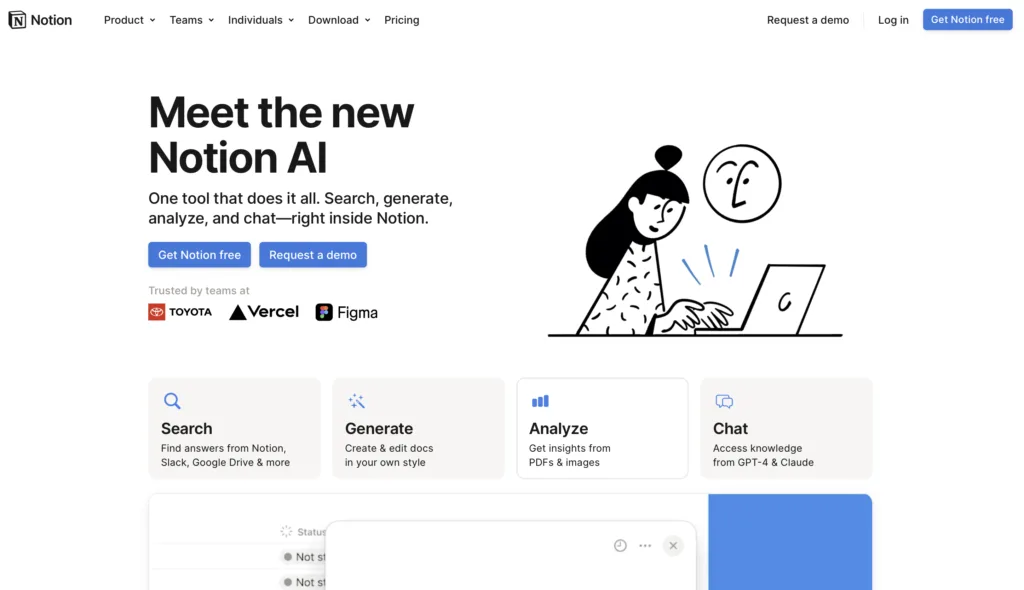
Notion is already beloved by students, but Notion AI turns it into one of the best smart productivity apps available. You can auto-summarize your lecture notes, generate to-do lists from meeting transcripts, and even write first drafts of essays inside your workspace.
Why it’s a must-have:
- AI-powered note summarization: paste 10 pages of notes → get 1 page of key points.
- Automatic task prioritization based on deadlines.
- Templates for study schedules, research papers, and group projects.
For students juggling multiple classes, this smart productivity app is a lifesaver.
3. Quizlet Plus – AI Study Tools for Flashcards & Practice Tests
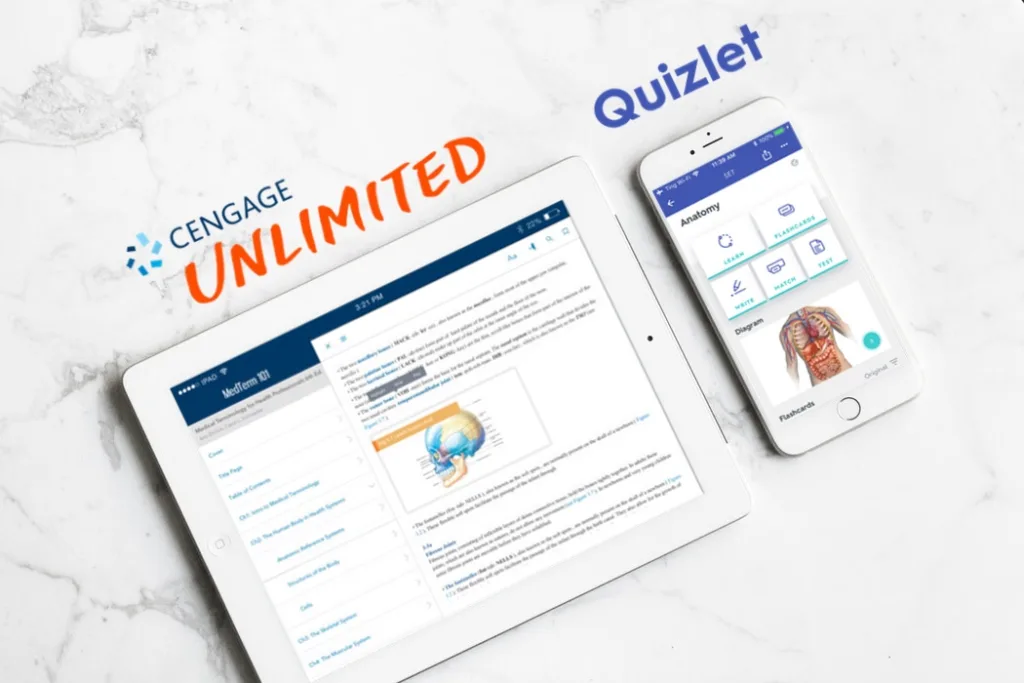
Quizlet has been around for years, but their 2026 AI update makes it one of the most powerful AI study tools available. Upload your notes, and the AI instantly generates flashcards, practice tests, and even gamified study games. The “Q-Chat” AI tutor asks you questions based on your progress.
Why it’s essential:
- Turns any text (lecture slides, textbook PDFs, YouTube transcripts) into study sets.
- Adaptive learning: AI repeats questions you struggled with more often.
- Works offline via mobile app.
This is pure AI for students designed specifically for memorization-heavy subjects like biology, history, and language learning.
4. Otter.ai – Transcribe Lectures in Real Time
Missed something in class? Otter.ai records and transcribes lectures live, then generates summaries, key terms, and action items. It even identifies speakers (professor vs. students). You can search the transcript for any keyword later.
Why it’s a hidden gem:
- Free tier includes 300 minutes of transcription/month.
- Integration with Zoom and Google Meet for online classes.
- Exports to Notion, Word, or Google Docs.
For students with fast-talking professors or note-taking challenges, this AI study tool is non-negotiable.
5. Feynman AI – Learn Complex Topics by Teaching an AI
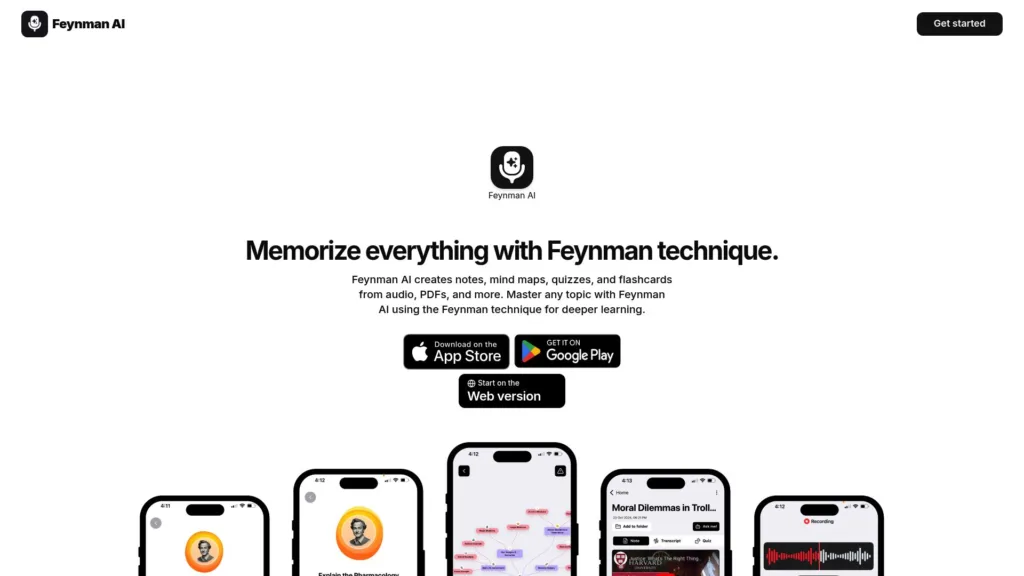
Named after the famous physicist, Feynman AI uses the “teach to learn” method. You explain a concept to the AI as if it were a child, and the AI asks clarifying questions. If you stumble, the AI highlights gaps in your understanding and provides resources. This is next-level AI for students who want deep mastery, not just passing grades.
Why it’s underrated:
- Instead of passive reading, it forces active recall.
- Tracks your confidence level on each topic.
- Generates personalized quizzes based on your weak areas.
6. Forest App – Smart Productivity App to Beat Phone Addiction
Forest is one of the smart productivity apps that uses gamification and AI. Set a timer to study; if you leave the app to check Instagram, your virtual tree dies. Over time, you grow a forest representing your focused hours. The AI learns your most productive times and suggests custom study sessions.
Why students love it:
- Blocks distracting apps while you study.
- Real-world impact: Forest plants real trees with your virtual coins.
- Group mode for study sessions with friends.
Combine this with the AI study tools above, and you’ll eliminate procrastination.
Real-World Success: How a Law Student Cut Study Time by 60%
Sarah, a second-year law student, was drowning in 500+ pages of reading per week. She started using Otter.ai to record lectures, Notion AI to summarize cases into one-page briefs, and Quizlet Plus for memorizing statutes. Her study time dropped from 40 hours/week to 16 hours/week, and her exam scores improved from B+ to A-. Total monthly cost for her AI study tools: $28.
That’s the power of AI for students when applied correctly.
Final Call to Action
You now have a complete roadmap for using AI for students to study smarter, not harder. You don’t need every tool – pick one AI study tool for content (Notion AI or Otter.ai) and one for practice (Quizlet Plus or Feynman AI). Test the free tiers this week. Then add a smart productivity app like Forest if distraction is your weak spot. Your brain deserves a break. Let AI handle the grunt work.
Frequently Asked Questions (FAQs)
1. Is AI for students considered cheating?
No – as long as you use AI as a tool to assist your learning, not to do your work for you. Most universities now allow AI for research, summarization, and proofreading. However, submitting AI-generated essays as your own without editing is typically against academic integrity policies. Always check your school’s AI guidelines.
2. Can AI study tools help with math and science problem-solving?
Absolutely. ChatGPT Plus or Wolfram Alpha (affiliate available) can solve calculus, physics, and chemistry problems step-by-step. Feynman AI is excellent for conceptual subjects. For equations, use Mathpix (AI that converts handwritten math to LaTeX). These are powerful AI study tools for STEM students.
3. How do I avoid becoming dependent on AI for studying?
Use AI as a starting point, not the finish line. Example workflow:
1. Use Otter.ai to transcribe lecture.
2. Use Notion AI to summarize key ideas.
3. Then close all AI tools and teach the topic aloud or write a summary from memory.
4. This ensures you’re learning actively, not passively consuming AI output.
