


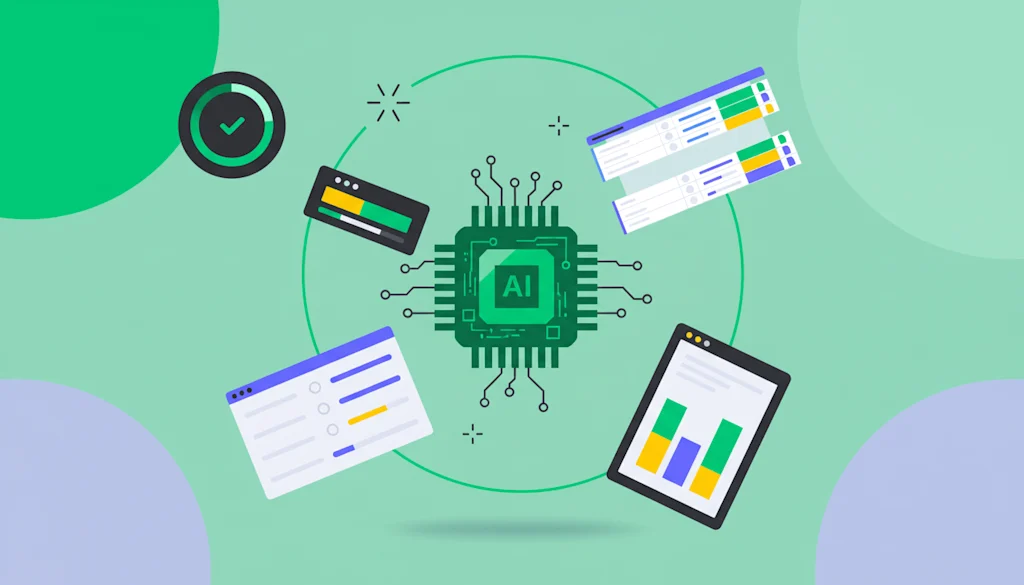
AI coding assistants vs traditional coding is an important comparison for developers who want to improve productivity, write better software, and reduce time spent on repetitive programming tasks.
AI-powered tools can generate code, identify errors, and explain complex functions, while traditional coding relies primarily on a developer’s knowledge, experience, and manual problem-solving skills. Both approaches offer unique advantages, and choosing the right one depends on the project’s complexity, budget, security requirements, and development goals.
As AI continues to influence software engineering, developers are increasingly combining automated assistance with their own technical expertise. Understanding the differences between these approaches can help individuals and development teams decide when to use AI and when manual coding remains the better option.
Table of Contents
What Are AI Coding Assistants?
AI coding assistants are software tools that use artificial intelligence to help developers write, understand, debug, and improve code. They can suggest code completions, generate functions from natural-language instructions, explain programming errors, and assist with software testing.
Popular examples include GitHub Copilot, Cursor, Amazon Q Developer, and Gemini Code Assist. Depending on the tool, developers can access these capabilities through an integrated development environment (IDE), a dedicated code editor, or a conversational interface.
These tools use the surrounding code and supplied context to generate relevant suggestions. Some advanced coding agents can also work across multiple files, run commands, and assist with larger development tasks.
However, AI-generated code is not always accurate. Developers must review suggestions, test functionality, and check for security vulnerabilities before integrating the output into production applications.
What Is Traditional Coding?
Traditional coding is the process of developing software primarily through a programmer’s own knowledge and manual implementation. Developers write instructions, design algorithms, debug errors, and test applications without relying on AI-generated code as a central part of the workflow.
This approach requires a strong understanding of programming languages, data structures, algorithms, software architecture, and debugging techniques. Developers use documentation, search engines, testing frameworks, and conventional development tools to solve problems.
Traditional coding provides direct control over implementation decisions. It also encourages developers to understand how their applications work instead of relying on suggestions they may not fully understand.
Although manual coding can take longer for repetitive tasks, it remains valuable for complex systems where accuracy, maintainability, and detailed control are essential.
AI Coding Assistants vs Traditional Coding: Key Differences
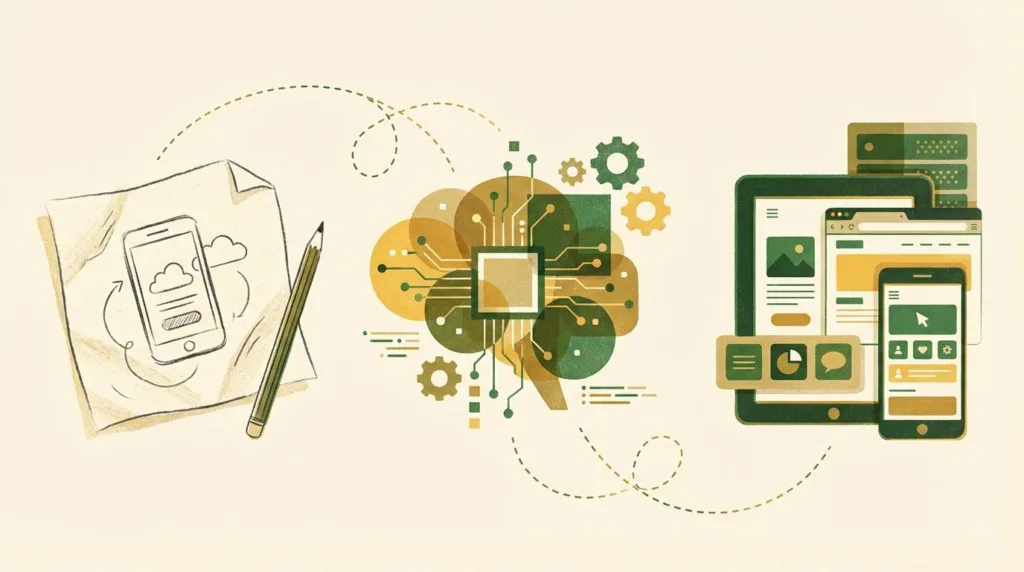
The main difference between these approaches is how developers create and improve software. AI coding assistants automate parts of the development process, whereas traditional coding places greater responsibility on the programmer to produce and verify each implementation.
| Factor | AI Coding Assistants | Traditional Coding |
|---|---|---|
| Code generation | Can generate code from prompts and context | Primarily written manually |
| Development speed | Can accelerate repetitive tasks | Depends heavily on developer experience |
| Debugging | Suggests potential fixes | Requires manual investigation and debugging |
| Learning curve | Can explain unfamiliar concepts | Requires more independent research and practice |
| Code quality | Depends on prompts, context, and review | Depends on developer skill and testing |
| Customization | Can propose changes quickly | Offers direct, detailed implementation control |
| Security | Requires careful review of generated output | Security depends on developer practices and reviews |
| Cost | May involve subscription or usage fees | Can use free tools, although developer time has a cost |
Neither approach automatically guarantees better software. The results depend on the developer, the tools being used, and the quality of the development process.
5 Advantages of AI Coding Assistants
AI coding assistants can improve several parts of the software development workflow, especially when developers understand how to use them effectively.
1. Faster Code Generation
AI tools can generate boilerplate code, common functions, and repetitive components from short instructions. This reduces the time spent writing similar code repeatedly.
For example, a developer building a web application can ask an assistant to create a basic API endpoint or generate a unit-test template. The developer can then review and adapt the result instead of starting from scratch.
2. Easier Debugging
AI assistants can explain error messages, identify possible causes of bugs, and recommend potential fixes. They can also help developers understand unfamiliar code and investigate problems more efficiently.
However, suggestions should be tested because an AI-generated fix may address a symptom without resolving the underlying issue.
3. Improved Learning
Beginners can use AI tools to understand programming concepts, compare different implementations, and receive explanations of complicated functions.
This makes AI coding assistants useful as learning aids. Developers should still practise solving problems independently to build lasting programming skills.
4. Reduced Repetitive Work
Writing documentation, creating test cases, renaming variables, and refactoring simple functions can consume considerable time. AI assistance can reduce the effort required for these routine activities.
This allows developers to dedicate more attention to architecture, feature design, and other tasks that require human judgment.
5. Support for Multiple Languages
Many AI coding assistants support several programming languages and frameworks. Developers working across Python, JavaScript, Java, and other technologies can use a single tool for different projects, subject to its supported capabilities.
5 Advantages of Traditional Coding
Despite the growth of AI, traditional coding continues to provide important benefits for software development.
1. Greater Control Over Implementation
When developers write code themselves, they make direct decisions about algorithms, architecture, dependencies, and performance. This control is valuable when building specialized systems or optimizing resource-intensive applications.
2. Deeper Technical Understanding
Writing and debugging code manually helps developers understand how software behaves. This knowledge becomes particularly important when investigating complex failures or maintaining applications over several years.
3. Fewer AI-Specific Errors
Traditional coding avoids errors introduced specifically by AI-generated suggestions, such as fabricated APIs or incorrect assumptions about a codebase.
It does not eliminate programming mistakes, however. Human-written code can also contain bugs, insecure patterns, and performance problems.
4. Greater Independence
Developers who understand programming fundamentals can solve problems even when AI tools are unavailable, restricted, or unable to understand the task.
This independence is valuable in interviews, examinations, restricted environments, and situations requiring immediate troubleshooting.
5. Predictable Data Handling
Traditional coding does not inherently require sending source code or prompts to an AI service. This can simplify certain privacy requirements, although developers must still follow secure development practices and their organization’s policies.
Which Approach Is Better for Different Developers?
The best choice depends on the developer’s experience and the nature of the project.
Beginners: A combination of manual practice and AI assistance can be effective. Beginners should attempt problems independently before asking AI to explain difficult concepts or review their solutions.
Freelancers and independent developers: AI tools can help accelerate prototypes, routine website development, and repetitive tasks. Developers should verify the output before delivering projects to clients.
Experienced software engineers: AI assistance can be useful for exploring unfamiliar repositories, generating tests, and automating repetitive work. Manual expertise remains essential for architecture, complex debugging, and code reviews.
Enterprise development teams: Teams should evaluate privacy, access controls, licensing, security, and integration requirements before adopting AI tools across their workflows.
AI Coding Assistants vs Traditional Coding: Which Is Better?
For many modern development projects, combining both approaches is more practical than choosing only one.
AI coding assistants are useful when generating boilerplate code, creating test templates, explaining unfamiliar functions, or speeding up routine changes. Traditional coding is particularly valuable when designing architecture, handling sensitive logic, optimizing performance, and investigating complicated failures.
A balanced workflow might involve using AI to generate an initial implementation, manually reviewing the code, running automated tests, checking security concerns, and refining the result before deployment.
Developers should also measure whether AI genuinely improves productivity. Faster code generation does not necessarily mean faster delivery if the generated code introduces additional bugs or requires extensive corrections.
Ultimately, programming fundamentals remain essential. AI tools can improve the development process, but developers are responsible for ensuring that the final software is reliable, secure, and maintainable.
Frequently Asked Questions
1. Are AI coding assistants better than traditional coding?
AI coding assistants can speed up repetitive tasks and help with debugging, while traditional coding offers direct control and encourages deeper technical understanding. Combining both approaches is often the most effective choice.
2. Will AI coding assistants replace software developers?
AI can automate parts of programming, but developers are still needed to understand requirements, design systems, review code, resolve complex problems, and make technical decisions. AI is better viewed as an assistant than a complete replacement.
3. Can beginners learn programming using AI coding assistants?
Yes. AI tools can explain concepts, demonstrate examples, and help troubleshoot errors. Beginners should also practise writing code independently so they develop strong problem-solving skills.
4. Do AI coding assistants produce error-free code?
No. AI-generated code can contain bugs, security vulnerabilities, outdated practices, or incorrect assumptions. Developers should review the output, run tests, and verify that it meets the project’s requirements before deployment.
