


DevOps teams often face a frustrating scenario: you’re working on a software project, and everything seems fine on your computer, but when you send your code to the testing team or move it to the server, it suddenly stops working.
The classic “it works on my machine” problem has caused countless delays, intense frustration, and wasted time for developers and engineering teams worldwide. This friction slows down project momentum, lengthens release cycles, and makes it difficult to meet market demands quickly.
Fortunately, there is a powerful solution that modern engineering teams rely on: containerization in DevOps. By packaging software and its dependencies into small, portable units called containers, this approach ensures seamless development, testing, and deployment across any environment.
In this blog, we will explore how containerization streamlines workflows, solves environment drift, and boosts team efficiency.
Read More: How does containerization work in DevOps
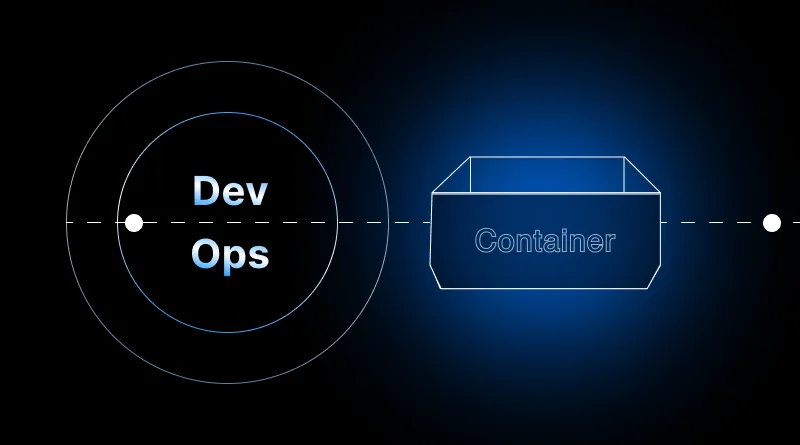
What is Containerization in DevOps?
Containerization is an operating system-level virtualization method used to package an application code along with all its necessary runtime files, configurations, libraries, and dependencies into a single, lightweight unit known as a container.
Unlike traditional setups where code relies heavily on the underlying host operating system configuration, a container runs uniformly across any environment—whether it is a local laptop, a QA staging server, or a cloud-based production cluster.
Why “It Works on My Machine” Happens (And How Containers Fix It)
The root cause of environment inconsistency usually stems from discrepancies between systems:
- Different operating system versions or patches.
- Mismatched software libraries or runtime languages (e.g., Python 3.9 vs. Python 3.11).
- Varying environment variables and local file paths.
When you integrate containerization into a DevOps pipeline, these inconsistencies vanish. Because the container carries its own environment inside it, whatever runs successfully on a developer’s machine is guaranteed to execute identically anywhere else.
Key Benefits of Containerization in DevOps
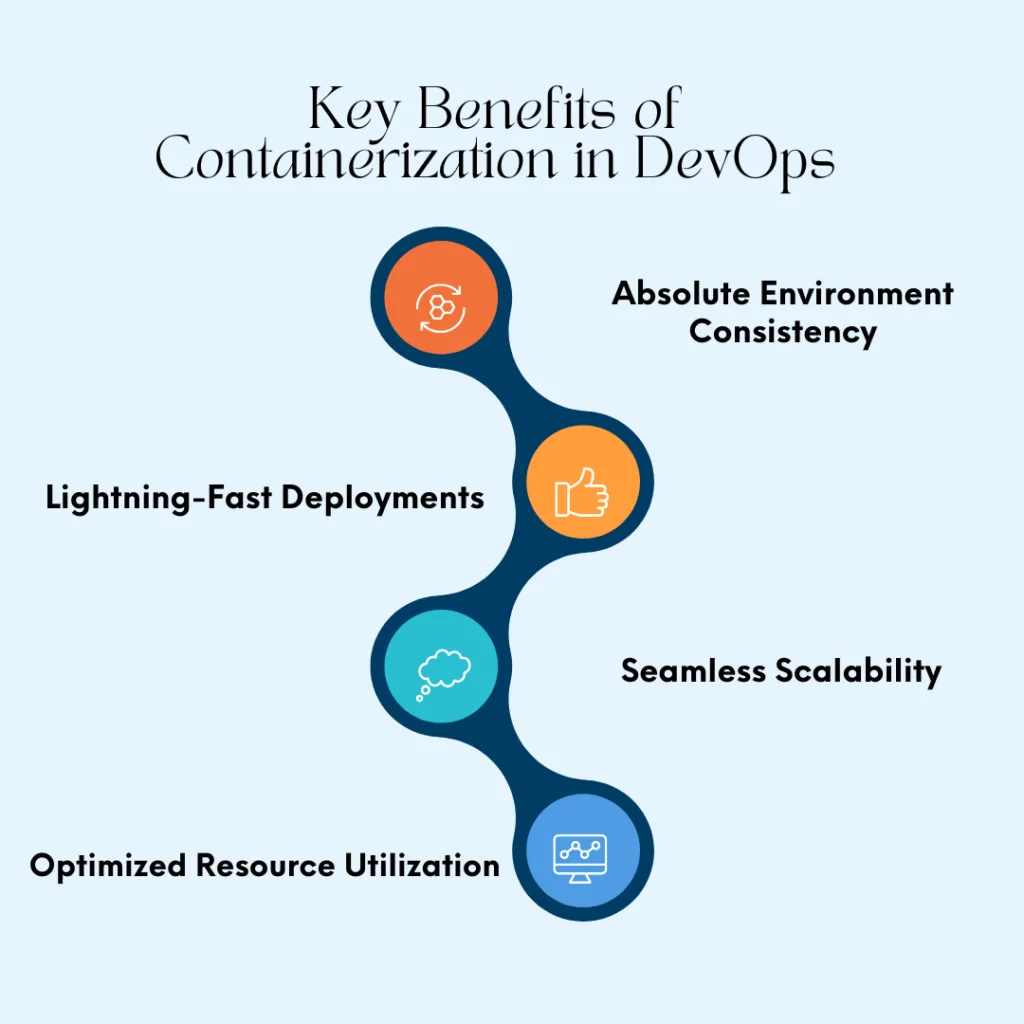
Implementing containers within your software lifecycle unlocks massive operational advantages:
- Absolute Environment Consistency: Eliminates deployment bugs caused by configuration drifts between development, testing, and production environments.
- Lightning-Fast Deployments: Because containers share the host OS kernel and omit heavy guest operating systems, they boot up in seconds (or milliseconds) rather than minutes.
- Seamless Scalability: Integrated with orchestration tools like Kubernetes, containerized apps can automatically scale up or down based on real-time traffic spikes.
- Optimized Resource Utilization: Multiple containers can run efficiently on a single physical or virtual server, driving down cloud infrastructure overhead costs.
Containerization vs. Traditional Virtualization
To fully appreciate why containers dominate modern DevOps architectures, it helps to look at how they compare to traditional Virtual Machines (VMs).
| Feature | Containerization | Traditional Virtualization (VMs) |
| Operating System | Shares the host machine’s OS kernel | Runs a full, independent Guest OS per virtual machine |
| Startup Time | Instantaneous (Milliseconds to seconds) | Slow (Minutes required to boot a full OS) |
| Resource Footprint | Lightweight (Megabytes) | Heavy (Gigabytes of RAM and storage) |
| Isolation Level | Process-level isolation via OS namespaces | Hardware-level isolation via a Hypervisor |
| Primary Use Case | Microservices, CI/CD pipelines, and cloud-native apps | Legacy applications and multi-tenant environments |
Best Practices for Implementing Containerization in DevOps
To get the most out of your container workflow, keep these industry best practices in mind:
- Isolate Persistent Data: Never store permanent application data inside a container’s ephemeral writable layer; use external volumes instead.enjoy the many benefits of containerization in DevOps.
- Keep Images Small: Use minimal base images and multi-stage builds to reduce image sizes and vulnerability footprints.
- Prioritize Security: Never run containers with root privileges. Regularly scan container images for security vulnerabilities before deploying them to production.
- Automate via CI/CD: Tie container image building, tagging, and automated testing directly into your Continuous Integration and Continuous Deployment pipelines.
Read More – Tools and Technologies for Adaptive Software Development Teams

Conclusion
The challenges of inconsistent environments, slow deployment cycles, and communication silos between development and operations teams have historically held back software projects. However, as we have explored, containerization in DevOps offers a definitive, modern solution to these persistent bottlenecks.
By wrapping applications and their dependencies into lightweight, self-sufficient containers, organizations bridge the gap between local development, staging environments, and production servers. The age-old excuse of “it works on my machine” is effectively replaced by a reliable standard: if it runs in a container, it runs anywhere.
Frequently Ask Questions:
What is containerization in simple terms?
Containerization is a software packaging method that bundles an application code with all its required dependencies, libraries, and configuration files into a single standalone unit (container) so it can run reliably across any computing environment.
How does containerization solve the “it works on my machine” problem?
Containers encapsulate everything an app needs to function—including specific runtime versions and binaries—eliminating reliance on the host computer’s unique settings and ensuring identical behavior everywhere.
What is the difference between Docker and Kubernetes?
Docker is a containerization platform used to create, build, and run individual containers. Kubernetes is a container orchestration tool used to manage, scale, and coordinate thousands of containers across multiple servers in production.
Are containers more secure than virtual machines?
Virtual machines offer stronger hardware-level isolation, making them harder to breach from the host level. Containers share the host OS kernel, which introduces a larger attack surface if misconfigured; however, proper security hardening, minimal base images, and regular vulnerability scans make container environments highly secure.
Can containerized applications run on any cloud platform?
Yes! Containers are platform-independent. A container built on your local computer can run seamlessly on AWS, Google Cloud Platform, Microsoft Azure, or an on-premises data center without modification.
