


SaaS tools for small businesses are no longer a luxury; they are the fundamental building blocks of a modern, efficient, and competitive company. In today’s fast-paced digital economy, small businesses need to accomplish more with less, and manual, time-consuming processes are a direct roadblock to growth.
The right SaaS tools can automate tedious tasks, streamline complex workflows, and provide invaluable insights, all without the need for a large IT department or a massive upfront investment.
For any small business owner looking to optimize their operations, enhance collaboration, and drive revenue, integrating these powerful SaaS tools for small businesses is the most strategic move you can make.
Table of Contents
The Essential SaaS Toolkit for Modern Small Businesses
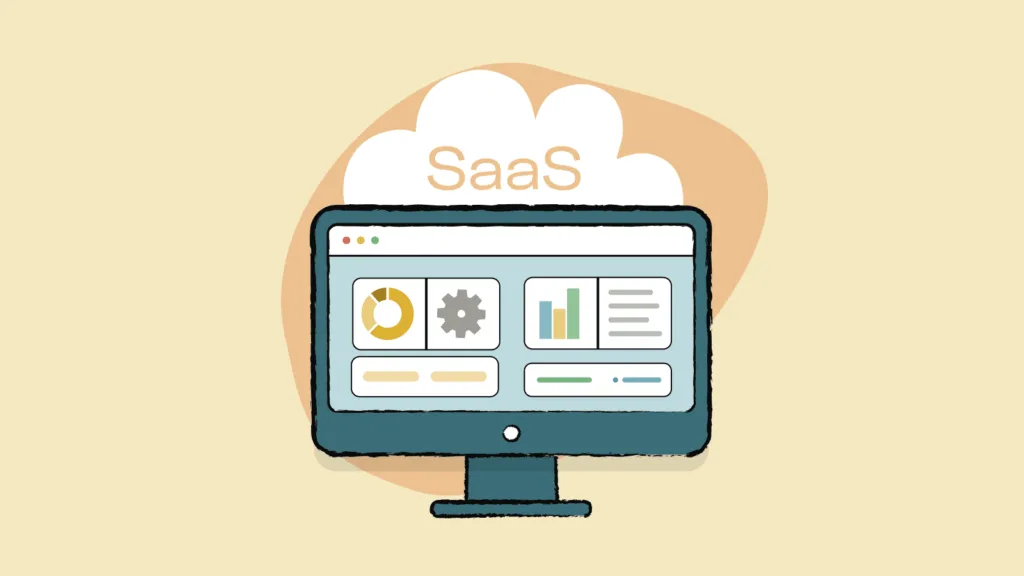
The following list covers ten categories of essential SaaS tools, each selected for its ability to solve a common business challenge, its user-friendliness, and its proven value to small and medium-sized enterprises.
1. Communication & Collaboration: Slack
Replace long, confusing email chains with organized, channel-based communication. Slack allows teams to create dedicated spaces for projects, departments, or specific topics. With direct messaging, file sharing, and integrations with hundreds of other apps, it keeps everyone on the same page and dramatically reduces internal email clutter.
2. Project Management: Trello or Asana
For keeping projects on track and teams aligned, a visual project management tool is indispensable. Trello uses a simple card-and-board system that is incredibly intuitive for managing tasks and workflows. Asana offers a more structured list or timeline view, perfect for complex projects with multiple dependencies and deadlines. Both ensure transparency and accountability.
3. Customer Relationship Management (CRM): HubSpot CRM
Understanding your customers and managing your sales pipeline is critical. HubSpot CRM is a standout because it is powerful, scalable, and offers a robust free version. It centralizes all customer interactions, tracks deal stages, and automates logging emails and calls, giving your sales team a single source of truth.
4. Marketing Automation: Mailchimp
Starting with email marketing and growing into a full marketing platform, Mailchimp is ideal for small businesses. It allows you to build and segment email lists, create beautiful newsletters, and run automated customer journeys. Its user-friendly interface and generous free plan make it the go-to for businesses beginning their digital marketing efforts.
5. Cloud Storage & File Sharing: Google Drive
Having a centralized, accessible location for all company documents is non-negotiable. Google Drive not only provides secure cloud storage but also integrates seamlessly with Google Workspace (Docs, Sheets, Slides), enabling real-time collaboration. Team members can work on the same document simultaneously from anywhere in the world.
6. Finance & Accounting: QuickBooks Online
Managing finances is a core business function that can’t be left to spreadsheets. QuickBooks Online automates invoicing, tracks expenses, connects to your business bank accounts, and simplifies tax preparation. It gives you a real-time view of your company’s financial health, which is crucial for making informed decisions.
7. Social Media Management: Buffer
Maintaining a consistent social media presence is key to brand building, but it can be a major time-sink. Buffer allows you to schedule posts across multiple platforms from a single dashboard, analyze performance, and manage all your interactions in one place. This saves hours each week and ensures a professional, consistent posting schedule.
8. Video Conferencing: Zoom
For remote team meetings, client calls, and webinars, Zoom has become the industry standard. Its reliable, high-quality video and audio, along with features like screen sharing, breakout rooms, and recording, make virtual collaboration feel seamless and professional.
9. Human Resources: Gusto
If you have employees, managing payroll, benefits, and compliance is a complex but critical task. Gusto automates and simplifies all of it. It handles payroll processing, tax filings, and employee benefits administration, ensuring you remain compliant while saving countless administrative hours.
10. Website Analytics: Google Analytics
You cannot improve what you do not measure. Google Analytics is a free yet incredibly powerful tool that shows you exactly how people find and use your website. Understanding your traffic sources, user behavior, and conversion paths allows you to make data-driven decisions to optimize your online presence and marketing strategies.
Implementing Your New SaaS Stack
Adopting these tools doesn’t mean you need to implement all ten at once. Start by identifying your biggest pain point. Is it messy communication? Begin with Slack. Is it disorganized sales leads? Implement HubSpot CRM.
The goal is to gradually build a connected ecosystem of tools that work together to make your business more resilient, agile, and prepared for growth. The subscription-based model of these SaaS tools for small businesses means you can scale your software usage up or down as your needs change, providing maximum flexibility.
Frequently Asked Questions (FAQs)
1. Aren’t SaaS tools too expensive for a very small business or startup?
Not necessarily. The SaaS model is actually very cost-effective because it eliminates large upfront licensing fees. More importantly, most of the tools listed, including Slack, Trello, HubSpot CRM, and Google Drive, offer generous free plans or free trials that are perfect for getting started. The time and efficiency savings they provide often result in a significant return on investment.
2. How do I ensure these different tools will work together?
Most modern SaaS tools are built with integration in mind. Platforms like Zapier exist solely to connect different apps that don’t have a native integration. For example, you can create a “Zap” that automatically creates a card in Trello whenever a new lead is added in HubSpot CRM. Always check the “Integrations” or “App Marketplace” page of your primary tools.
3. Is my data safe in the cloud with these SaaS providers?
Reputable SaaS providers invest heavily in security—often far more than a small business could afford on its own. They use enterprise-grade encryption, secure data centers, and comply with strict regulatory standards. However, it is your responsibility to use strong, unique passwords and enable two-factor authentication (2FA) wherever it is offered.
4. How can I prevent my team from being overwhelmed by too many new tools?
Adoption should be gradual and accompanied by proper training. Introduce one tool at a time, clearly communicating its purpose and benefits. Provide short training sessions or share tutorial resources. Choose tools known for their user-friendly interfaces to minimize the learning curve and encourage voluntary adoption.
