


The conversation around AI for designers has rapidly evolved from a speculative “what if” to a practical “how to.” Far from being a job-replacing threat, artificial intelligence has emerged as a powerful collaborator, a digital apprentice that handles the tedious to boost creativity and accelerate the entire design process. For the modern creative, leveraging AI design tools is no longer a novelty; it’s a strategic advantage.
These platforms are engineered to break down creative blocks, generate a universe of ideas in seconds, and automate the repetitive tasks that drain cognitive energy. This article explores ten essential AI design tools that are empowering designers to work smarter, explore more freely, and ultimately, produce more innovative and impactful work.
How AI for designers is Engineered to Boost Creativity?
At its core, the value of AI for designers lies in its ability to augment human creativity, not replace it. It functions as a force multiplier in several key ways:
- Instant Ideation: Go from a blank canvas to hundreds of concepts, mood boards, and visual variations in the time it would take to sketch a single idea.
- Breaking Through Blocks: When inspiration is low, AI can generate unexpected solutions, color palettes, and compositions, providing the spark needed to reignite the creative process.
- Democratizing Skill: Need an illustration but aren’t an illustrator? Want to try a new typographic style? AI tools lower the barrier to executing complex visual tasks, allowing designers to explore territories outside their immediate expertise.
The ultimate goal is to free up the designer’s most valuable asset—their strategic and artistic judgment—by offloading the heavy lifting to a capable AI partner.
Read More: Top 5 AI Tools for Generating Engaging Social Media Captions
AI Design Tools: Feature Comparison at a Glance
| AI Tool | Best Use Case | Key “Superpower” | Platform/Integration |
| Adobe Firefly | Commercial Assets | Generative Fill & Ethically-sourced AI. | Adobe Creative Cloud |
| Uizard | Rapid Prototyping | Converts hand-drawn sketches to wireframes. | Web-based |
| Khroma | Branding & Color | Personalized AI color palette discovery. | Web-based |
| Figma AI | UI/UX Design | Automatic prototyping and asset management. | Figma Native |
| Midjourney | Visual Concepts | Unmatched artistic quality and style control. | Discord |
| Galileo AI | Interface Design | Generates high-fidelity UI screens from text. | Web-based |
| Fontjoy | Typography | One-click harmonious font pairing. | Web-based |
| Magician | Asset Generation | Generates icons/copy directly inside Figma. | Figma Plugin |
| LetsEnhance | Photo Optimization | High-quality upscaling and sharpening. | Web-based |
| Runway ML | Video & Motion | Advanced AI video editing and effects. | Web-based |
10 Essential AI Design Tools to Integrate Today
Here are ten powerful tools that are reshaping the design landscape, each offering a unique way to enhance your workflow and boost creativity.
1. Adobe Firefly (Within Creative Cloud)
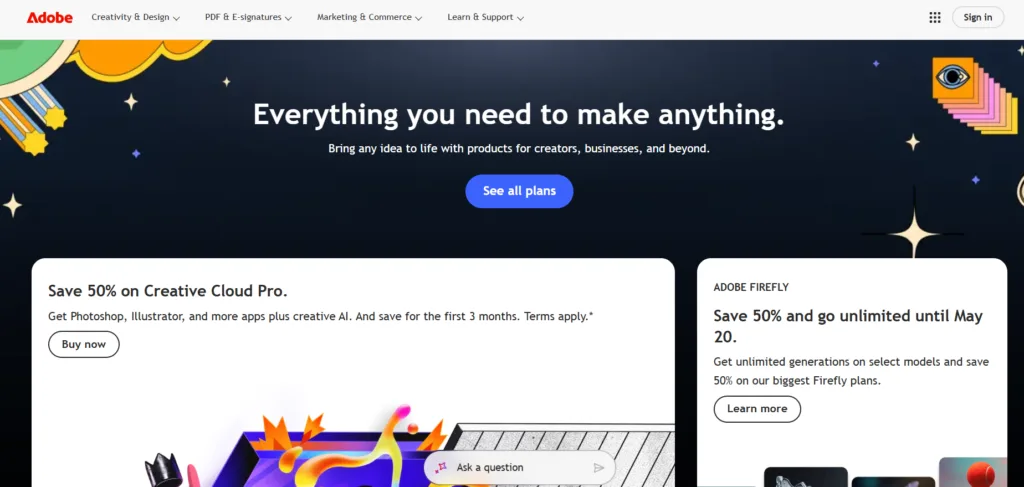
Deeply integrated into the industry-standard suite, Adobe Firefly is a game-changer for professionals. Its focus on commercially safe, ethically generated content makes it a reliable partner for commercial work.
- Best For: Graphic designers, photographers, and digital artists already in the Adobe ecosystem.
- Key Features: Generative Fill in Photoshop, Text to Vector Graphic in Illustrator, and Text to Template in Express.
- How it Boosts Creativity: Effortlessly removes objects, expands image backgrounds, or creates entire scalable vector illustrations from a simple text prompt, dramatically speeding up asset creation.
2. Uizard
Uizard is a rapid prototyping powerhouse that uses AI to transform hand-drawn sketches into functional digital wireframes and mockups. It’s perfect for the early, iterative stages of UI/UX design.
- Best For: UX/UI designers, product managers, and entrepreneurs.
- Key Features: Sketch-to-Design, Autodesigner (generates screens from text), and pre-designed, AI-generated UI components.
- How it Boosts Creativity: Validates app and website concepts in minutes, allowing for rapid client or user feedback and freeing you to focus on flow and functionality over pixel-perfect detailing too early.
3. Khroma
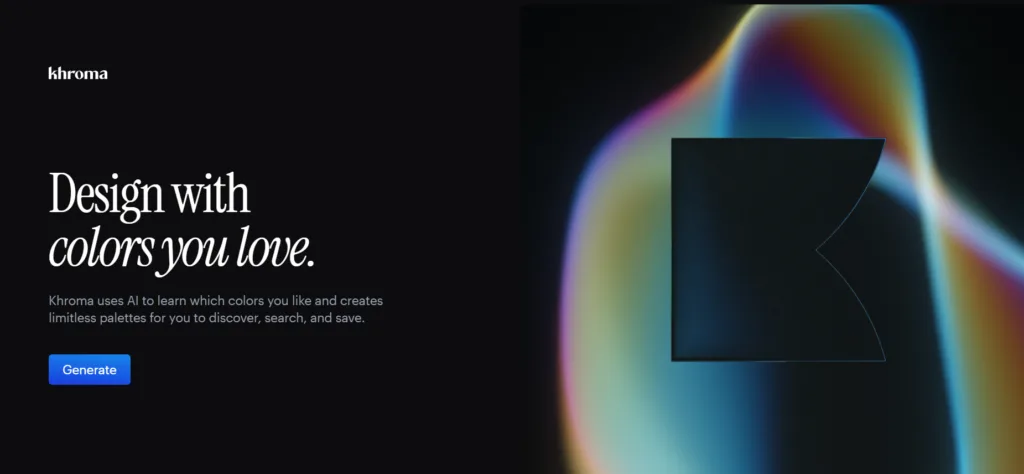
Color theory is fundamental, but choosing the perfect palette can be time-consuming. Khroma is an AI color tool that learns your personal preferences and generates endless color combinations you’re genetically predisposed to love.
- Best For: All visual designers, especially in branding and web design.
- Key Features: Trains on 50 colors you select, generates infinite palettes and gradients, and allows searching by hex code or descriptive word.
- How it Boosts Creativity: Moves you beyond your go-to color habits and provides data-driven, personalized palettes that inspire new visual directions and ensure harmony.
4. Figma AI
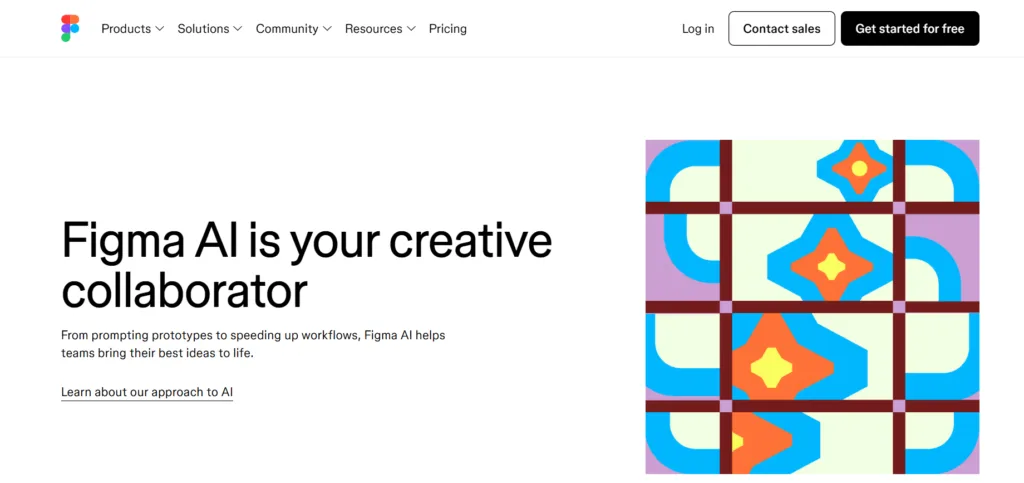
Figma is weaving AI directly into its collaborative platform. From automating tedious tasks to generating content, these built-in features are designed to streamline the UI/UX process directly where you work.
- Best For: UI/UX designers and collaborative design teams.
- Key Features: AI-powered prototyping, automatic design system summarization, and content generation for placeholder text.
- How it Boosts Creativity: Quickly creates prototypes for usability testing, summarizes complex design files for handoff, and keeps the focus on the user experience by automating administrative tasks.
5. Midjourney
Renowned for its artistic and high-quality outputs, Midjourney remains a top choice for generating evocative, stylized, and conceptually rich imagery. Its Discord-based interface fosters a strong community of inspiration.
- Best For: Concept artists, branding specialists, and marketers needing unique visual assets.
- Key Features: Unmatched aesthetic and stylistic control, advanced prompting parameters, and a vibrant public gallery for inspiration.
- How it Boosts Creativity: Ideal for creating stunning mood boards, conceptual art, and brand visuals that establish a strong, unique aesthetic identity.
6. Galileo AI
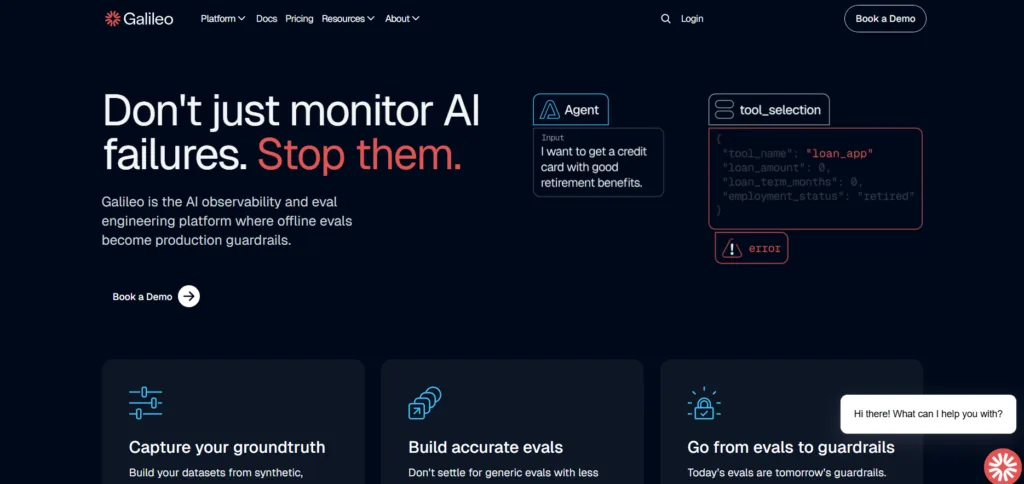
This tool focuses specifically on generating high-fidelity UI designs from a simple text description. It populates screens with not just layouts but also placeholder copy and imagery, creating a remarkably complete starting point.
- Best For: UI designers and front-end developers needing a head start.
- Key Features: Text-to-UI generation, AI-generated placeholder content and icons.
- How it Boosts Creativity: Instantly materializes a product idea into a tangible, editable design, allowing you to skip the initial blank canvas phase and jump straight into refinement.
7. Fontjoy
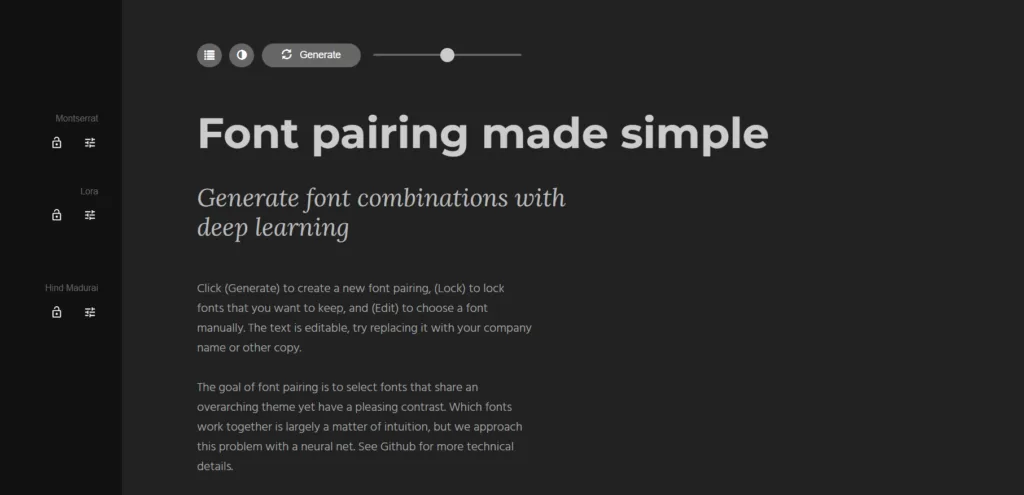
A simple but incredibly effective tool, Fontjoy uses machine learning to solve a universal designer’s problem: pairing fonts. It generates harmonious combinations with a single click.
- Best For: Web and graphic designers focused on typography.
- Key Features: One-click generation, ability to “lock” a font you want to build around, and a library of Google Fonts.
- How it Boosts Creativity: Rapidly tests and discovers novel, aesthetically pleasing typographic pairings that enhance readability and visual hierarchy.
8. Diagram (Magician)
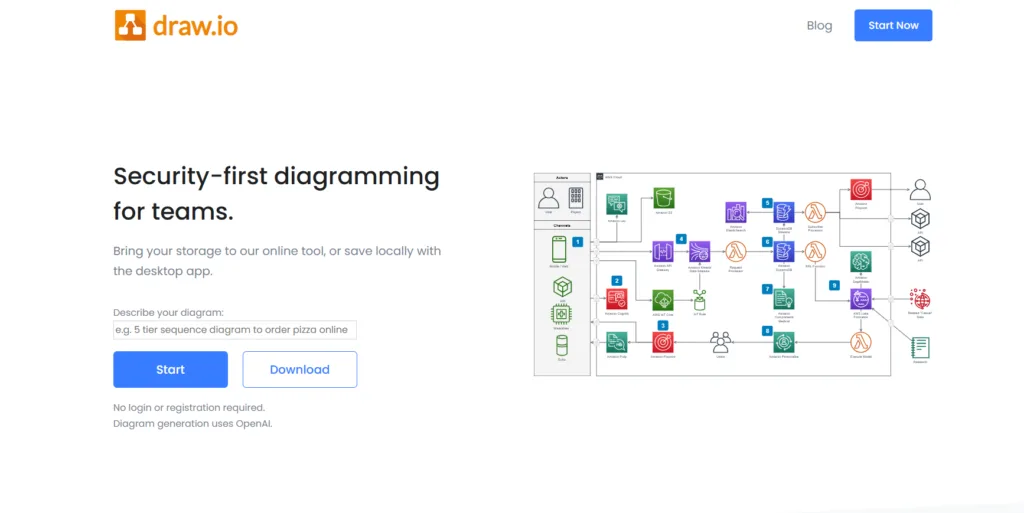
A powerful AI companion for Figma, Magician by Diagram offers a suite of specialized tools that feel like magic. It generates icons, copy, and images from text directly within your design file.
- Best For: UI/UX designers working extensively in Figma.
- Key Features: Text-to-Icon, Text-to-Image, and Magic Copy within the Figma environment.
- How it Boosts Creativity: Creates custom assets and content on-the-fly without ever leaving your workflow, maintaining creative momentum and context.
9. LetsEnhance.ai
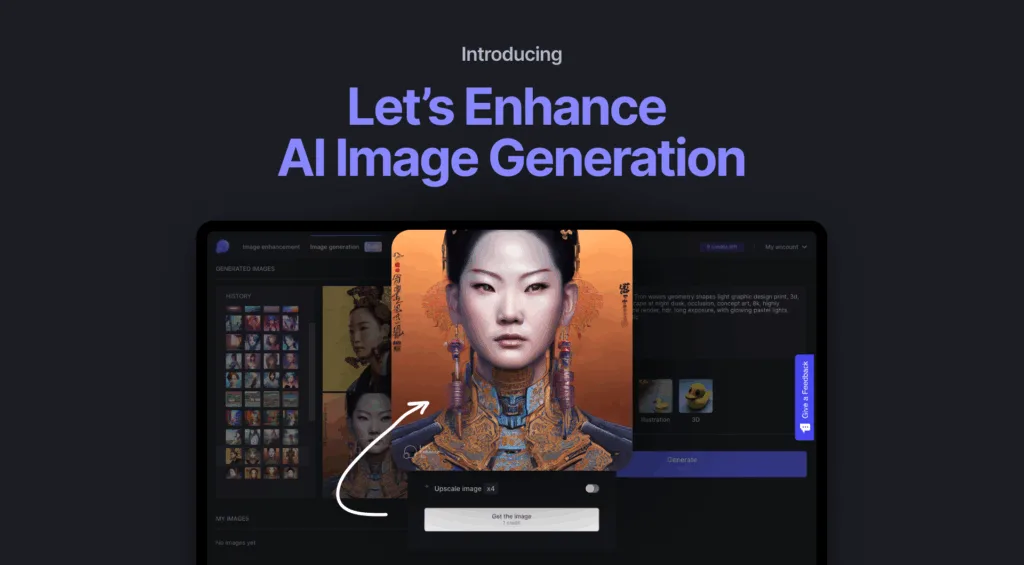
A specialized tool that is indispensable for anyone working with images. It uses AI to intelligently upscale images without quality loss, sharpen blurry photos, and even correct colors.
- Best For: Photographers, social media managers, and designers using stock assets.
- Key Features: One-click 4x-16x upscaling, batch processing, and AI-powered photo enhancement.
- How it Boosts Creativity: Liberates you from the constraints of low-resolution source images, allowing you to use a wider array of visuals in high-resolution projects.
Read More: Transform your designs into stunning visuals with AI custom wallpapers.
10. Runway ML

A research-driven platform for the cutting-edge creator, Runway offers a suite of state-of-the-art models for image and video generation and editing. It’s for experimental tasks like video green screen removal, inpainting, and style transfer.
- Best For: Motion designers, visual artists, and experimental creators.
- Key Features: A vast suite of AI models for advanced image and video manipulation.
- How it Boosts Creativity: Provides access to powerful, research-level tools that enable complex visual effects and edits previously impossible or highly time-consuming.
Conclusion
The strategic application of AI for designers marks a fundamental shift in the creative process. These tools are not about removing the designer from the equation but about empowering them with a new set of superpowers.
By embracing AI design tools, you can automate the mundane, accelerate iteration, and explore a wider range of creative possibilities. This partnership allows you to dedicate more time and mental energy to what truly matters: conceptual thinking, strategic problem-solving, and crafting human-centered experiences that resonate. The future of design is collaborative, intelligent, and incredibly exciting.
Read More: Need video content? Explore AI video script tools.
Frequently Asked Questions (FAQs)
1. Is AI really going to replace designers?
No. AI is a tool, much like the transition from hand-drafting to Computer-Aided Design (CAD). It automates execution and generation, but the core skills of a designer—empathy, strategy, storytelling, taste, and understanding human needs—remain irreplaceably human. The designer who uses AI effectively will have a significant advantage over one who does not.
2. What is the best AI tool for a complete beginner?
Uizard or Khroma are excellent starting points. Uizard has an intuitive interface for translating simple sketches into designs, while Khroma requires no technical skill—you just pick colors you like. Both provide immediate, tangible results that demonstrate the power of AI without a steep learning curve.
3. How can AI help with the UX research and strategy phase?
Beyond visual design, AI can analyze large volumes of user feedback from surveys and reviews to identify key pain points and themes. It can help generate user personas from data and even predict user flows to identify potential friction points before a single wireframe is drawn.
4. Are there ethical concerns I should be aware of?
Yes. It’s crucial to understand the source of the training data for the AI tools you use. Be mindful of copyright and intellectual property; always check the tool’s terms of service regarding commercial use of generated assets. Furthermore, be aware of potential biases in AI outputs and always apply your own critical judgment and editing to ensure the final work is original and appropriate.
