


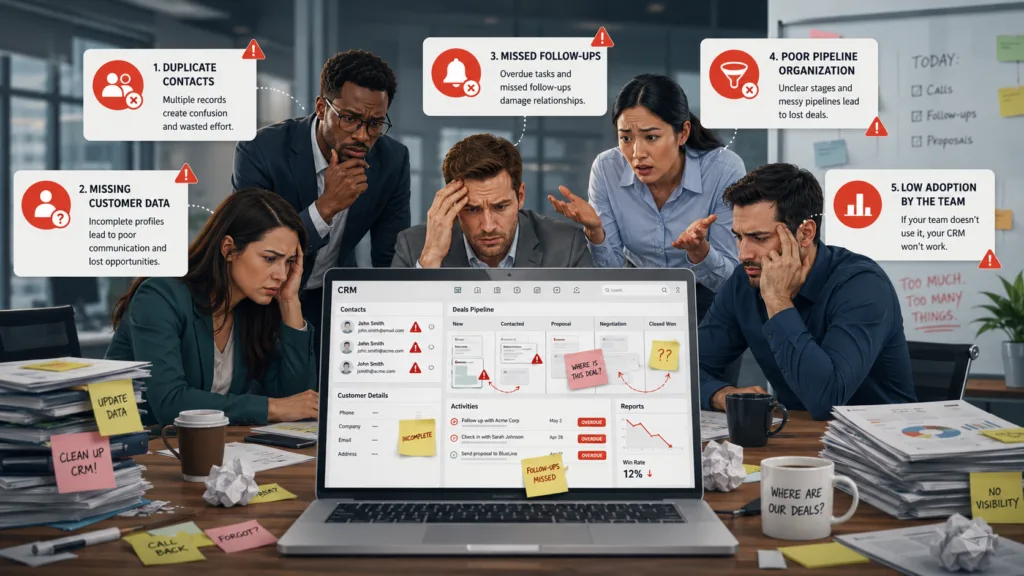
Common CRM Mistakes Businesses Should Avoid include choosing unsuitable software, entering poor-quality data, ignoring employee training, and automating customer communication without a clear strategy. A customer relationship management system can help a company organize leads, track conversations, improve follow-ups, and understand sales performance. However, simply purchasing a CRM platform does not guarantee better results.
Many organizations invest in advanced software but continue using inconsistent processes, incomplete customer records, and disconnected spreadsheets. These problems reduce the value of the system and make employees less willing to use it.
Avoiding major CRM implementation mistakes requires clear objectives, accurate data, employee involvement, and regular system reviews. Businesses must also select customer relationship management software that matches their actual sales process instead of paying for unnecessary features.
Table of Contents
What Is a CRM System?
CRM stands for customer relationship management. A CRM system helps businesses manage information and interactions involving potential and existing customers.
It can store:
- Names and contact details
- Email and call history
- Lead sources
- Product or service interests
- Sales opportunities
- Follow-up tasks
- Quotations and proposals
- Customer support records
- Won and lost deal reasons
A CRM creates a central source of information for sales, marketing, customer service, and management teams. When used correctly, employees can understand what a customer needs, what communication has already occurred, and what action should happen next.
However, a CRM is only as useful as the processes and information behind it. Poor planning can turn a potentially valuable platform into an expensive contact database.
Common CRM Mistakes Businesses Should Avoid During Implementation
A successful CRM project requires more than installing software and importing customer names. Businesses must understand their goals, design suitable workflows, train users, and maintain accurate information.
Below are the most common problems companies should recognize and prevent.
1. Choosing a CRM Without Defining Business Needs
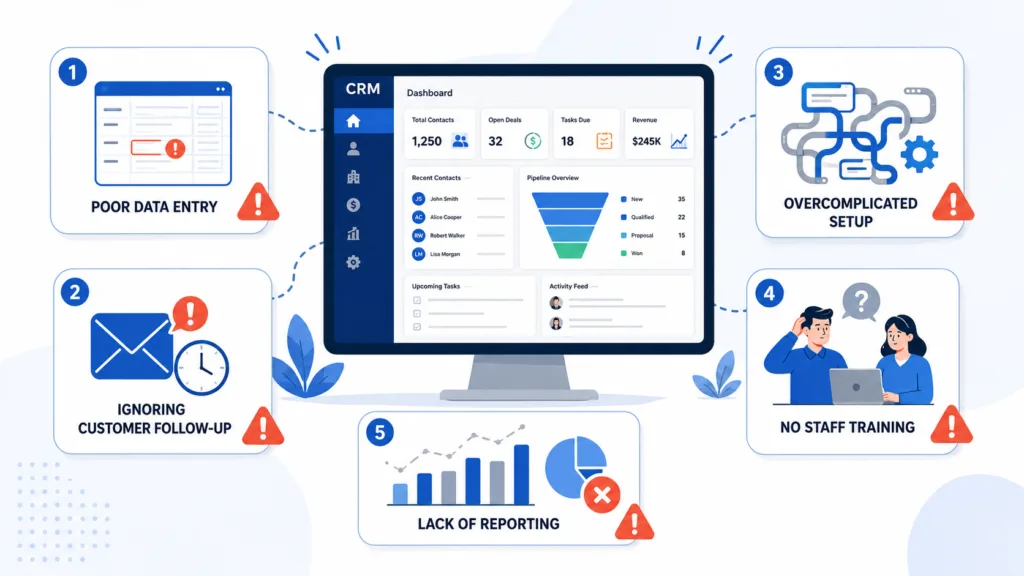
One of the biggest mistakes is selecting a CRM before understanding the problems it must solve.
Some businesses choose the most popular platform, while others select the cheapest option available. Neither approach guarantees that the system will support the company’s sales process.
Before comparing platforms, businesses should identify specific goals such as:
- Reducing lead response time
- Preventing missed follow-ups
- Improving sales forecasting
- Tracking marketing sources
- Managing customer support
- Automating repetitive tasks
A startup with a simple sales process may not need an enterprise platform with complex customization. Similarly, a growing company may quickly outgrow basic software with limited automation or reporting.
The right customer relationship management software should match the company’s current requirements while providing enough flexibility for future growth.
2. Failing to Create a Clear CRM Strategy
A CRM strategy explains how the system will support customer acquisition, sales, retention, and service.
Without a strategy, departments may use the platform differently. Sales representatives may update opportunities, marketing teams may upload leads without qualification, and support teams may continue working outside the system.
Businesses should define:
- Which teams will use the CRM
- What information must be recorded
- How leads will be qualified
- When opportunities should change stages
- Who owns each customer record
- Which activities will be automated
- How success will be measured
A CRM strategy ensures that the platform supports a consistent customer journey rather than becoming another disconnected application.
3. Importing Inaccurate or Duplicate Data
Poor data quality is one of the most damaging CRM implementation mistakes.
Companies often import old spreadsheets containing duplicate contacts, incorrect phone numbers, incomplete company names, and outdated email addresses. This creates confusion from the first day of implementation.
Before transferring data, businesses should:
- Remove duplicate records
- Correct formatting inconsistencies
- Delete obsolete information
- Validate contact details
- Standardize field names
- Identify missing information
Data-cleaning rules should continue after implementation. The CRM can use required fields, duplicate detection, validation rules, and standardized dropdown options to improve accuracy.
Employees will stop trusting the system when reports and customer records are repeatedly incorrect.
4. Creating Too Many Fields and Pipeline Stages
Customization can make a CRM more relevant, but unnecessary complexity makes it difficult to use.
Some companies create dozens of fields for every customer record, even when most of the information is rarely needed. Others build overly detailed sales pipelines with stages that employees cannot clearly distinguish.
A practical sales pipeline may include:
- New lead
- Contacted
- Qualified
- Meeting scheduled
- Proposal sent
- Negotiation
- Won
- Lost
Each stage should represent a meaningful step in the buying process. Businesses should remove fields and stages that do not improve reporting, decision-making, or customer communication.
Simple systems are easier to update, train, and maintain.
5. Ignoring Employee Involvement
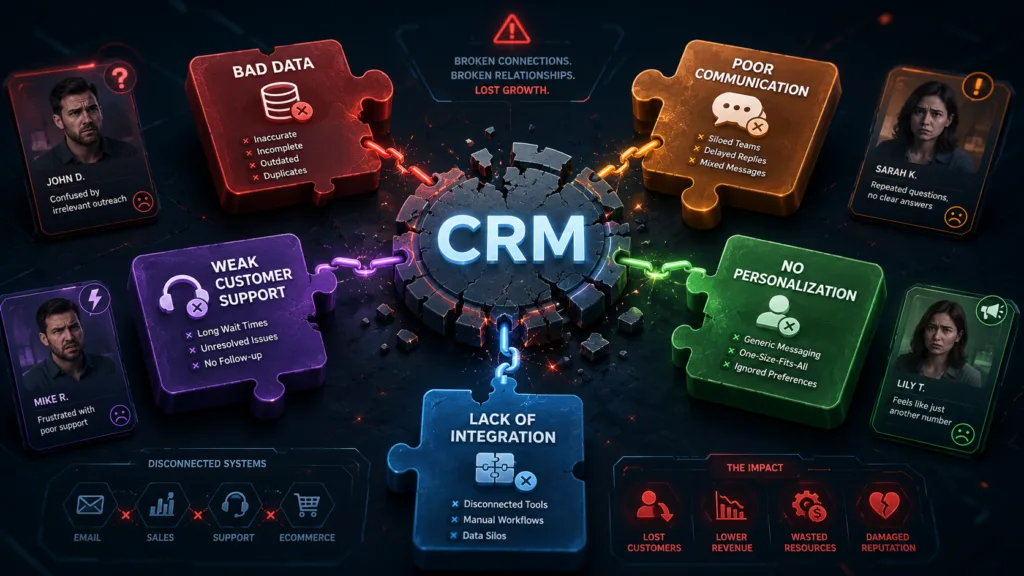
Management should not design a CRM system without input from the people who will use it daily.
Sales representatives, marketing employees, customer-service teams, and managers understand different parts of the customer journey. Their feedback can identify missing workflows, unnecessary steps, and practical integration requirements.
Employees should participate in:
- Requirements gathering
- Software demonstrations
- Workflow design
- Testing
- Training
- Post-launch reviews
Involving users early also reduces resistance. Employees are more likely to support a system when they understand why it is being introduced and how it will make their work easier.
6. Providing Insufficient CRM Training
Another common mistake is assuming that employees will understand the software after one short demonstration.
Different teams require different types of training. Sales employees need to understand lead stages and opportunity management, while managers need reporting and forecasting skills. Marketing teams may need campaign tracking, segmentation, and automation training.
CRM training should explain both how to use the platform and why particular processes are important.
Businesses should provide:
- Role-based training sessions
- Written process guides
- Short video tutorials
- Example customer records
- Practice exercises
- Post-launch support
Training should also be repeated when new features, workflows, or employees are introduced.
7. Treating CRM as a Monitoring Tool Only
Employees may resist the CRM when they believe its only purpose is to monitor calls, emails, and sales activity.
Management reporting is important, but the system should also provide clear value to users. It should reduce manual data entry, create useful reminders, display customer history, and make follow-ups easier.
When designing workflows, businesses should ask how the CRM helps employees complete their work faster and more accurately.
Using the platform mainly to criticize activity levels can encourage employees to enter unreliable information merely to satisfy reporting requirements.
8. Automating Too Much Communication
Automation can improve productivity, but excessive automation can make customer communication feel generic and impersonal.
A company may create long email sequences that continue even after a prospect has replied, purchased a product, or asked not to receive further communication. Poorly designed workflows can damage trust and create a negative brand experience.
Automation should support personal interaction rather than replace it entirely.
Businesses should:
- Use clear workflow entry conditions
- Add stopping rules
- Segment contacts carefully
- Personalize relevant details
- Review automated messages regularly
- Allow manual intervention
Effective customer relationship management software should help employees deliver timely and relevant communication, not overwhelm customers with unnecessary messages.
9. Failing to Integrate Important Business Tools
CRM data becomes less useful when it remains disconnected from other applications.
Businesses may need integrations with:
- Email platforms
- Calendars
- Accounting software
- Ecommerce websites
- Customer-support systems
- Marketing tools
- Calling platforms
- Business intelligence software
Without integrations, employees may repeatedly transfer information between systems. This increases manual work and creates inconsistencies.
Before selecting a CRM, companies should list the applications they currently use and confirm whether reliable integrations are available. They should also test how information is synchronized and determine which platform owns each type of data.
10. Neglecting Data Security and User Permissions
CRM platforms contain valuable personal, commercial, and financial information. Giving every employee unrestricted access can create unnecessary risk.
Businesses should use role-based permissions so employees only see the information required for their work.
Important controls include:
- Multi-factor authentication
- Strong password policies
- Limited administrator access
- Regular permission reviews
- Secure third-party integrations
- Login and activity monitoring
- Immediate account removal after employees leave
Companies should also understand their responsibilities for customer consent, privacy, retention, and deletion.
Security should be included in CRM planning from the beginning rather than added after implementation.
11. Not Measuring CRM Performance
Businesses cannot improve their CRM strategy without measuring results.
Useful CRM metrics may include:
- Lead response time
- Lead-to-opportunity conversion
- Opportunity win rate
- Average sales cycle
- Average deal size
- Follow-up completion rate
- Customer retention
- Revenue by lead source
- Lost-deal reasons
- User adoption
CRM reporting should connect employee activities with business outcomes. A high number of calls has limited value when those calls do not create qualified opportunities or customer relationships.
Regular reports help managers identify weak pipeline stages, inactive opportunities, and unreliable forecasts.
12. Failing to Review and Improve the CRM
A CRM system should change as the business grows.
Products, teams, markets, and customer expectations may change over time. Workflows that worked during implementation may become outdated or unnecessarily complicated.
Businesses should periodically review:
- Pipeline stages
- Required fields
- Automation rules
- Reports and dashboards
- User permissions
- Integrations
- Duplicate records
- Inactive contacts
Avoiding CRM implementation mistakes is not a one-time activity. Continuous improvement keeps the system aligned with business goals and employee requirements.
CRM Best Practices for Long-Term Success

A CRM platform produces stronger results when businesses follow a few practical principles.
Start with clear objectives and keep the initial setup simple. Assign responsibility for data quality, system administration, and workflow reviews. Train employees according to their roles and explain how the platform benefits their daily work.
Businesses should also create consistent rules for lead qualification, pipeline stages, follow-ups, and lost opportunities. Reports should focus on meaningful sales and customer outcomes rather than activity alone.
Most importantly, treat CRM as a customer-management strategy supported by technology—not merely a software subscription.
Conclusion
Understanding Common CRM Mistakes Businesses Should Avoid can help companies gain more value from their technology investment.
The most serious problems include unclear goals, poor-quality data, complicated workflows, limited training, excessive automation, weak integrations, and inadequate security. These CRM implementation mistakes can reduce employee adoption and produce unreliable reports.
The right customer relationship management software should simplify work, centralize customer information, and strengthen communication across departments. When combined with clear processes, reliable data, employee involvement, and regular improvement, a CRM system can help businesses increase conversions, improve customer service, and build stronger long-term relationships.
Frequently Asked Questions
1. What is the most common CRM mistake?
One of the most common mistakes is implementing a CRM without clear business objectives. Companies should first define which sales, marketing, or customer-service problems the platform must solve.
2. Why do employees resist using CRM software?
Employees may resist when the system is complicated, training is limited, data entry takes too long, or they believe the platform is used only to monitor their activity. Involving users early can improve adoption.
3. How often should CRM data be cleaned?
Businesses should monitor data quality continuously and perform more detailed reviews regularly. Duplicate contacts, outdated records, incomplete fields, and inactive information should be corrected or removed.
4. Can CRM automation harm customer relationships?
Yes. Poorly configured automation can send irrelevant, repetitive, or badly timed messages. Businesses should use segmentation, stopping rules, personalization, and regular workflow reviews.
