



Choose the right ERP system by starting with your business problems, operational processes, and long-term goals—not with a vendor’s feature list. In 2026, enterprise resource planning platforms can connect finance, inventory, procurement, manufacturing, sales, projects, and human resources within one system.
However, choosing unsuitable software can create high costs, complicated workflows, poor employee adoption, and unnecessary customization. Modern ERP platforms increasingly include cloud deployment, real-time reporting, workflow automation, mobile access, and artificial intelligence.
SAP defines ERP as software that integrates core business processes and provides a unified view of business activity. Microsoft similarly explains that ERP systems connect and automate operations across departments such as finance, supply chain, and human resources.
This guide explains the ERP selection process businesses should follow when evaluating ERP software for business in 2026.
Table of Contents
What Is an ERP System?
Enterprise resource planning, or ERP, is software that centralizes important business processes and information. Instead of using separate applications for accounting, purchasing, stock, production, and reporting, different departments can work with connected data.
Common ERP functions include:
- Finance and accounting
- Inventory and warehouse management
- Procurement and supplier management
- Manufacturing and production planning
- Sales and order management
- Project management
- Human resources
- Reporting and analytics
Oracle identifies financial management, procurement, project management, risk management, and supply chain functions among the common features available in modern ERP platforms.
How to Choose the Right ERP System in 2026?
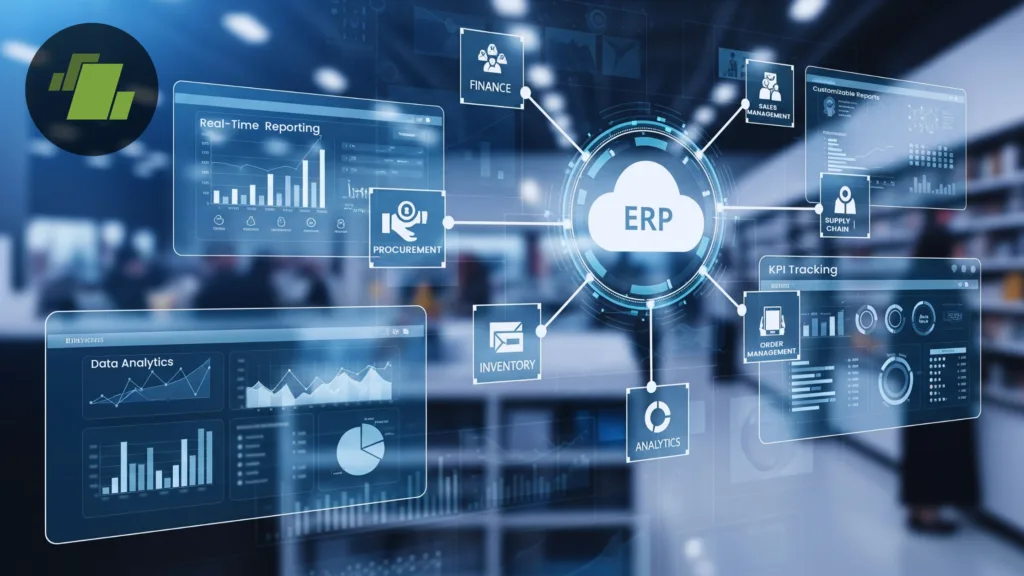
The best platform is not necessarily the one with the most features. It is the system that supports your essential workflows, fits your budget, integrates with existing tools, and can scale without creating unnecessary complexity.
1. Identify Your Business Problems
Before contacting ERP vendors, determine why the company needs a new system.
Common problems include duplicate data entry, inaccurate inventory information, delayed financial reports, disconnected departments, manual approvals, and limited visibility into operating costs.
Convert these problems into measurable goals. For example, your business may want to:
- Reduce monthly financial closing time
- Improve inventory accuracy
- Automate purchase approvals
- Support additional branches
- Reduce manual data entry
- Produce real-time profitability reports
Microsoft’s ERP implementation guidance recommends connecting system requirements to actual business processes. This prevents teams from creating long feature lists that do not solve meaningful operational problems.
2. Map Your Existing Processes
Document how work currently moves through the company. Review complete processes such as quote-to-cash, purchase-to-pay, inventory replenishment, production planning, order fulfilment, and financial reporting.
For each process, record:
- Who performs each task
- Which software is currently used
- What information is required
- Where delays or errors occur
- Which approvals and controls are necessary
This exercise helps the business distinguish genuine operational requirements from habits created by old software.
Do not automatically recreate every existing process in the new ERP. Oracle advises companies moving to cloud ERP to reconsider legacy procedures and customizations because some may only exist to overcome limitations in older systems.
3. Create a Prioritized Requirements List
Convert your process findings into clear ERP requirements. Classify each requirement as essential, important, or optional.
A manufacturing company may require production scheduling, bills of materials, quality control, serial-number tracking, and warehouse management. A service business may prioritize project accounting, employee time tracking, resource planning, and recurring billing.
Requirements should also cover:
- Number of employees and locations
- Currencies, languages, and tax rules
- Reporting and dashboard needs
- Mobile and remote access
- Approval workflows
- Data residency and compliance
- Existing software integrations
- Expected transaction volumes
A structured list improves the ERP selection process because every vendor can be evaluated against the same business criteria.
4. Choose a Deployment Model
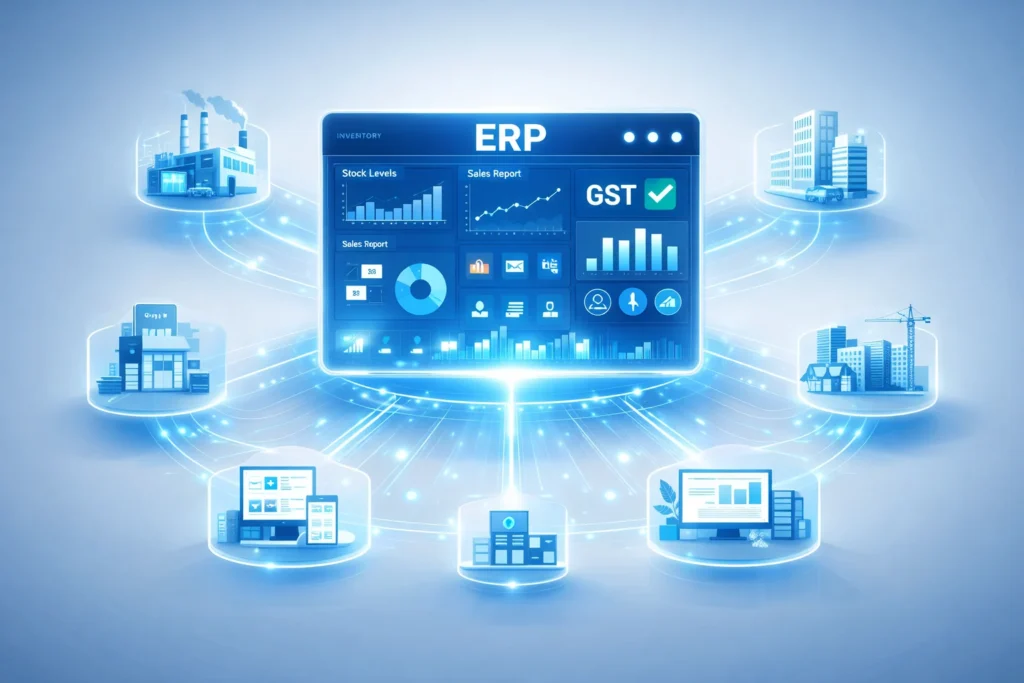
Businesses generally choose between cloud, on-premise, and hybrid ERP.
Cloud ERP is hosted by a provider and normally sold through a subscription. It can reduce internal infrastructure management, support remote access, and provide regular updates.
On-premise ERP runs on infrastructure controlled by the company. It may provide greater technical control but requires more internal responsibility for servers, updates, backups, security, and maintenance.
Hybrid ERP combines cloud and on-premise applications. It may suit businesses that want to modernize gradually while continuing to use certain existing systems.
Compare data-location requirements, internet dependency, technical resources, maintenance responsibilities, and future expansion plans before selecting a model.
5. Calculate the Total Cost of Ownership
The subscription or licence price is only one part of ERP spending.
A realistic budget should include:
- Implementation and consulting
- Data cleansing and migration
- Configuration and customization
- Software integrations
- Employee training
- Testing and project management
- Infrastructure or cloud usage
- Support and maintenance
- Future upgrades
- Internal employee time
Oracle recommends creating an ERP business case that connects the investment with measurable financial and operational outcomes.
Affordable ERP software for business can become expensive when important capabilities require several add-ons, extensive custom development, or premium support. Compare expected costs over at least three to five years instead of considering only the first-year price.
6. Evaluate Scalability and Integrations
Your ERP should support the company you expect to operate in the future, not only the business you manage today.
Check whether the platform can handle additional employees, transactions, products, warehouses, subsidiaries, currencies, and countries.
You should also review its integrations with:
- CRM platforms
- Ecommerce websites
- Banking systems
- Payroll software
- Logistics providers
- Business intelligence tools
- Industry-specific applications
Ask whether integrations are built into the platform, available through approved applications, or require custom development. Custom connections may increase implementation costs and create additional maintenance requirements.
7. Review Automation and AI Features
Artificial intelligence is becoming an important part of modern ERP platforms. Current systems may offer automated invoice processing, forecasting, anomaly detection, natural-language reporting, and intelligent workflow recommendations.
Oracle and SAP both position embedded AI, analytics, automation, and real-time insights as important capabilities of their cloud ERP offerings.
Ask vendors to demonstrate AI features using realistic business scenarios. Determine what information the tool uses, whether its recommendations can be reviewed, and how much the feature costs.
Do not choose ERP software for business simply because it contains AI. The technology should solve a defined problem, save time, reduce errors, or improve decision-making.
8. Examine Security and Compliance
ERP systems contain sensitive financial, employee, customer, supplier, and operational information.
Security evaluation should cover:
- Multi-factor authentication
- Role-based permissions
- Encryption
- Audit trails
- Security monitoring
- Backups and recovery
- Data residency
- Compliance certifications
- Incident-response procedures
SAP notes that ERP platforms are mission-critical and may attract attackers because they connect large amounts of valuable company data.
Cloud customers must also understand shared security responsibilities. A provider may secure its infrastructure, but the business remains responsible for users, permissions, integrations, data quality, and internal controls.
9. Request Process-Based Demonstrations
Avoid making a decision based on a generic product presentation.
Give shortlisted vendors a demonstration script based on your actual workflows. For example, ask each vendor to show how the system handles a customer order, stock shortage, purchase request, supplier delivery, invoice, payment, and financial posting.
During the demonstration, evaluate:
- Ease of use
- Number of manual steps
- Reporting capabilities
- Mobile accessibility
- Exception handling
- Administrative effort
- Customization requirements
Use a standard scoring sheet so every product is assessed consistently. Involve employees from finance, operations, IT, sales, purchasing, and warehouse departments.
This evidence-based approach makes the ERP selection process more reliable and reduces the influence of branding or sales promises.
10. Evaluate the Vendor and Implementation Partner
The software is only one part of the decision. The vendor or implementation partner will influence data migration, system configuration, testing, employee training, and launch quality.
Ask potential partners about:
- Experience in your industry
- Similar ERP projects
- Implementation methodology
- Data-migration process
- Employee training
- Local or regional support
- Post-launch services
- Customer references
Microsoft’s implementation guidance covers solution design, data strategy, integrations, testing, security, and project governance. This shows that ERP success depends on the complete project lifecycle, not merely installing the software.
Review contracts carefully. Confirm renewal pricing, support response times, service commitments, data-export options, and ownership of custom code or integrations.
11. Plan Employee Adoption
Employees ultimately determine whether an ERP system creates value.
Involve representative users during requirements gathering, vendor demonstrations, testing, and workflow design. Prepare role-based training, process documentation, data ownership rules, and a support plan.
Oracle’s 2026 ERP implementation guidance recommends treating user training and enablement as part of the delivery model from the beginning.
Even advanced software can fail when employees avoid using it, maintain unofficial spreadsheets, or enter incomplete information.
Common ERP Selection Mistakes
Businesses commonly make mistakes by selecting a familiar brand without documenting their requirements, focusing only on price, over-customizing the platform, and ignoring recurring costs.
Other mistakes include underestimating data migration, failing to test integrations, excluding employees from the decision, and accepting unrealistic implementation schedules.
To choose the right ERP system, balance functional fit, usability, security, scalability, vendor quality, implementation risk, and total cost of ownership.
Conclusion
To choose the right ERP system, begin with clear business goals and process requirements. Then compare deployment options, total costs, integrations, security, scalability, vendor support, and employee experience.
The best ERP software for business should simplify operations, improve information visibility, and support growth without creating unnecessary complexity.
In 2026, cloud platforms and AI features are important, but they should not distract from functional fit, reliable implementation, and user adoption. A careful ERP selection process based on documented requirements, realistic demonstrations, reference checks, and long-term costs gives a business the strongest chance of success.
Frequently Asked Questions
1. How long does it take to choose an ERP system?
The timeline depends on the company’s size, operational complexity, number of decision-makers, and vendors being reviewed. Businesses should allow enough time to document requirements, conduct demonstrations, check references, and compare contracts.
2. Is cloud ERP suitable for small businesses?
Yes. Cloud ERP can reduce infrastructure requirements and allow a business to add users or features gradually. Small businesses should still review subscription costs, feature limits, security, integrations, and vendor support.
3. What are the most important ERP selection criteria?
Important criteria include functional fit, ease of use, total ownership cost, scalability, integrations, security, reporting, vendor reliability, implementation support, and employee training.
4. How many ERP vendors should a business shortlist?
A shortlist of approximately three vendors is usually manageable. It provides enough comparison without making demonstrations, reference checks, and contract evaluations unnecessarily complicated.
