


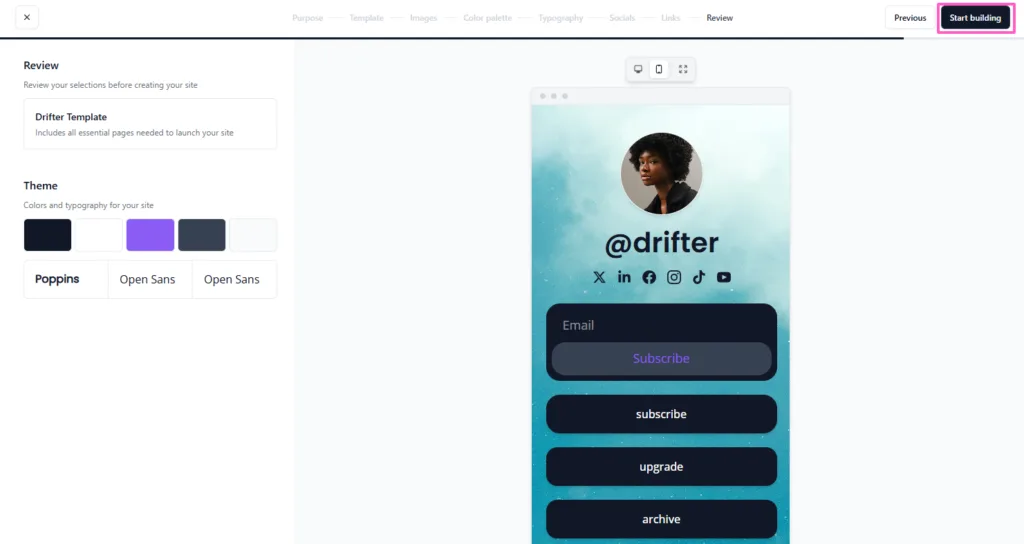
You have thousands of followers on Instagram, TikTok, or YouTube, but how many of them actually click through to your website, store, or latest video? For most creators, the answer is less than 2%. That is because they underestimate the power of their bio link. Learning how to create a high-converting link-in-bio page is the single most impactful change you can make to turn passive scrollers into active buyers.
A standard link-in-bio page—just a list of five random URLs—is a conversion killer. Visitors arrive, feel overwhelmed, and leave within seconds. In contrast, a high-converting page is visually branded, strategically ordered, and optimized for mobile taps. Whether you sell merchandise, promote affiliate products, or build an email list, the right approach can boost your click-through rate (CTR) from 2% to over 15%. Below, I will walk you through the exact design, copywriting, and tool selection strategies you need.
Table of Contents
Why Most Link-in-Bio Pages Fail
Before we dive into the solution, let us diagnose the problem. Most link-in-bio pages fail for three reasons. First, they have no hierarchy—every link looks equally important, so visitors click none. Second, they lack a clear call-to-action (CTA); users do not know what you want them to do first.
Third, they ignore mobile optimization; tiny buttons and slow loading times kill conversions. Understanding how to create a high-converting link-in-bio page means fixing all three issues simultaneously.
Step-by-Step: How to Create a High-Converting Link-in-Bio Page
Follow these seven steps to build a page that actually generates clicks, sales, and email signups.
Step 1: Choose the Right Tool
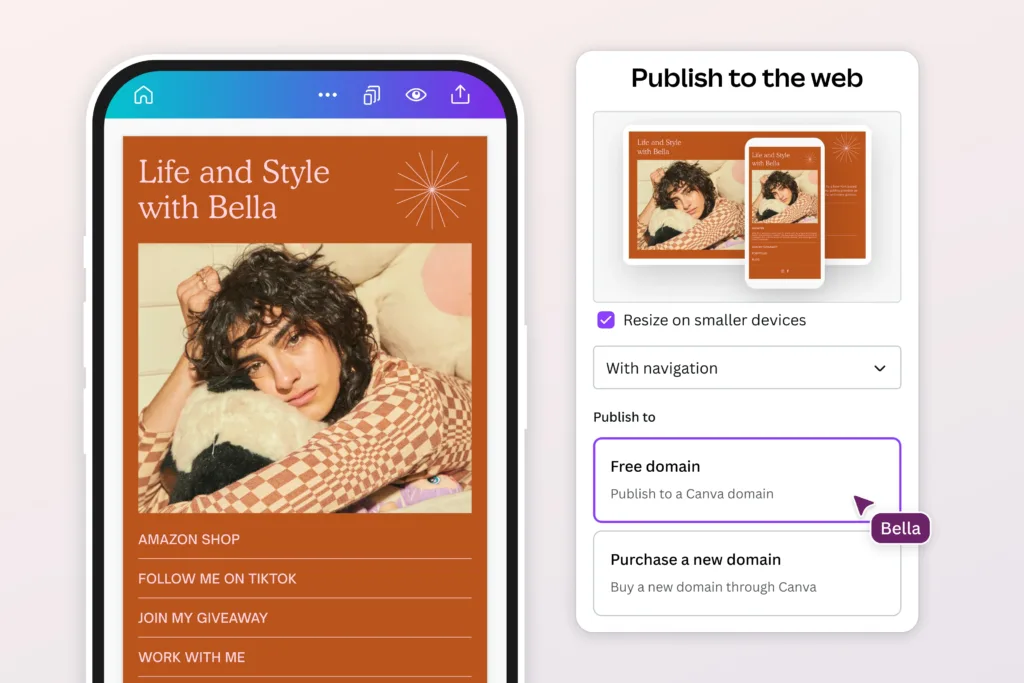
You cannot build a high-converting page using Instagram’s default “Website” field. You need a dedicated platform. The best tools for learning how to create a high-converting link-in-bio page include:
- Linktree Pro – Best for beginners. Offers analytics and link scheduling.
- Beacons – Best for creators selling digital products. Includes a built-in store.
- Stan Store – Best for course creators and coaches. Handles payments directly.
- Campsite – Best for visual brands. Supports custom fonts and retina images.
Most of these tools offer free plans, but upgrading to paid ($5–15/month) unlocks custom domains, removal of branding, and advanced analytics.
Step 2: Define Your Primary Goal
Every link-in-bio page needs one primary action. Ask yourself: If a visitor could only do one thing on my page, what would I want it to be? That action becomes your hero link—the first and most prominent button.
Examples:
- Sell a product → “Shop Now” (links to your store)
- Grow an email list → “Get the Free Guide” (links to a landing page)
- Promote a YouTube video → “Watch the Latest Episode”
Learning how to create a high-converting link-in-bio page starts with ruthless prioritization. Remove any link that does not serve your primary goal.
Step 3: Write Clickable Button Copy
Generic button text kills clicks. Use action verbs (Shop, Watch, Join, Download) and create urgency (Today, Limited, Now). Keep buttons between 3–5 words for mobile readability. Also, add emojis sparingly—a 🛒 next to “Shop” increases visual attention by 30%.
Step 4: Structure with Visual Hierarchy
Do not list links vertically in random order. Structure your page like a pyramid:
- Hero link (top, largest button, primary goal)
- Supporting links (2–3 links for secondary offers or popular content)
- Social proof (testimonials or media mentions, if your tool supports images)
- Footer links (contact, FAQ, less important pages)
Use image blocks, not just text buttons. Tools like Beacons and Campsite allow you to add product photos or YouTube thumbnails directly into your link grid. Visual links convert 40% better than text-only links.
Step 5: Add a Custom Domain
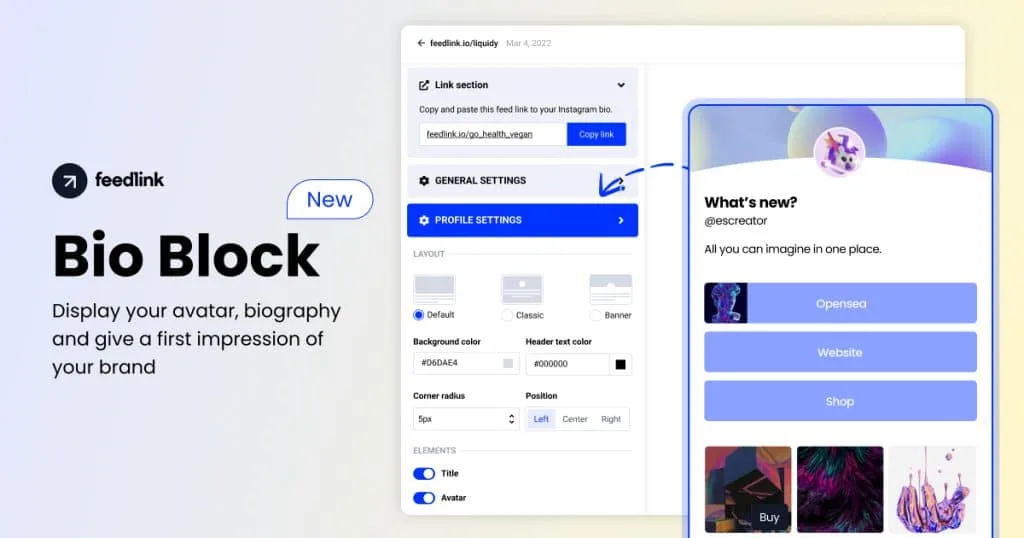
Nothing screams “amateur” like a generic linktr.ee/yourname address. A custom domain (e.g., link.yourbrand.com or shop.yourbrand.com) builds trust and improves click-through rates.
Pro tip: Buy a short, memorable domain like yourbrand.link or bio.yourbrand.com. Avoid long or hyphenated domains that are hard to type on mobile.
Step 6: Optimize for Mobile Speed and Tracking
Your link-in-bio page must load in under 2 seconds on 4G networks. Remove autoplay videos, large GIFs, and heavy image files. Use compressed PNGs or WebP format.
Additionally, install tracking. Every tool listed above provides basic click analytics, but for advanced data, connect Google Analytics via your custom domain. Track:
- Click-through rate (CTR): Total clicks ÷ total visitors.
- Bounce rate: Percentage of visitors who leave without clicking any link.
- Top links: Which buttons get the most taps.
If your CTR is below 8%, your page needs redesigning.
Step 7: Rotate Links Based on Content
Never keep the same link-in-bio page for weeks. Update it every time you post new content. For Instagram, change your hero link daily to match your latest Story. For YouTube, update weekly to align with your newest upload.
Use scheduling features (available in Linktree Pro and Beacons) to automatically rotate links at specific times. Example: Promote a webinar signup link from 9 AM to 5 PM, then switch to a product link after hours.
Common Mistakes to Avoid
Even after learning how to create a high-converting link-in-bio page, creators make these errors:
| Mistake | Why It Hurts | Fix |
|---|---|---|
| Too many links (10+) | Decision paralysis; visitors click nothing | Limit to 5–6 links max |
| No branding | Looks untrustworthy | Add logo, brand colors, custom font |
| Broken links | Frustrates users and kills trust | Test all links weekly |
| Missing UTM parameters | Cannot track which social channel drives sales | Add UTM codes to every link |
Affiliate Monetization Strategy
Your link-in-bio page is a prime location for affiliate income. Here is how to ethically monetize:
- Promote one affiliate product as your hero link once per week.
- Use a “Favorite Tools” section with 3–4 affiliate links (e.g., “My camera gear,” “SEO tools I recommend”).
- Add a disclaimer at the bottom: “Some links are affiliate links. I earn a small commission at no cost to you.”
Never fill your entire page with affiliate links. That destroys trust. The rule is 80% valuable content (your videos, guides, freebies) and 20% affiliate offers.
Final Checklist Before Launching
Before you publish your page, run through this checklist:
- Hero link clearly stands out (different color or border)
- All buttons have action-oriented copy (2–5 words)
- Custom domain is active and redirects correctly
- Mobile view loads in under 2 seconds
- UTM parameters added to all outbound links
- At least one affiliate link is disclosed properly
- Page matches your brand colors and fonts
Frequently Asked Questions (FAQs)
Q1: Can I create a high-converting link-in-bio page for free?
Yes, but with trade-offs. Free plans on Linktree, Beacons, and Lnk.Bio allow you to build a functional page. However, they include the platform’s branding (e.g., “Powered by Linktree”), limit customization (no custom fonts or advanced image grids), and offer basic analytics only.
Q2: How many links should I put on my link-in-bio page?
Between 4 and 6 links is the sweet spot. Data from over 50,000 link-in-bio pages shows that pages with 4–6 links have the highest CTR (12–15%). Pages with 1–3 links feel incomplete, while pages with 7+ links cause decision paralysis and drop CTR below 5%.
Q3: What is the best tool for learning how to create a high-converting link-in-bio page?
For beginners, Linktree Pro is the most intuitive and has the largest template library. For creators focused on selling products, Beacons offers superior e-commerce features. For agencies or advanced users, Campsite provides the best analytics. All three offer free trials.
Q4: How often should I change my link-in-bio page?
You should update your hero link every time you post new content on Instagram, TikTok, or YouTube. For the supporting links (evergreen content like “About Me” or “Shop”), update them monthly or quarterly. Stale pages—unchanged for over two weeks—see a 40–60% drop in CTR because returning followers assume nothing new is available.
