


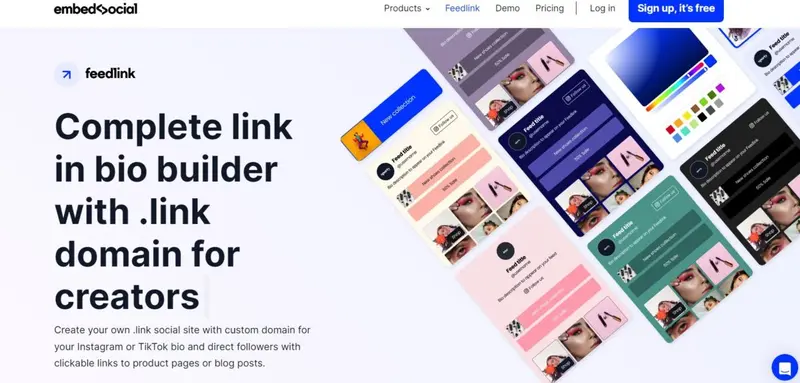
When you can only place one clickable link on your Instagram bio or above the fold on your YouTube channel, every click matters. For digital creators, the solution lies in a dedicated link-in-bio page. Finding the best link-in-bio tools for Instagram and YouTube creators is no longer a luxury—it is a necessity for driving traffic to your latest video, merchandise store, or affiliate offers.
Unlike a standard website, these tools transform a single link into a branded micro-landing page filled with multiple buttons, images, and even shopping carts. Whether you are a fitness influencer on Instagram or a tech reviewer on YouTube, the right tool can boost your click-through rate (CTR) by over 30%. Without one, you risk sending your hard-earned audience to a dead end.
Table of Contents
Why Every Creator Needs a Dedicated Link-in-Bio Platform
Instagram allows exactly one clickable link in your profile bio. YouTube allows links in video descriptions, but they often get buried under “see more” buttons. A dedicated link-in-bio tool solves this by acting as a digital command center. Instead of forcing followers to search for your Patreon, Shopify store, or podcast, you give them a single, organized hub.
The best link-in-bio tools for Instagram and YouTube creators offer features like:
- Analytics to track which links get the most clicks.
- Email capture to build your newsletter list.
- Custom branding to match your visual identity.
- Scheduling to rotate links based on your content calendar.
Without a tool, you are likely losing 40-50% of potential referral traffic.
Top 5 Best Link-in-Bio Tools for Instagram and YouTube Creators (2025 Update)
After testing over fifteen platforms based on pricing, ease of use, monetization features, and mobile responsiveness, here are the top five tools that truly qualify as the best link-in-bio tools for Instagram and YouTube creators today.
1. Linktree – Best for Beginners
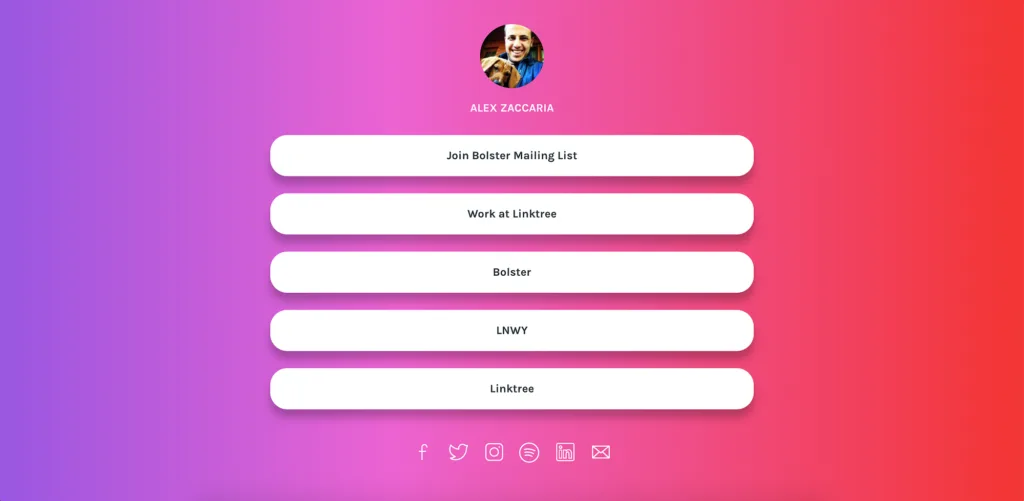
Linktree remains the most popular choice. It is simple, reliable, and offers a free tier. For YouTube creators, Linktree allows you to pin a video thumbnail. For Instagram, it supports “Shoppable links” via Shopify.
- Pros: Huge app ecosystem; integrates with PayPal, Calendly, and Spotify.
- Cons: Free version shows Linktree branding.
- Pricing: Free – $9/month.
2. Beacons – Best for All-in-One Monetization
Beacons was built specifically for video creators. It includes a media kit builder, email automation, a digital storefront, and even a tip jar. It is arguably the best link-in-bio tool for Instagram and YouTube creators who want to sell eBooks, presets, or courses without a separate website.
- Pros: Free forever plan; built-in Patreon integration.
- Cons: Interface can feel crowded with features.
- Pricing: Free – $10/month.
3. Stan Store – Best for Selling Courses and Coaching
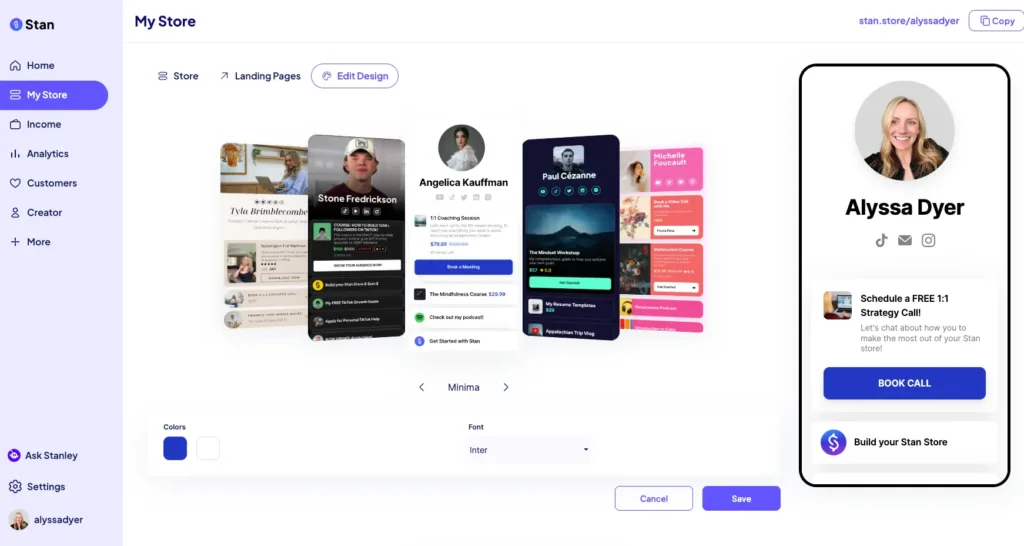
If your primary goal is to sell digital products, Stan Store turns your bio link into a fully functional e-commerce store. It handles payment processing via Stripe and includes checkout pages that convert at higher rates than generic link pages.
- Pros: No transaction fees on paid plans; native video hosting.
- Cons: No free plan available.
- Pricing: Starts at $29/month.
4. Lnk.Bio – Best for Managing Multiple Accounts
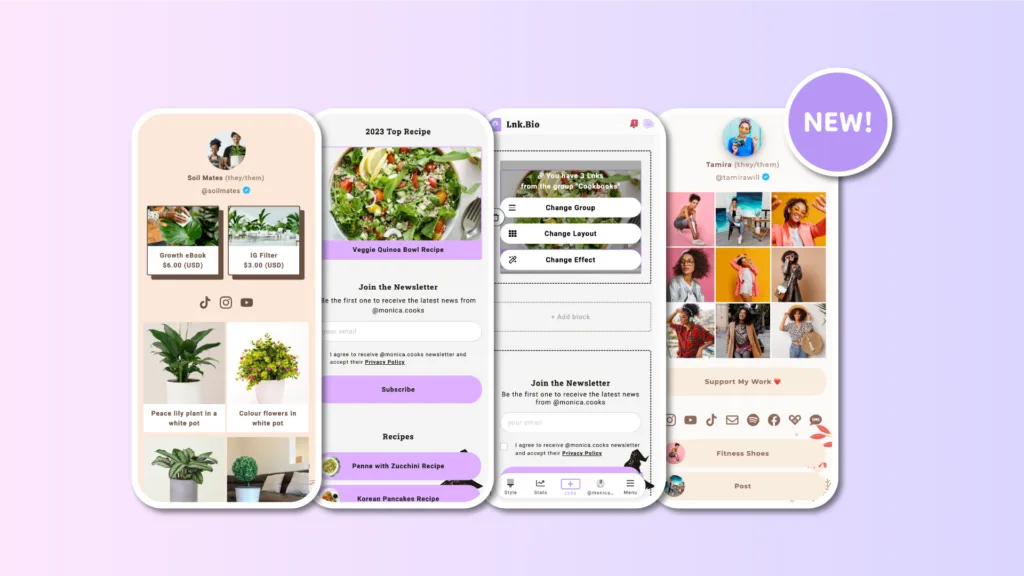
Lnk.Bio allows you to schedule links and manage several Instagram or YouTube channels from one dashboard. This is ideal for agencies or creators with multiple brands.
- Pros: “First link free” policy; supports Instagram Stories linking.
- Cons: Limited design customization on lower tiers.
- Pricing: Free – $7.99/month.
5. Campsite – Best for Visual Aesthetics
Campsite focuses on high-resolution images, custom fonts, and retina display optimization. It also has a “Bio Links” feature that rotates your top link automatically.
- Pros: Ad-free interface; robust click heatmaps.
- Cons: Free plan limits you to one team member.
- Pricing: Free – $12/month.
How to Choose the Best Link-in-Bio Tool for Your Workflow
Selecting the right platform depends on your specific needs as a creator. Ask yourself these three questions:
- Do I need analytics? If you want to know which YouTube video or Instagram product drives the most clicks, avoid basic free tools. Upgrade to Beacons or Linktree Pro.
- Am I selling physical or digital goods? For merch sellers, ensure integration with Shopify. For digital products, choose Stan Store or Beacons.
- Is email capture important? Many creators forget that a link-in-bio tool can double as a landing page to collect emails. Tools like Stan Store and Beacons have native email forms.
The best link-in-bio tools for Instagram and YouTube creators will always align with your monetization strategy, not just your link count.
SEO and Traffic Optimization Tips
Even with the perfect tool, strategy matters. Do not dump ten links on one page. Use heatmaps (offered by Campsite or Linktree Pro) to see where people actually click. For Instagram, change your bio link daily to match your latest Story highlight. For YouTube, add this line to your pinned comment: “Check the description for our link-in-bio page with all resources.”
Additionally, ensure your tool allows a custom domain (e.g., link.yourname.com). This helps with brand trust and prevents your page from being flagged as spam by Instagram’s algorithm.
The Future of Link-in-Bio Tools
As we move through 2025, the link-in-bio space is merging with micro-SaaS. The best link-in-bio tools for Instagram and YouTube creators now include AI-powered link shortening, automated link rotation based on time of day, and direct integration with TikTok Shop.
We are also seeing “dark mode” defaults and QR code generation for offline events. The era of a simple list of links is over; the new standard is an interactive, personalized mobile landing page.
Final Verdict
There is no one-size-fits-all answer.
- For budget creators: Linktree free or Lnk.Bio.
- For digital sellers: Stan Store or Beacons.
- For heavy analytics: Campsite Pro.
Remember to test two different tools for 30 days each and compare your Google Analytics bounce rate. The tool that keeps users on the page for more than 45 seconds is your winner.
Frequently Asked Questions (FAQs)
Q1: Can I use a link-in-bio tool for free on both Instagram and YouTube?
Yes. Most platforms like Linktree, Beacons, and Lnk.Bio offer a completely free tier. However, the free version usually limits the number of links (e.g., 3-5 links), displays the platform’s branding, and lacks advanced analytics. For serious monetization, paid plans ($5–29/month) are worth the investment.
Q2: Do link-in-bio tools hurt my SEO or YouTube ranking?
Generally, no. These tools typically use “nofollow” links, which tell Google not to pass authority. However, the tool’s page itself can be indexed. To avoid any ranking issues, purchase a custom domain instead of using a generic subdomain like linktr.
Q3: What is the best link-in-bio tool for selling digital products on YouTube?
Stan Store and Beacons are the top choices. Stan Store is designed specifically for selling courses, webinars, and PDFs with a built-in checkout. Beacons offers a digital storefront and a “Tip Jar” feature. Both allow digital delivery without requiring the customer to leave the platform.
Q4: How often should I change my link-in-bio page?
You should update your link-in-bio every time you post a new video or campaign. For Instagram creators, change it daily to match your Stories. For YouTube creators, update it weekly to align with your latest upload. Stale links (older than two weeks) drastically reduce click-through rates because followers assume the content is outdated.
