


A strong computer network interview preparation plan helps developers and network engineers build confidence around core networking concepts, troubleshooting, protocols, and real-world scenarios. Professionals such as data analysts, candidates preparing for a security analyst interview, and those working with DevOps tools often need networking knowledge to understand how applications, servers, and services communicate. Familiarity with Git commands also supports collaborative development workflows where repositories, APIs, and deployment environments depend on reliable network connectivity.
For developers, understanding networking can make debugging application issues much easier. During technical interviews, questions may cover TCP/IP questions, the OSI model, ports, IP addressing, routing, and common network protocols. Data analysts may encounter network-related issues while connecting to databases or cloud platforms, while DevOps professionals frequently troubleshoot communication between containers, servers, and CI/CD environments. This article covers practical interview questions and answers for different experience levels.
Why Computer Networking Matters for Developers and Network Engineers
Computer networks allow devices, applications, servers, and cloud platforms to exchange information. Developers interact with networking when building APIs, web applications, microservices, and distributed systems.
Network engineers focus more deeply on routing, switching, infrastructure, security, monitoring, and performance. However, developers also need enough networking knowledge to understand how their applications communicate across different environments.
Networking knowledge is particularly useful for:
- API and web application development
- Cloud infrastructure
- Microservices communication
- Database connectivity
- Containerized applications
- Network security
- Performance troubleshooting
- Remote server management
Common Networking Concepts
| Concept | Meaning | Common Use |
| IP Address | Identifies a device on a network | Device and server communication |
| MAC Address | Hardware-level network identifier | Local network communication |
| Port | Logical endpoint for communication | Application services |
| Protocol | Rules for data exchange | HTTP, TCP, DNS, FTP |
| Router | Connects different networks | Internet and enterprise networks |
| Switch | Connects devices within a network | LAN communication |
Basic Computer Networks Interview Questions
1. What is a computer network?
A computer network is a collection of interconnected devices that communicate and share resources. These devices can include computers, servers, routers, switches, printers, mobile devices, and cloud systems.
Networks can range from small local networks to large global infrastructures such as the internet.
2. What is an IP address?
An IP address is a numerical identifier assigned to a device or network interface. It allows devices to identify communication destinations across a network.
IPv4 uses 32-bit addresses, while IPv6 uses 128-bit addresses and provides a much larger address space.
3. What is the difference between TCP and UDP?
TCP is connection-oriented and focuses on reliable, ordered delivery of data. UDP is connectionless and generally provides lower overhead but does not guarantee delivery or ordering.
TCP is commonly used for applications where reliability matters, while UDP is useful for scenarios where speed and low overhead are important.
4. What is the OSI model?
The OSI model is a conceptual framework that divides network communication into seven layers:
- Physical
- Data Link
- Network
- Transport
- Session
- Presentation
- Application
Understanding these layers is important for an OSI model interview, especially when explaining where a networking problem occurs.
OSI Model Layers
| Layer | Name | Example |
| 7 | Application | HTTP, DNS, SMTP |
| 6 | Presentation | Encryption, data formatting |
| 5 | Session | Session management |
| 4 | Transport | TCP, UDP |
| 3 | Network | IP, routing |
| 2 | Data Link | Ethernet, MAC |
| 1 | Physical | Cables, signals |
Intermediate TCP/IP Questions
5. What is the TCP/IP model?
The TCP/IP model describes how data travels across interconnected networks. It is commonly represented using four layers:
- Application
- Transport
- Internet
- Network Access
The model is closely associated with protocols used on the internet and is an important area for TCP/IP questions in technical interviews.
6. What is the three-way handshake in TCP?
The TCP three-way handshake establishes a connection between two endpoints.
The process generally involves:
- SYN – The client requests a connection.
- SYN-ACK – The server acknowledges the request and responds.
- ACK – The client acknowledges the server’s response.
After this process, the TCP connection can begin transferring application data.
7. What are network protocols?
Network protocols are defined rules that determine how devices communicate and exchange data.
Examples include:
- HTTP and HTTPS
- TCP
- UDP
- DNS
- DHCP
- FTP
- SMTP
- SSH
Different protocols serve different communication requirements.
8. What is DNS?
DNS, or Domain Name System, translates human-readable domain names into IP addresses. For example, when a user enters a website address, DNS helps determine which IP address corresponds to that domain.
This makes DNS a common subject in DNS interview questions.
9. What happens when you enter a URL into a browser?
A simplified process is:
- The browser checks available caches.
- A DNS lookup may resolve the domain name.
- The browser establishes a connection with the destination server.
- For HTTPS, a TLS handshake takes place.
- The browser sends an HTTP request.
- The server processes the request.
- The response is returned to the browser.
- The browser renders the received resources.
Understanding this sequence demonstrates practical networking knowledge during interviews.
Important Network Protocols
| Protocol | Purpose | Common Port |
| HTTP | Web communication | 80 |
| HTTPS | Secure web communication | 443 |
| SSH | Secure remote access | 22 |
| DNS | Domain resolution | 53 |
| SMTP | Email transmission | 25 |
| FTP | File transfer | 21 |
| DHCP | Automatic IP configuration | 67/68 |
Advanced Computer Networks Interview Questions
10. What is subnetting?
Subnetting divides a larger IP network into smaller logical networks called subnets. It can improve address utilization, organization, routing efficiency, and network management.
Network engineers frequently use subnetting when designing enterprise and cloud infrastructure.
11. What is the difference between a router and a switch?
A switch primarily connects devices within the same local network and operates mainly at the Data Link layer. A router connects different networks and makes forwarding decisions based on IP addresses.
12. What is NAT?
Network Address Translation, or NAT, modifies IP address information as traffic passes between networks. It is commonly used to allow devices with private IP addresses to communicate with external networks.
13. What is DHCP?
DHCP automatically provides network configuration information to devices. Depending on the network configuration, this can include an IP address, subnet mask, default gateway, and DNS server information.
14. What is a firewall?
A firewall controls network traffic according to configured security rules. It can allow or block traffic based on factors such as source address, destination address, port, protocol, or application.
Network security questions may also connect networking with broader infrastructure and security practices.
Networking and Modern Technology
Networking knowledge increasingly overlaps with cloud computing, automation, data platforms, and artificial intelligence. Developers may need to understand how AI applications communicate with APIs, databases, model servers, and cloud services.
For example, LLM prompting focuses on providing instructions to large language models, but an AI-powered application still relies on networking to communicate with model APIs and supporting services. Similarly, generative AI concepts may involve distributed infrastructure where multiple services exchange requests and responses over networks.
Networking also supports machine learning systems. Predictive modeling workflows can involve data pipelines, remote storage, APIs, model servers, and cloud infrastructure, making reliable communication important throughout the process.
Scenario-Based Networking Questions
| Scenario | Possible Issue | What to Check |
| Website is unreachable | DNS or connectivity issue | DNS, routing, firewall |
| API returns timeout | Server or network delay | Connectivity, ports, logs |
| SSH connection fails | Port or authentication issue | Port 22, firewall, credentials |
| Application cannot reach database | Network or configuration issue | Host, port, security rules |
| Slow network application | Latency or congestion | Ping, routing, bandwidth |
| Domain resolves incorrectly | DNS configuration issue | DNS records and cache |
Scenario-Based Interview Questions
15. How would you troubleshoot a server that cannot be reached?
Start by checking whether the server is running and whether the destination IP is correct. Then verify basic connectivity, routing, firewall rules, listening ports, and application logs.
Useful tools may include:
- ping
- traceroute or tracert
- nslookup
- dig
- curl
- telnet or appropriate port-testing tools
- ss or netstat
The exact troubleshooting process depends on whether the problem occurs at the DNS, network, transport, or application level.
16. What is network latency?
Network latency is the time required for data to travel between endpoints. High latency can affect applications such as video conferencing, online services, APIs, databases, and distributed systems.
Latency can be influenced by physical distance, routing, congestion, processing delays, and network configuration.
17. What is packet loss?
Packet loss occurs when packets sent across a network fail to reach their destination. It can result from congestion, faulty hardware, unstable wireless connections, configuration problems, or other network conditions.
18. What is the difference between public and private IP addresses?
Private IP addresses are used within private networks and are not directly routable across the public internet. Public IP addresses are used for communication across public networks and can identify internet-facing endpoints.
19. What is a VPN?
A Virtual Private Network creates an encrypted communication path between endpoints over another network. VPNs are commonly used for secure remote access and connecting private networks.

Tips for Preparing for a Networking Interview
A strong preparation strategy should combine theoretical knowledge with practical troubleshooting.
Focus on:
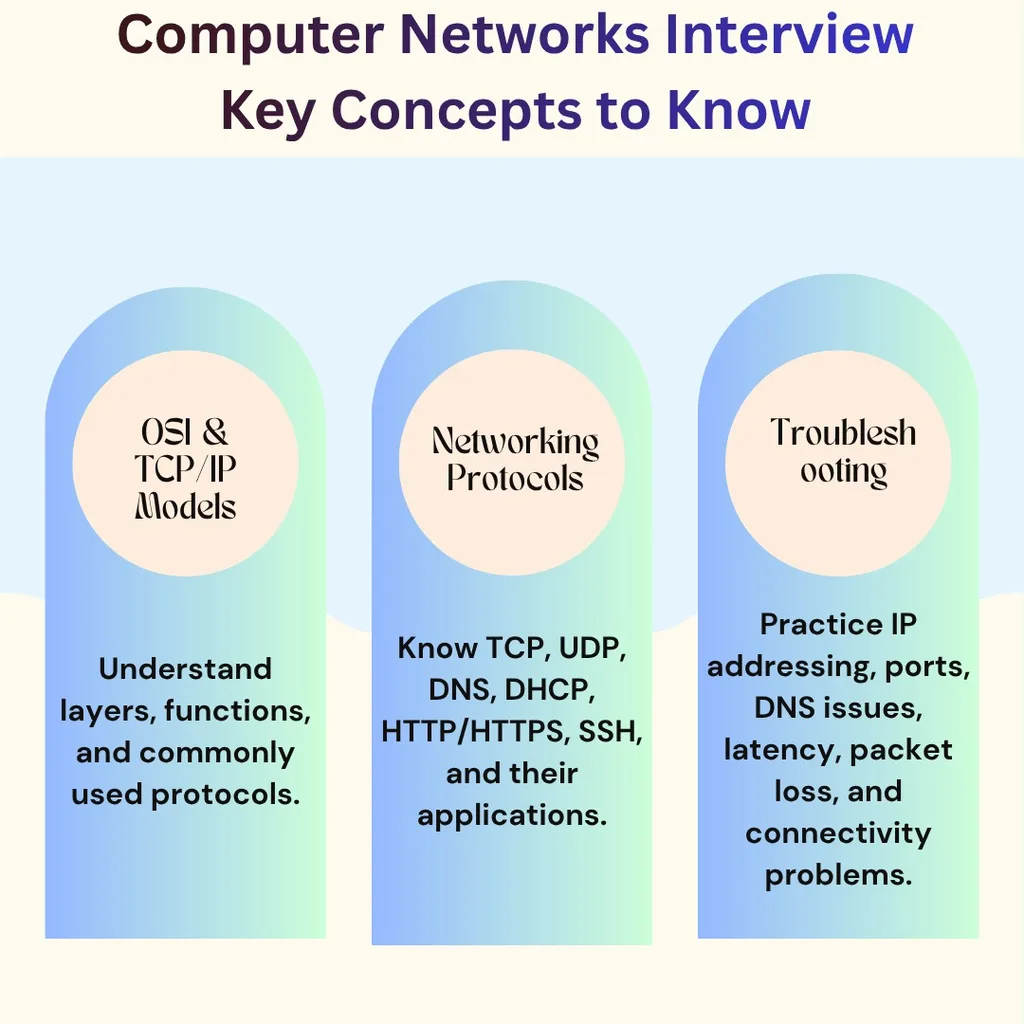
- OSI and TCP/IP models
- IP addressing and subnetting
- TCP and UDP
- DNS and DHCP
- HTTP and HTTPS
- Routing and switching
- Firewalls and NAT
- Network troubleshooting commands
- Cloud networking basics
- Security fundamentals
- Real-world troubleshooting scenarios
For developers, also understand how networking affects APIs, databases, containers, microservices, and deployment pipelines. Network engineers should additionally prepare for routing, switching, VLANs, subnetting, monitoring, and infrastructure troubleshooting.
Frequently Asked Questions
1. What topics should I prepare for a computer network interview?
Prepare IP addressing, subnetting, OSI and TCP/IP models, TCP and UDP, DNS, DHCP, HTTP/HTTPS, routing, switching, NAT, firewalls, ports, and troubleshooting scenarios.
2. Are networking questions important for software developers?
Yes. Developers frequently work with APIs, databases, cloud services, microservices, containers, and deployment systems that depend on network communication.
3. Which networking protocols should developers know?
Developers should have a practical understanding of HTTP/HTTPS, TCP, UDP, DNS, DHCP, SSH, and TLS, along with the role each protocol plays in application communication.
4. What networking tools should I practice before an interview?
Useful tools include ping, traceroute, nslookup, dig, curl, ss, and netstat. Practicing basic troubleshooting with these tools can help prepare for scenario-based questions.
5. How can I prepare for advanced networking interview questions?
Study subnetting, routing, NAT, VLANs, firewall concepts, TCP behavior, DNS resolution, network troubleshooting, cloud networking, and real-world infrastructure scenarios. Practice explaining not only what a technology does but also how you would diagnose problems involving it.
